 Phevo
PhevoBlur Background Free Online
Phevo is the modern blur background AI tool engineered to create realistic optical depth of field in seconds. Blur photo background online, transform selfies into DSLR portrait bokeh, blur image backgrounds for clean product listings, or blur picture backgrounds to protect privacy while keeping the main subject crystal sharp.
AI Blur Background Transformation Showcase
Explore natural blur photo background transformations with creamy bokeh, razor-sharp edge separation, and DSLR-grade depth of field.
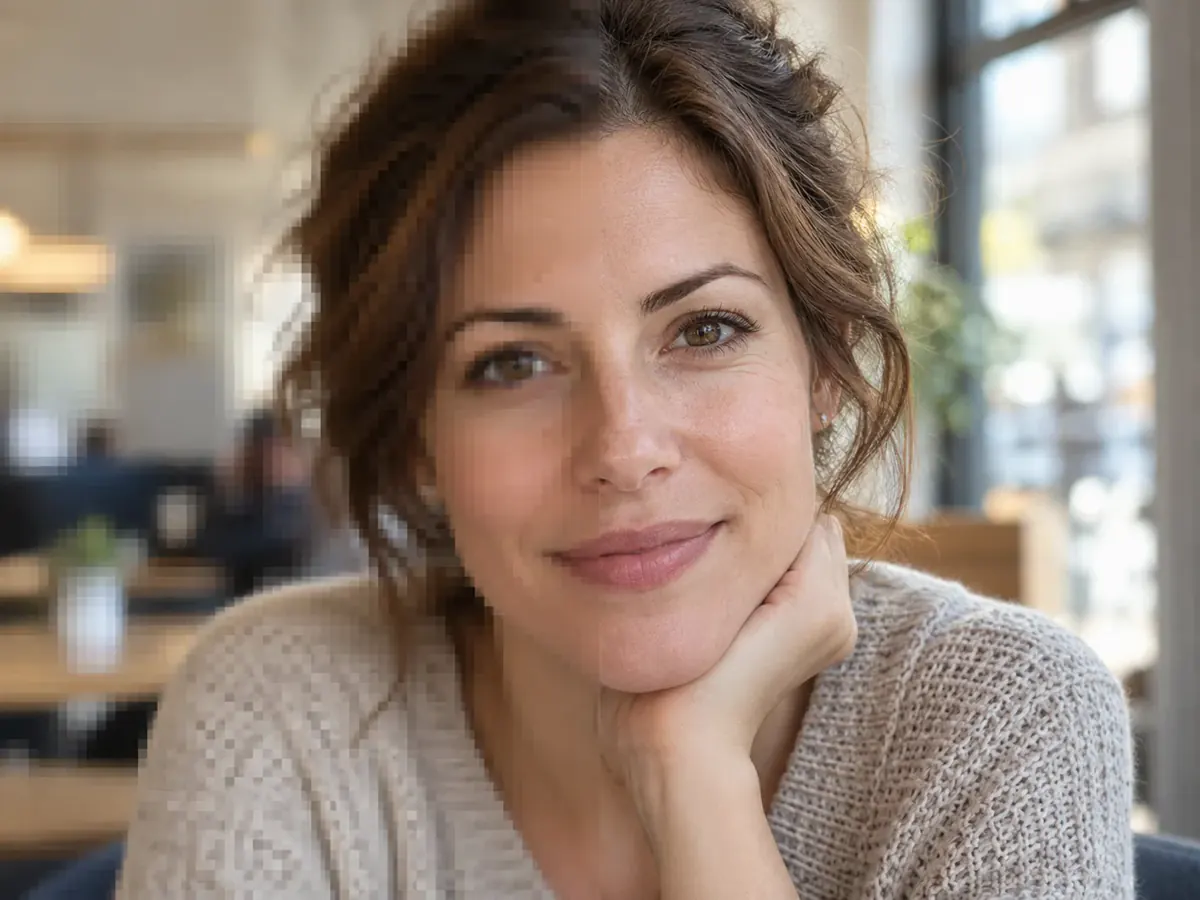
Real Optical Bokeh
Natural 85mm f/1.4 portrait blur background with creamy circular bokeh and sharp subject isolation
Your own result replaces these examples as soon as it is ready.
Why Photographers & Creators Choose Phevo to Blur Background Online
Neural Edge Detection Keeps Subjects Razor-Sharp
Traditional blur tools often bleed into flyaway hair, fingers, or glasses. Phevo uses advanced semantic segmentation to cleanly separate your foreground subject before applying the blur background effect, ensuring crisp silhouettes without fuzzy outlines.
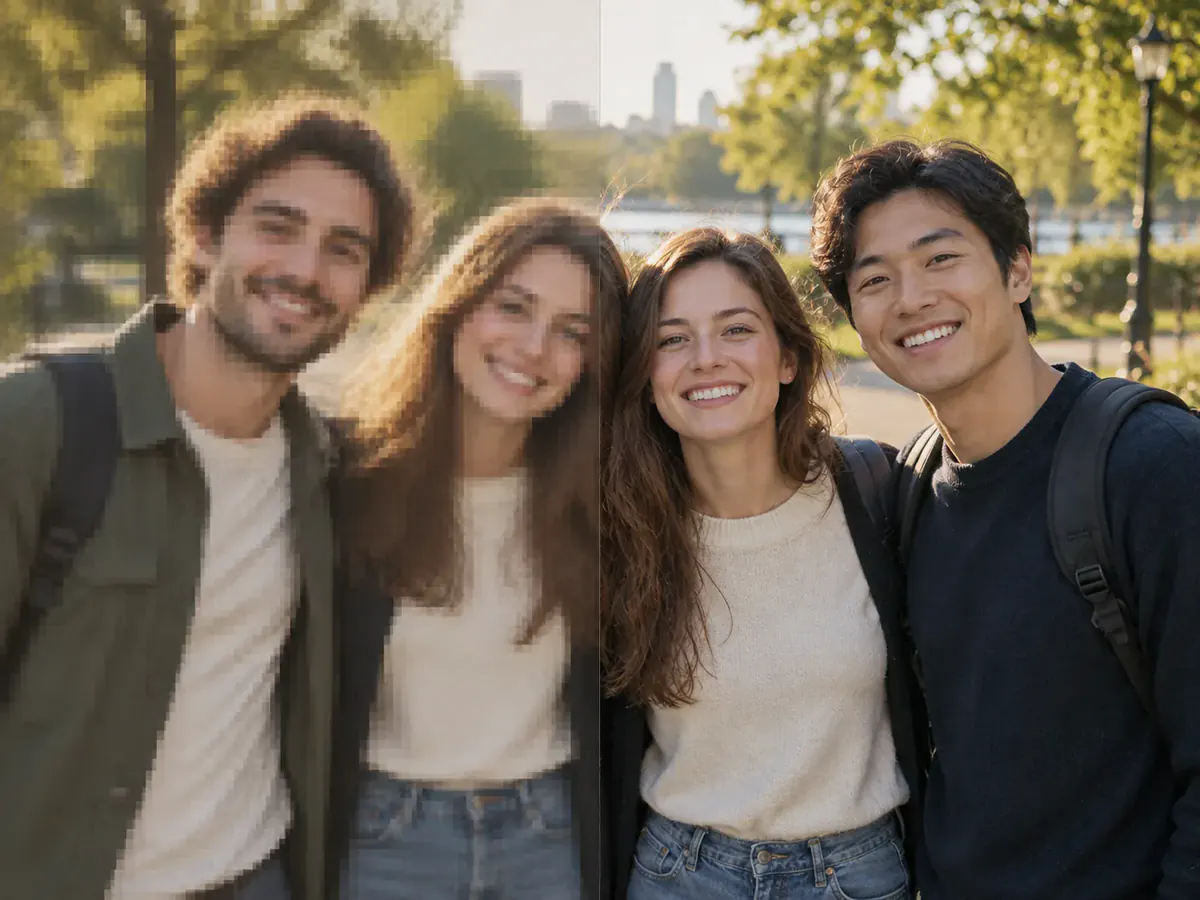
Natural Optical Bokeh & Progressive Depth Falloff
Unlike flat Gaussian filters, Phevo simulates true optical physics when you blur background photos. Objects further behind the subject receive stronger progressive blur, recreating the creamy bokeh of an 85mm f/1.4 professional prime camera lens.
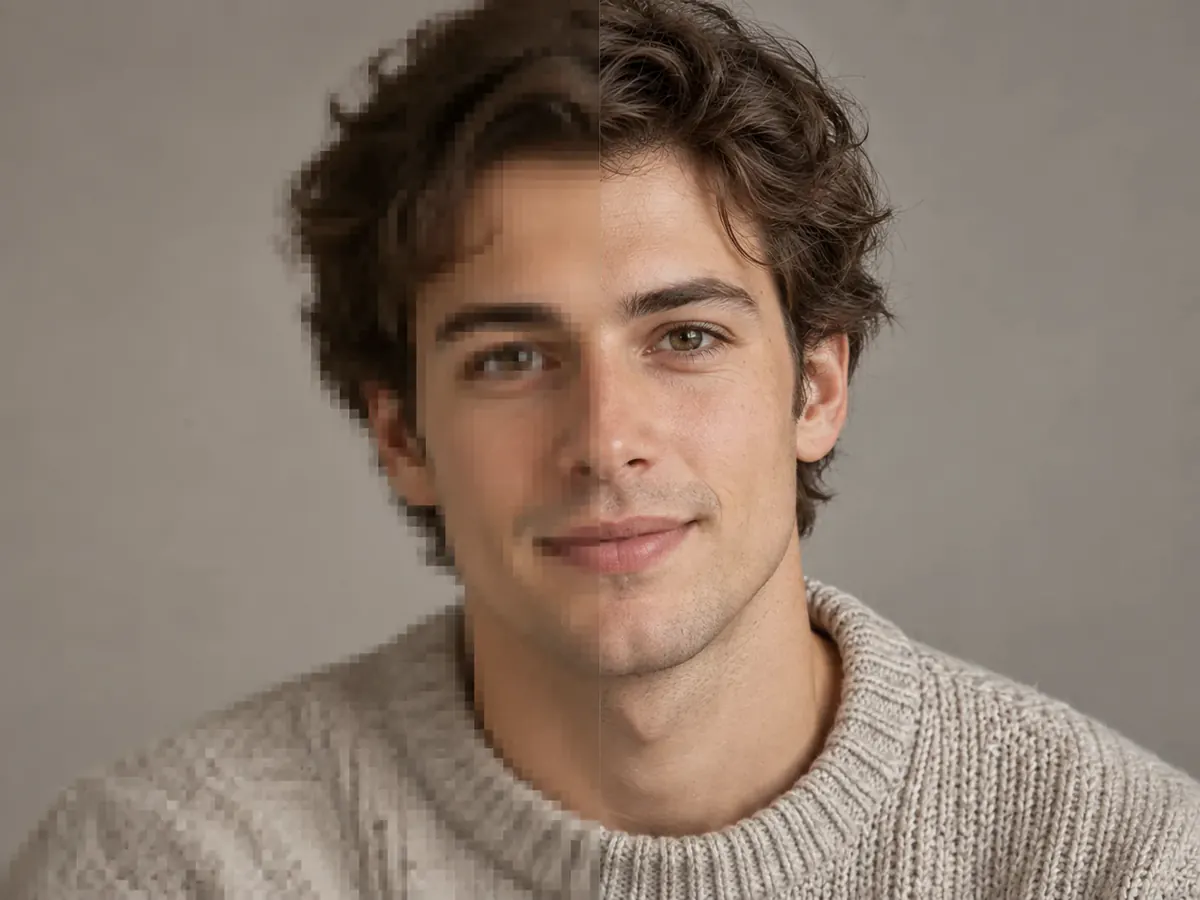
One-Click AI Blur Photo Background Workflow
Forget complex Photoshop lasso selections and layer masks. Upload your image, click generate, and let our ai blur background engine detect people, pets, or products instantly in your browser without tedious manual editing.
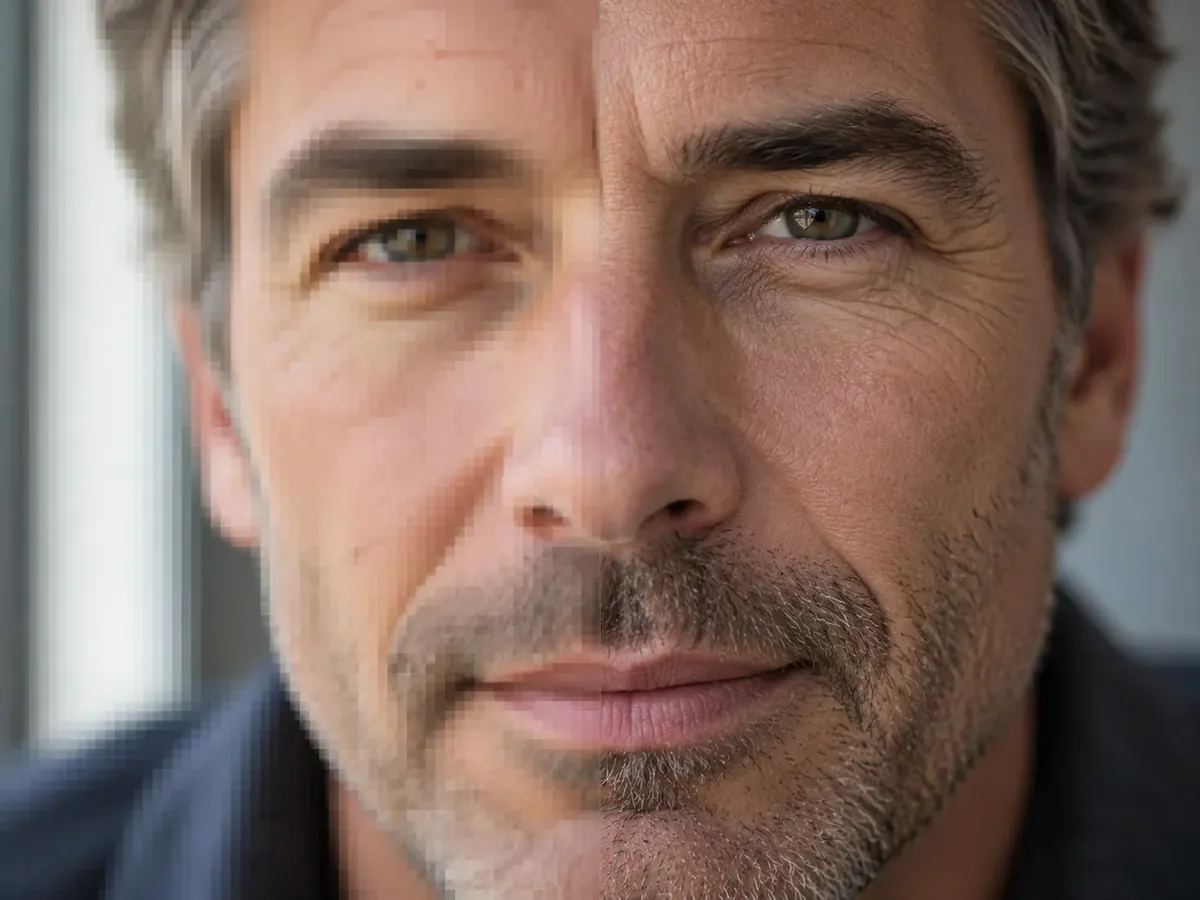
Custom Blur Intensity & Aperture Style Control
Tailor the strength when you blur background images, from subtle depth softening to intense privacy obscuration. Choose creamy bokeh, smooth radial blur, or gentle studio blur background styles to match your creative vision.
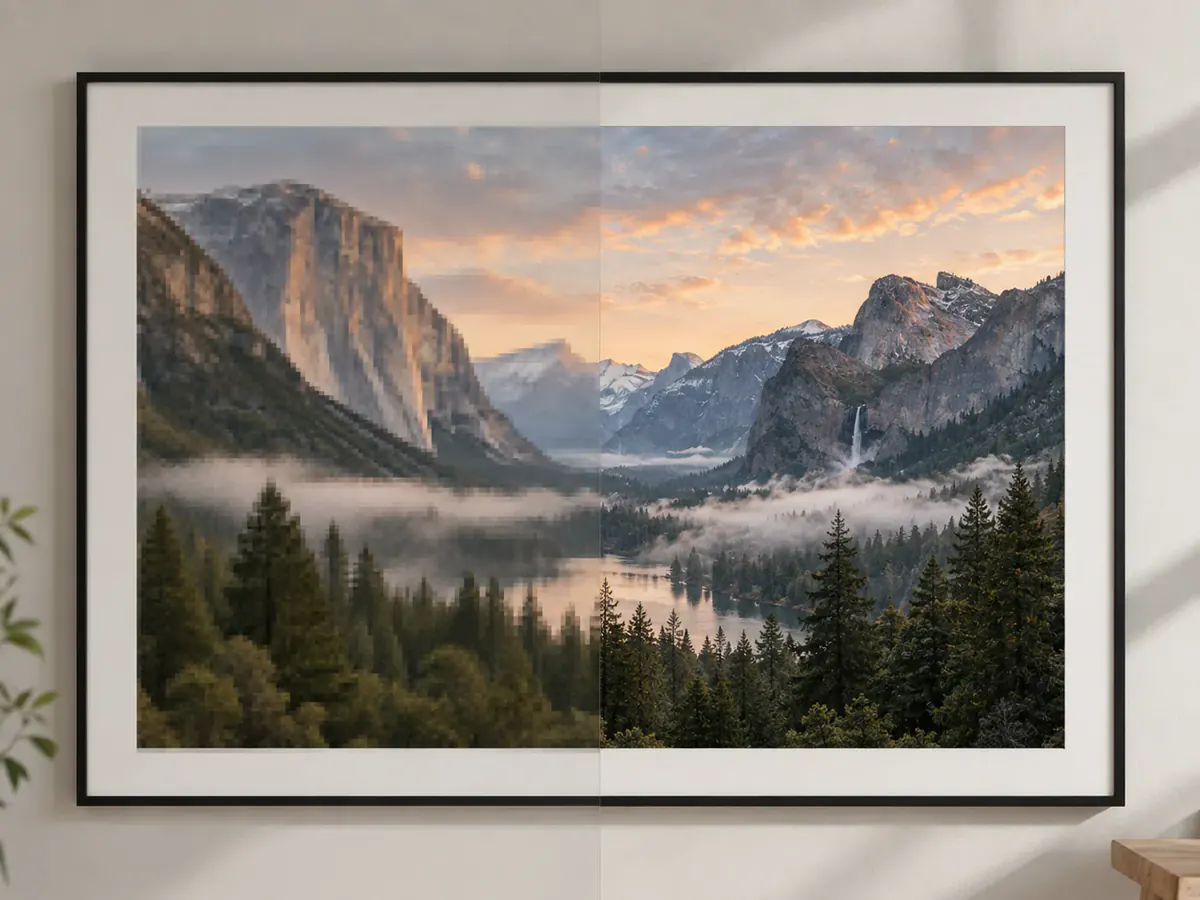
High-Resolution 4K Blur Background Export with Zero Watermark
Export your finished photos with blurred backgrounds in original resolution up to 4K. Download clean, uncompressed PNG, JPG, or WebP files without watermarks, ready for prints, e-commerce, or social media.
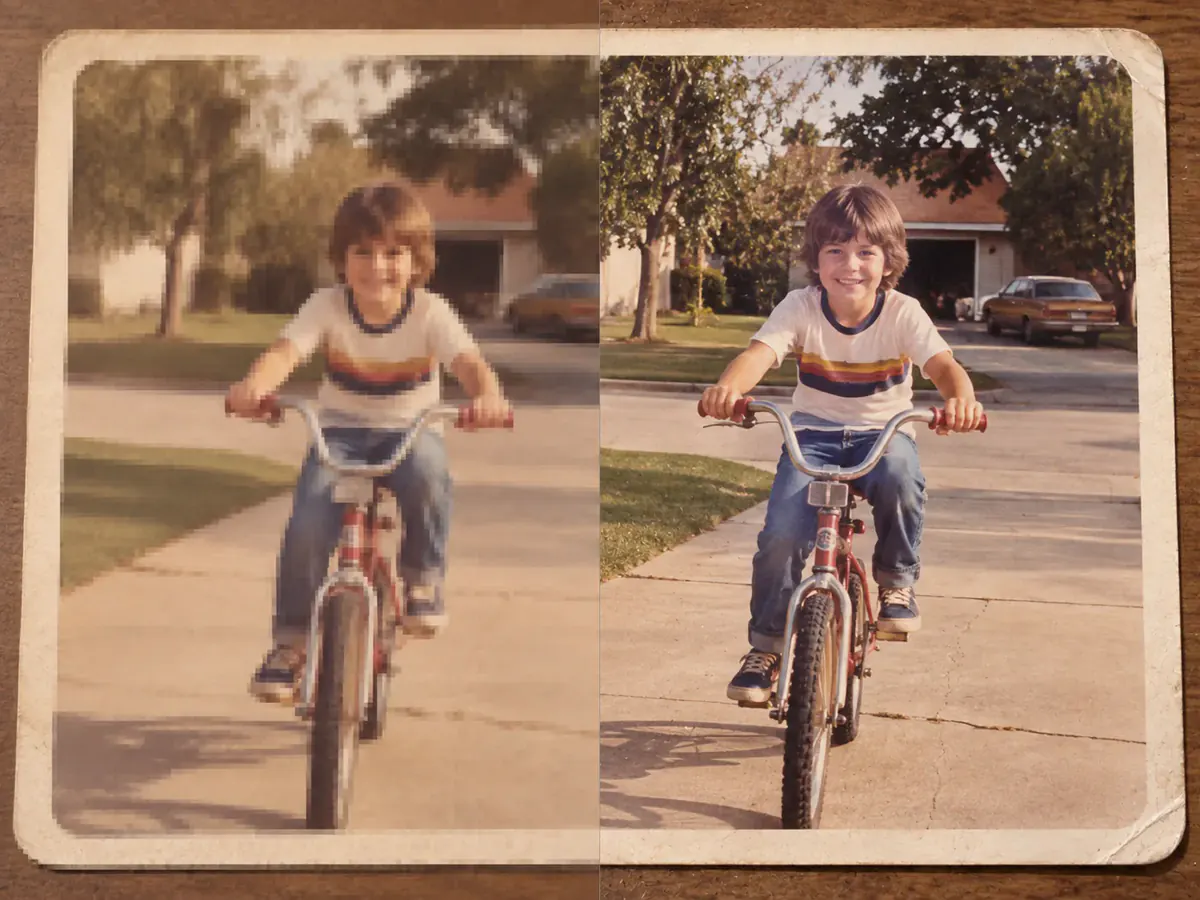
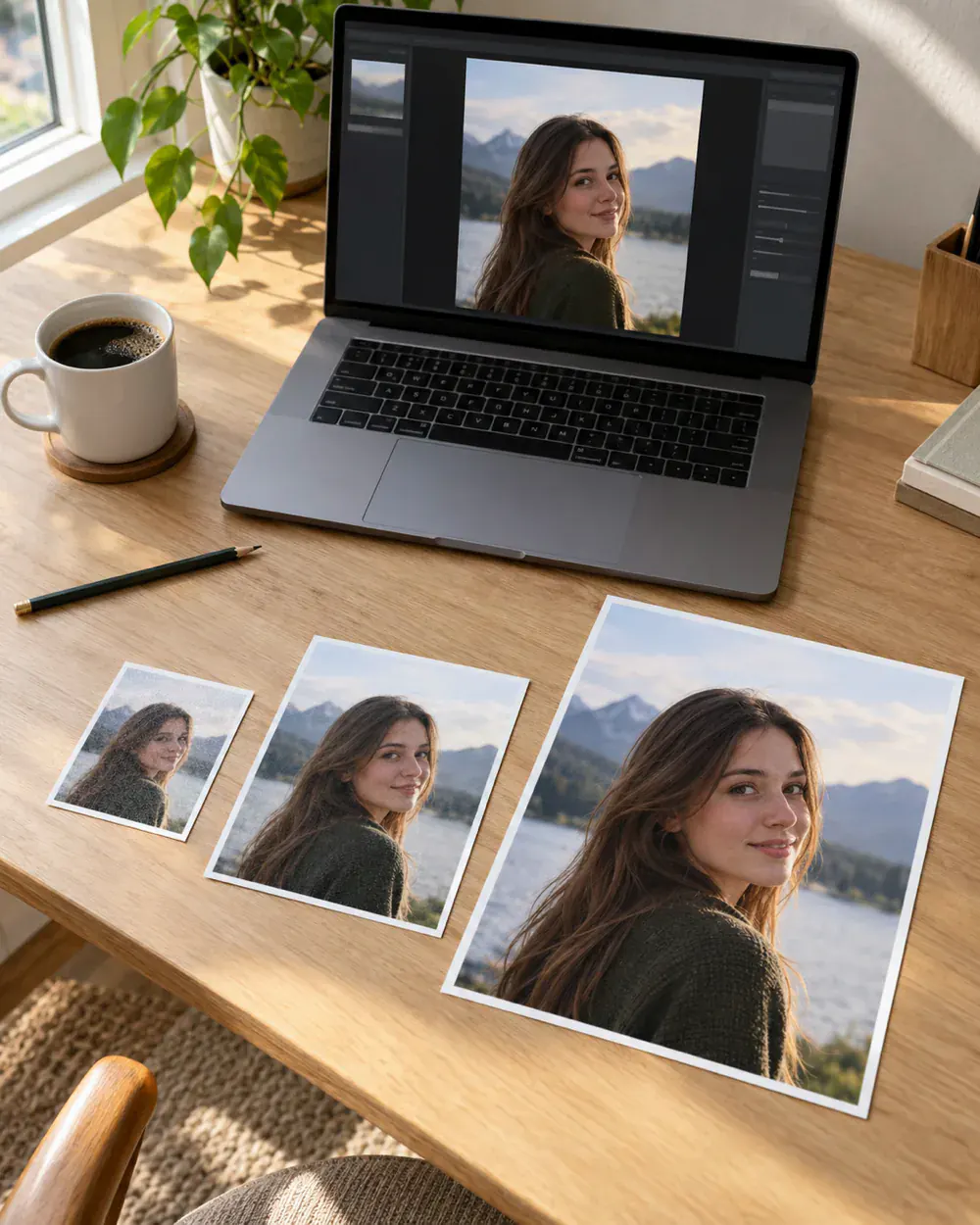
How to Blur Photo Background in 3 Simple Steps
- 1
1. Upload Your Photo
Drag and drop your JPG, PNG, or WebP photo into the blur background tool above. No account or credit card required.
- 2
2. Choose Your Blur Style
Pick one of our prompt presets like Portrait Bokeh or Studio Depth, or customize the prompt to adjust blur background intensity and bokeh softness.
- 3
3. Preview & Download
Compare the before-and-after with our interactive slider, then download your finished photo with blurred background in crisp high resolution.
Versatile Use Cases to Blur Background on Any Photo
Portraits & Profile Pictures (PFPs)
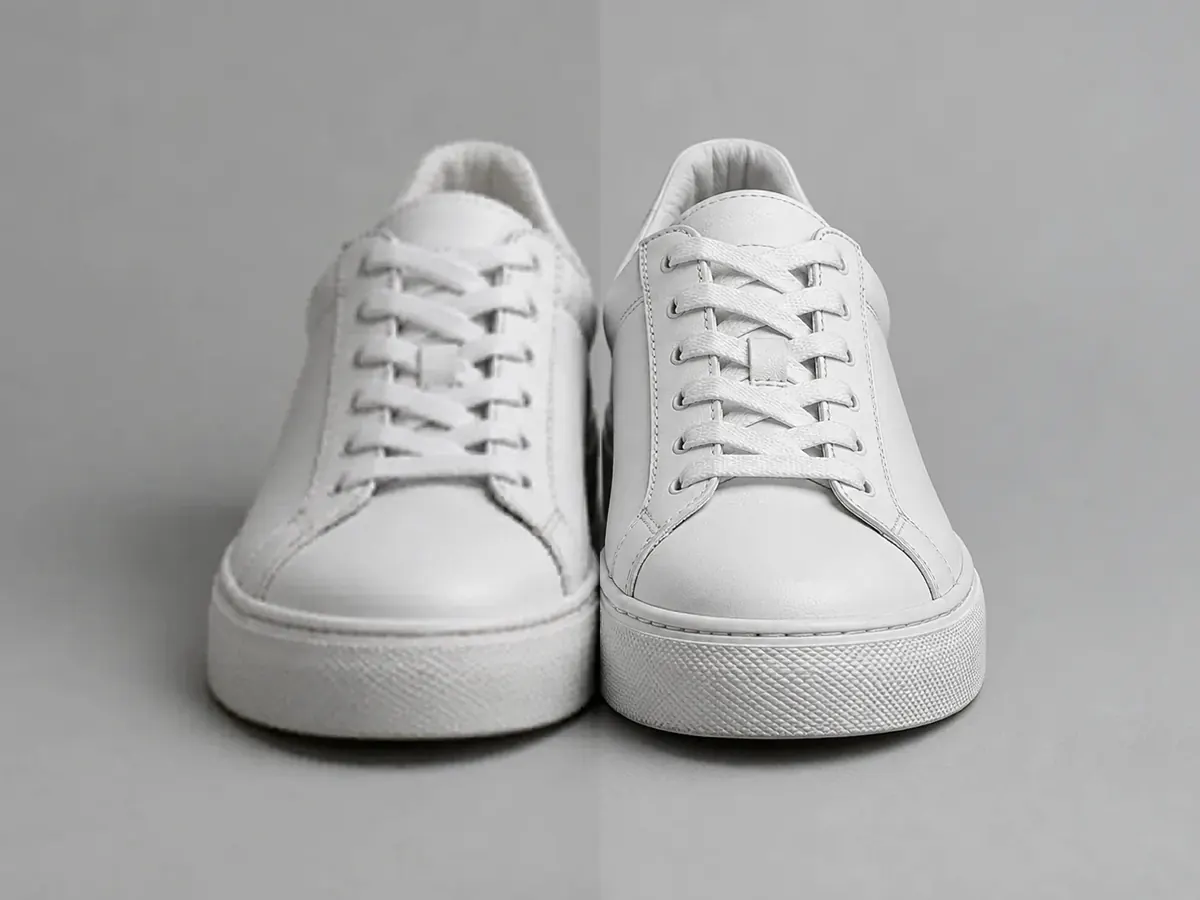
E-Commerce & Product Photography
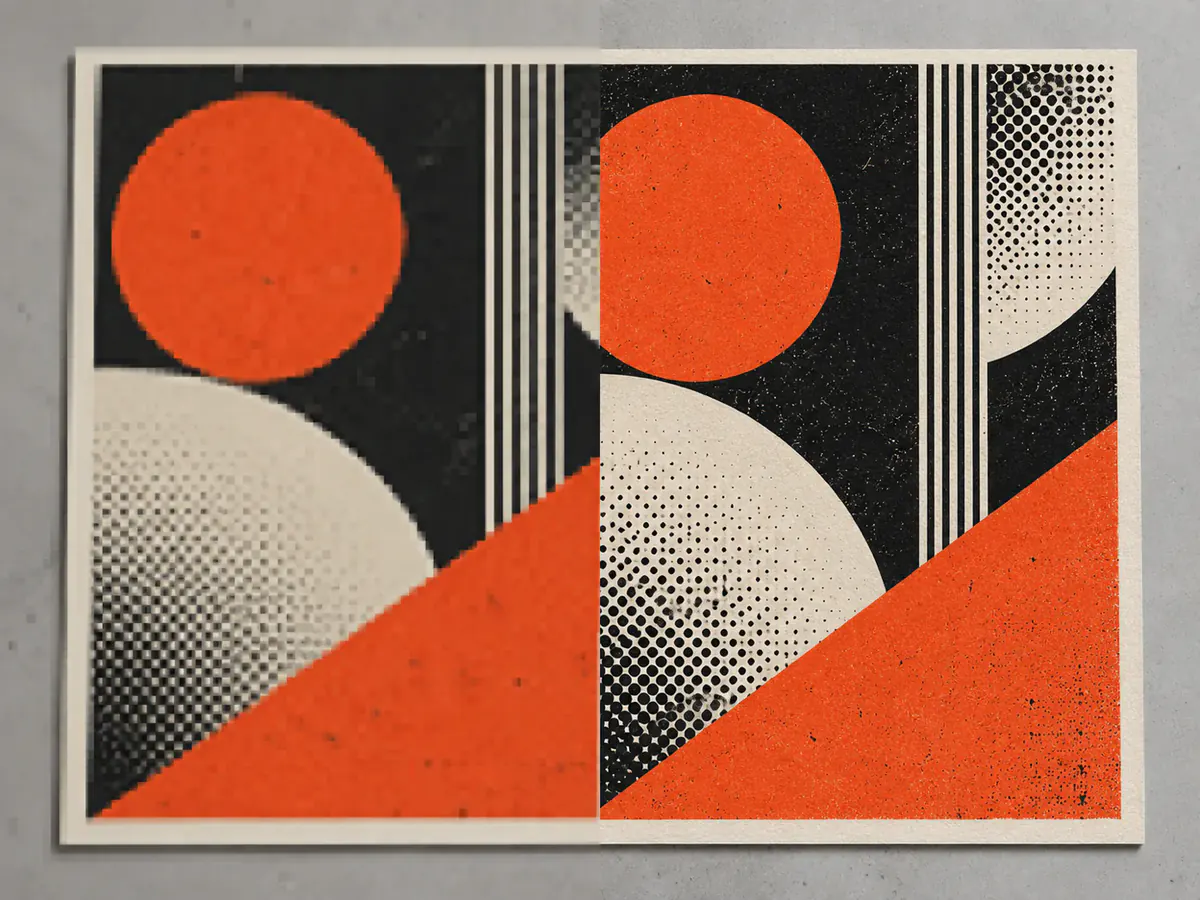
Executive Headshots & Resumes

Pet & Animal Photography
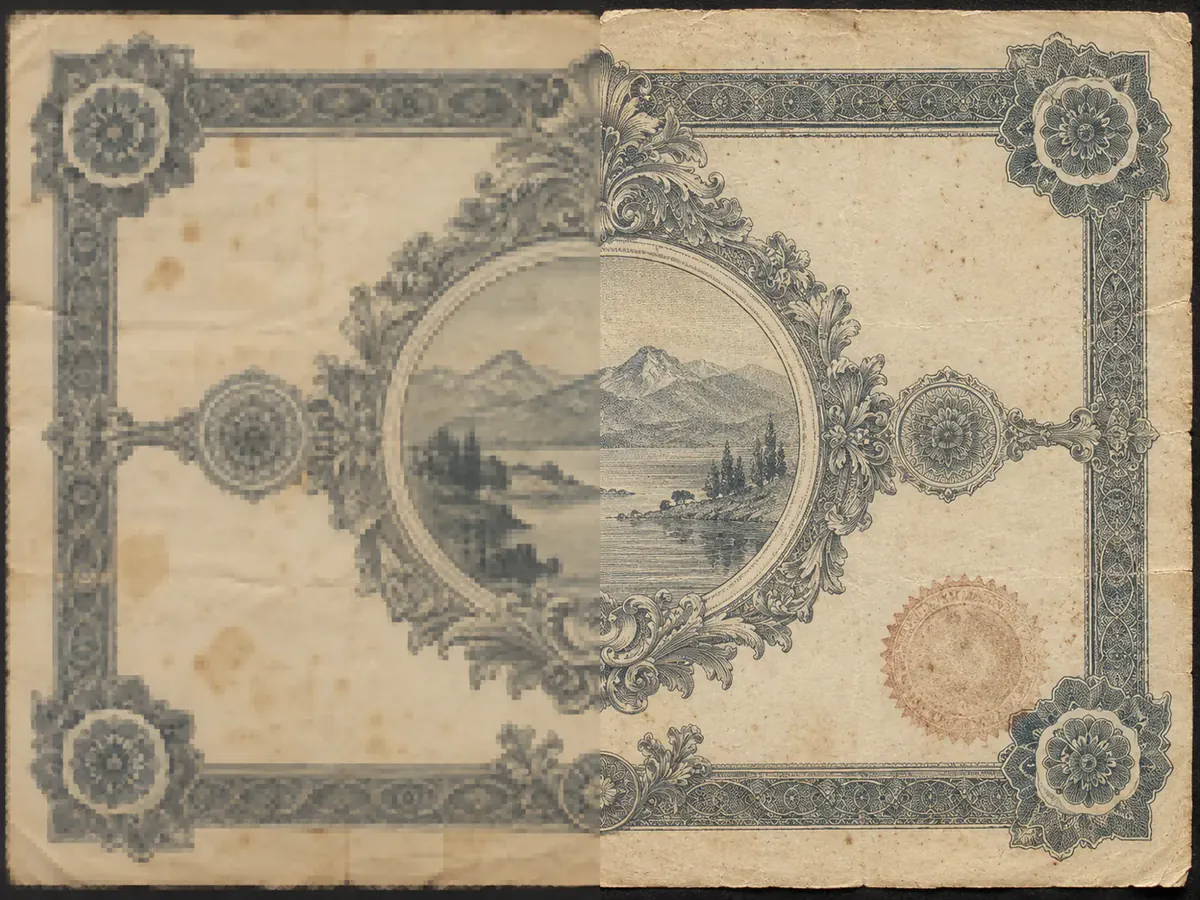
Privacy & Sensitive Detail Protection
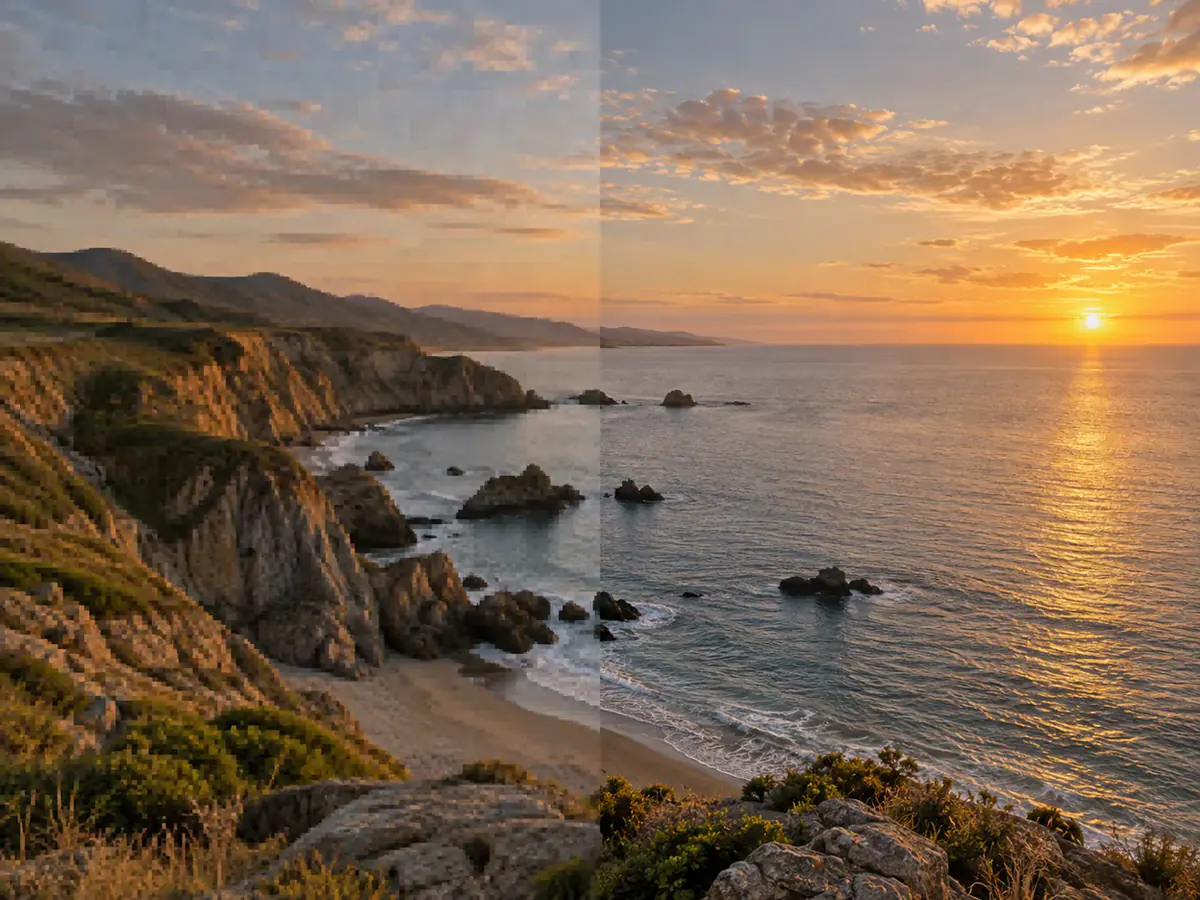
Food & Lifestyle Social Media Content
Why Choose Phevo as Your AI Blur Background Tool
Phevo AI Blur Background vs. Traditional Photo Editors
See how AI-powered depth estimation compares to tedious manual masking and basic mobile filters.
| Feature / Capability | Phevo AI Blur Background | Manual Photoshop Masking | Generic App Blur Filters |
|---|---|---|---|
| Edge Accuracy & Hair Detail | Sub-pixel neural matting isolates fine hair strands and glasses | Requires 10-20 minutes of pen tool selection and refine edge brushes | Rough boundaries with visible blur bleeding into subject silhouette |
| Depth Falloff & Bokeh Realism | Realistic progressive optical depth with circular lens bokeh | Requires multi-layer depth maps and lens blur filter tuning | Flat Gaussian blur with artificial 2D cutout appearance |
| Time to Finished Result | Instant automated output in 5-10 seconds | 15 to 30 minutes per photo for professional finish | Fast (3-5s) but requires manual finger brushing |
| Ease of Use | 100% automated: upload, click generate, download | Steep learning curve requiring professional graphic design skills | Simple mobile app sliders with imprecise touch controls |
| Max Resolution & Export Quality | Up to 4K ultra-high resolution with uncompressed clarity | Full native camera resolution | Often compressed to 1080p with noticeable compression artifacts |
| Cost & Commitment | Free daily allowance without signup; transparent pay-as-you-go | $22.99+/month Adobe Creative Cloud subscription | Free versions plague images with intrusive watermarks and ads |
Technical Specifications & AI Capabilities
Comprehensive performance, format compatibility, and privacy specifications for creators and developers.
Frequently Asked Questions About Blurring Photo Backgrounds
The easiest way is using Phevo AI blur background tool. Simply upload your photo into the browser editor, click generate, and our neural model automatically isolates the subject and blurs the background in 5 to 10 seconds with natural lens bokeh.
Yes. Phevo provides a free daily run with zero signup required. You can upload an image, apply blur image background, and download the finished result without paying or registering.
Fake-looking blur happens when basic apps apply a single flat blur filter across the entire image. Phevo solves this by generating a 3D depth map that applies progressive blur background falloff, leaving hair, fingers, and edges intact while creating realistic optical bokeh.
Absolutely. You can blur background android and iPhone photos directly in any mobile browser (Safari, Chrome) without downloading storage-heavy mobile apps. It works on regular photos even if they were not shot in Portrait Mode.
A background remover cuts out the background completely, leaving a transparent canvas or plain color. In contrast, blur background retains your original setting and environment, softening background distractions into a beautiful optical depth of field while keeping the scene realistic.
Not at all. The subject segmentation algorithm locks the foreground person, animal, or product in place. When you blur background elements, Phevo preserves 100% of original facial details, textures, and sharpness while only modifying the background pixels.
Yes. You can easily adjust how you blur background details, selecting between subtle portrait depth for headshots or strong creamy bokeh to conceal cluttered rooms by customizing your prompt.
No. All downloads from Phevo are completely clean with zero watermarks on both free and premium tiers.
Yes. We treat user privacy with enterprise standards. Your images are transmitted securely over SSL, processed in private cloud sandboxes, and purged automatically after your session. We never sell or train public models on your pictures.
Phevo supports JPG, PNG, and WebP files up to 4K resolution (4096 x 4096 pixels). High-resolution photos retain crisp detail suitable for large prints and commercial advertising.
Ready to Blur Photo Background in Seconds?
Upload any portrait, product, or pet photo to create DSLR-quality bokeh and professional background blur online. Try it free today.
Blur Background for Free