 Phevo
PhevoAI Image Generator
Phevo's AI image generator turns a prompt into a picture without an account — and shows the cost before you spend anything.
Made from a prompt
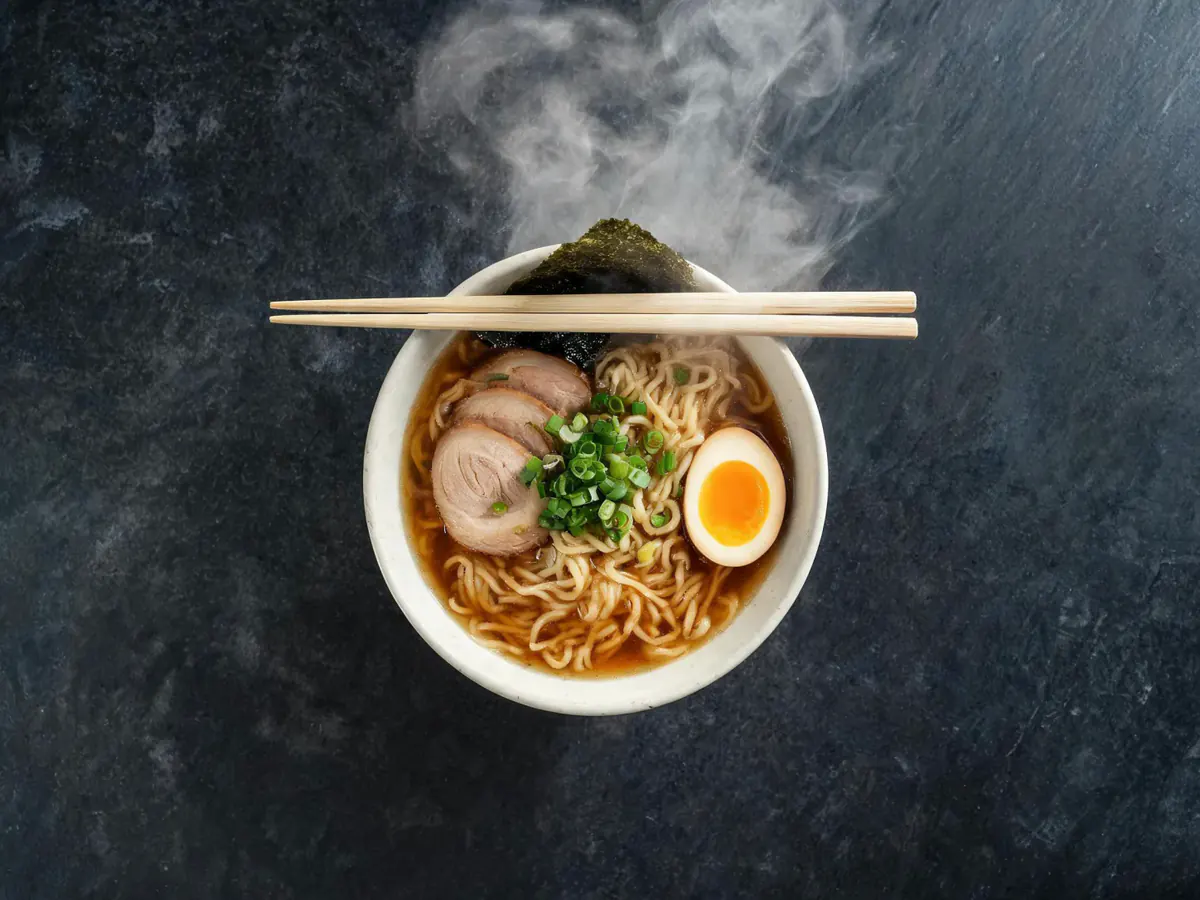
Every picture below started as one sentence — nothing was uploaded.
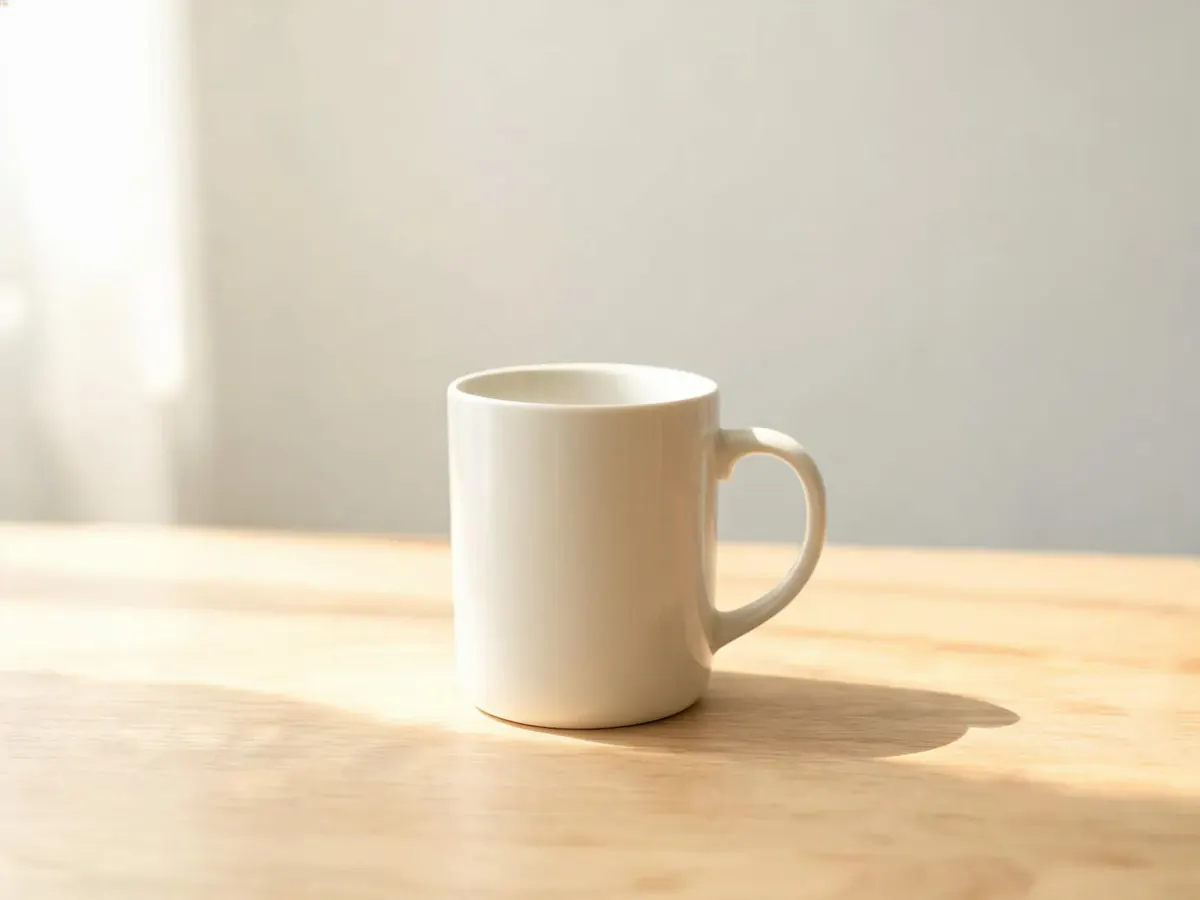
prompt
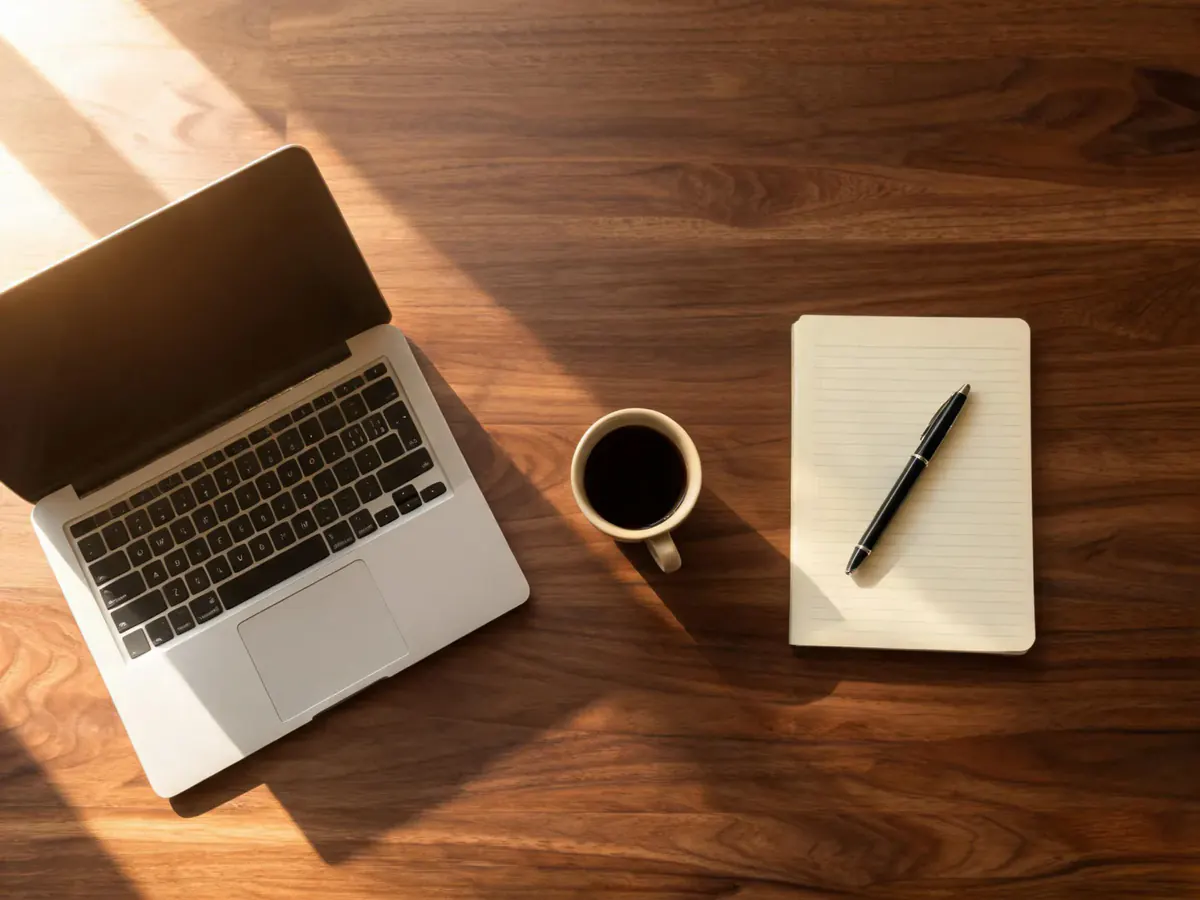
A ceramic coffee mug on a pale oak table, soft morning window light, clean background
Your own result replaces these examples as soon as it is ready.
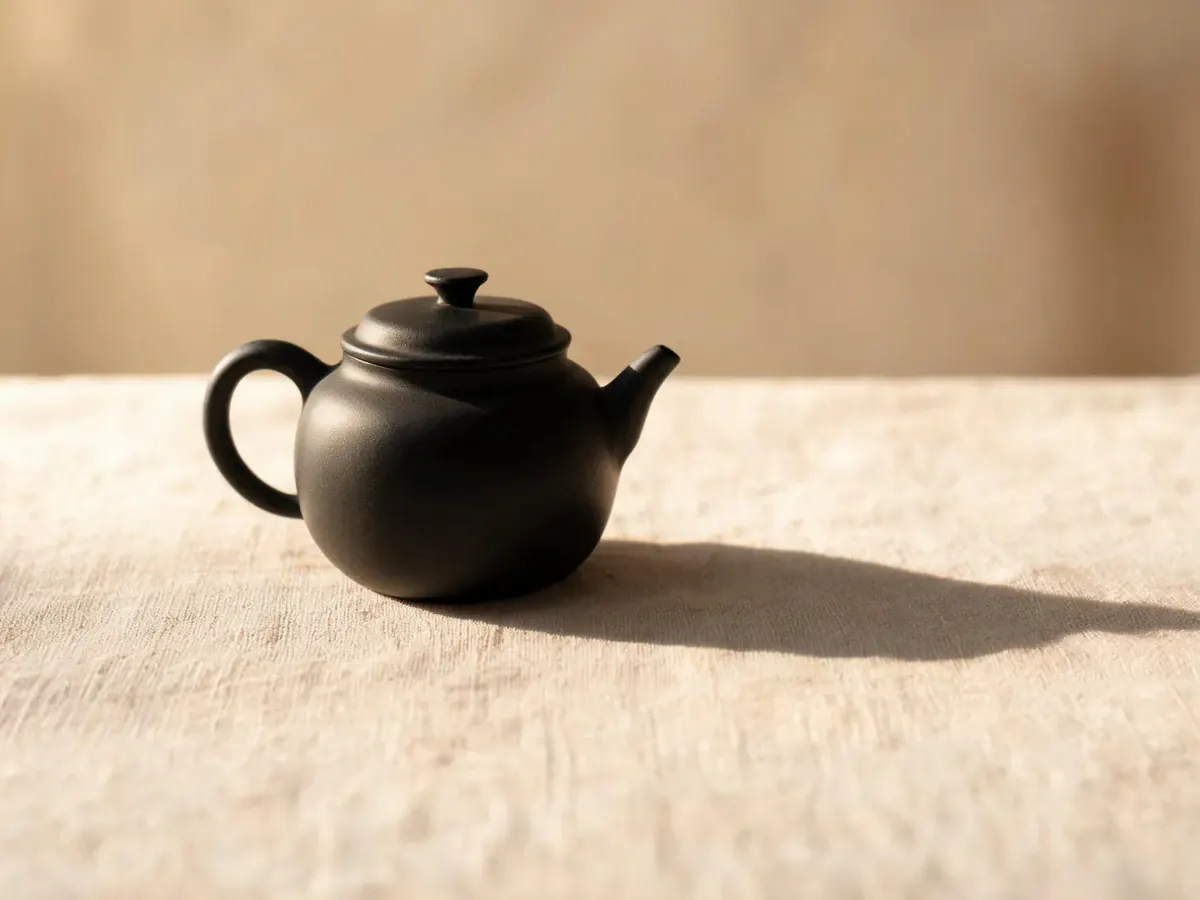
Product and still-life shots
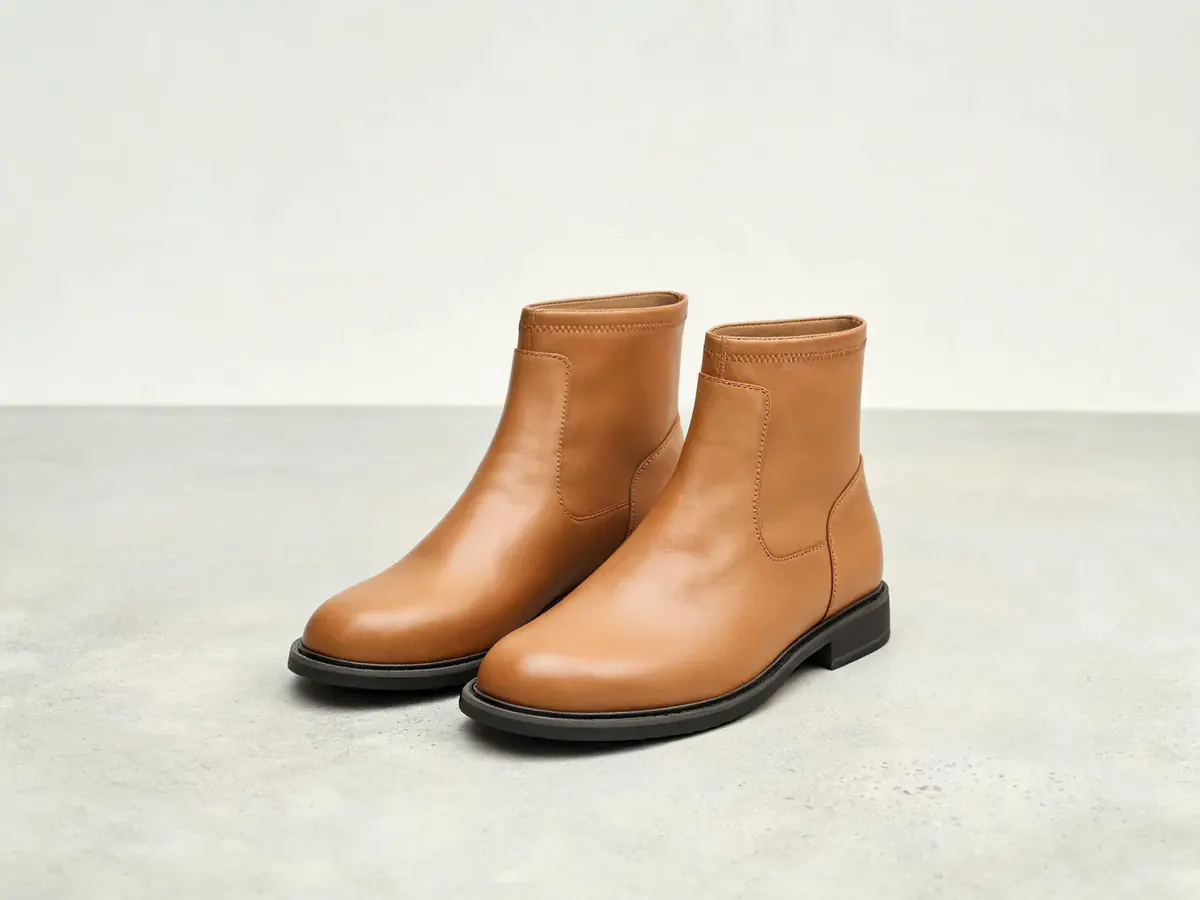
Phevo's AI image generator handles the frames a listing needs: one object, a surface, a light direction. Name the material and where the light comes from, and the render follows both.
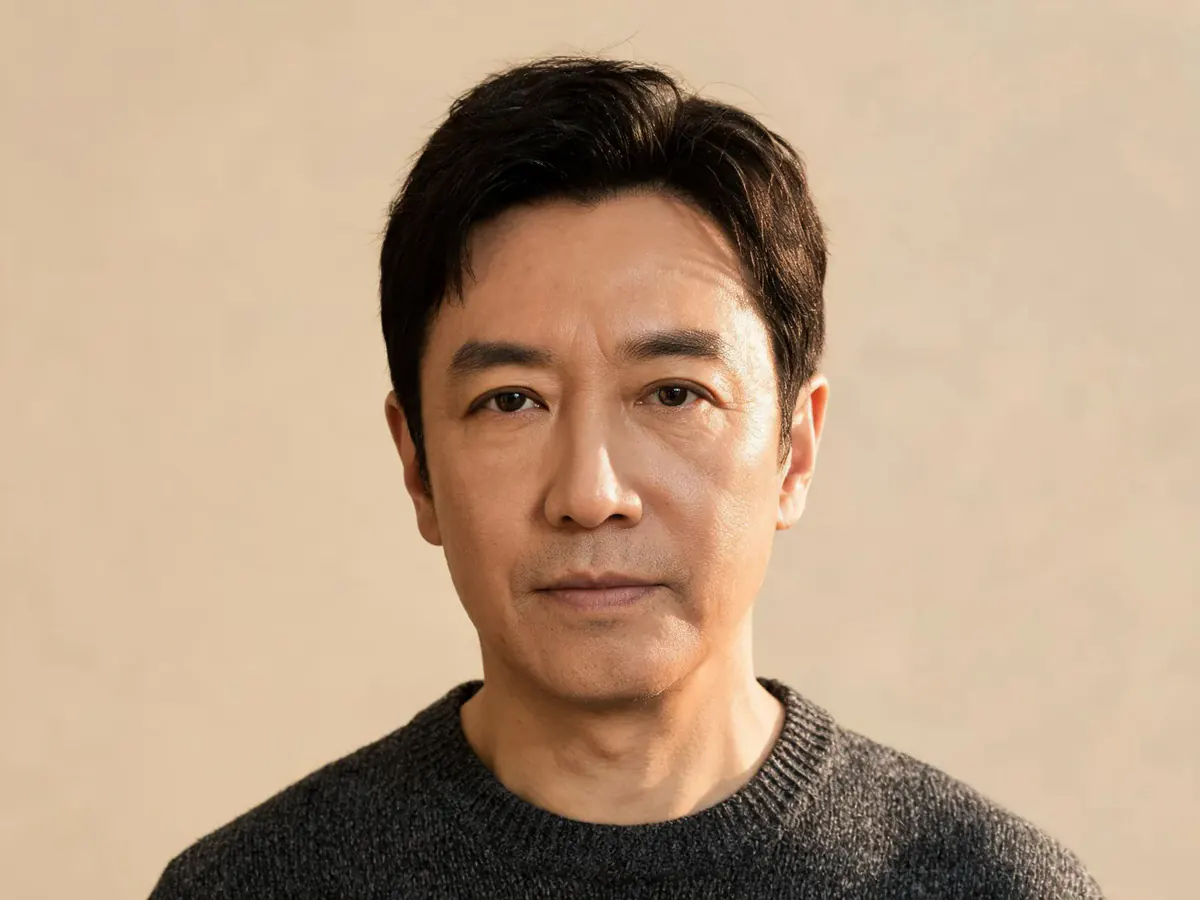
People and portraits
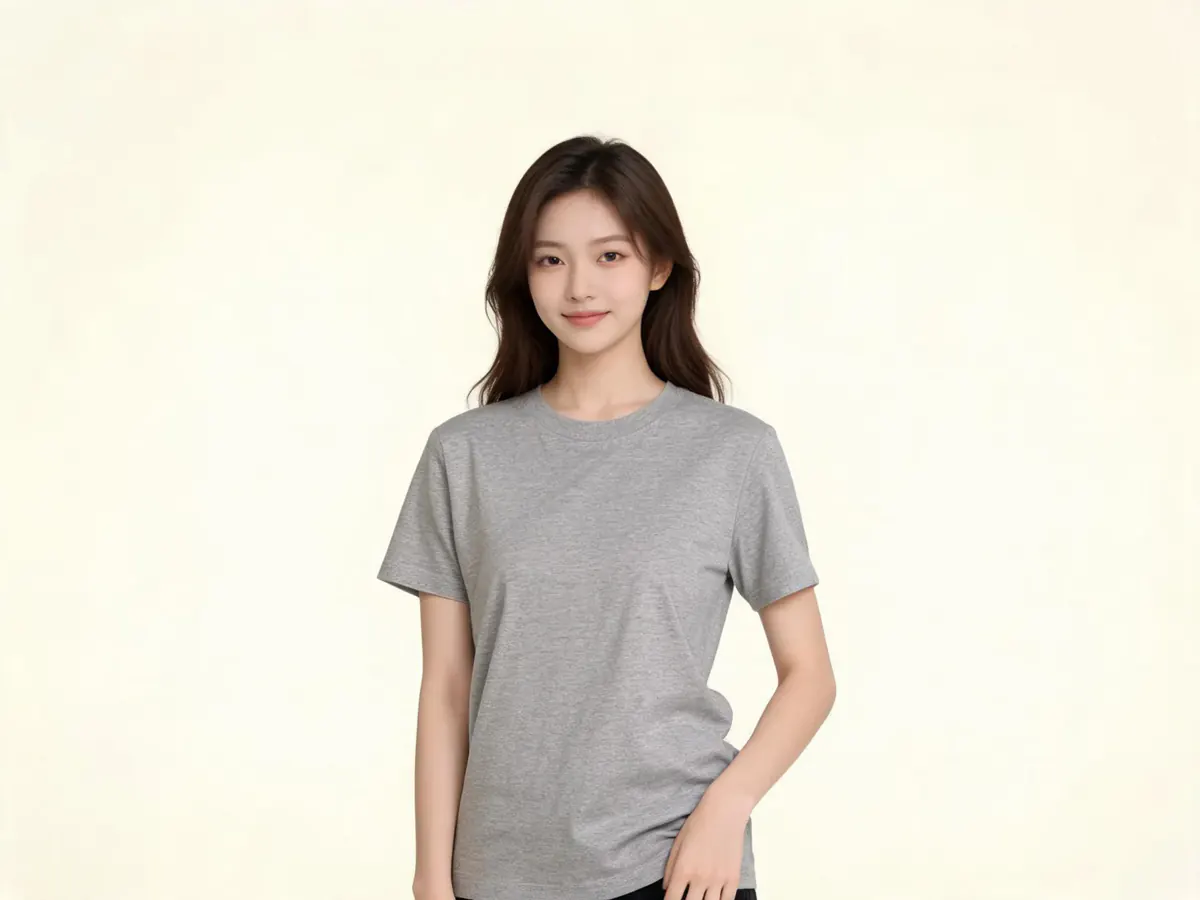
Describe age, clothing, backdrop and key light, and the AI image generator builds a portrait to those terms — a person who exists in no stock library.
Places, weather and time of day
Landscapes respond to specifics: hour, weather, lens width, wind. Tell the AI image generator golden hour behind sea haze or flat midday light, and it renders the one you asked for.
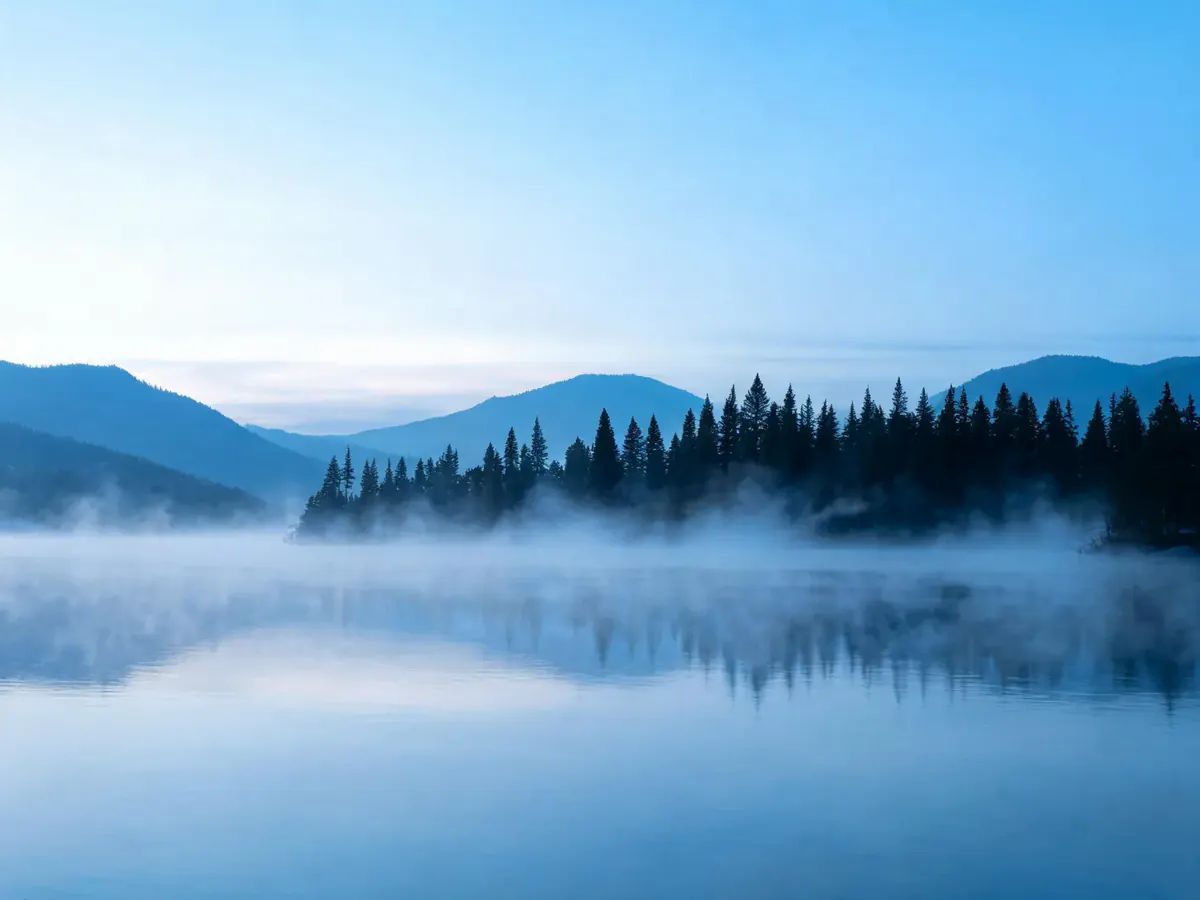
Illustration and flat art
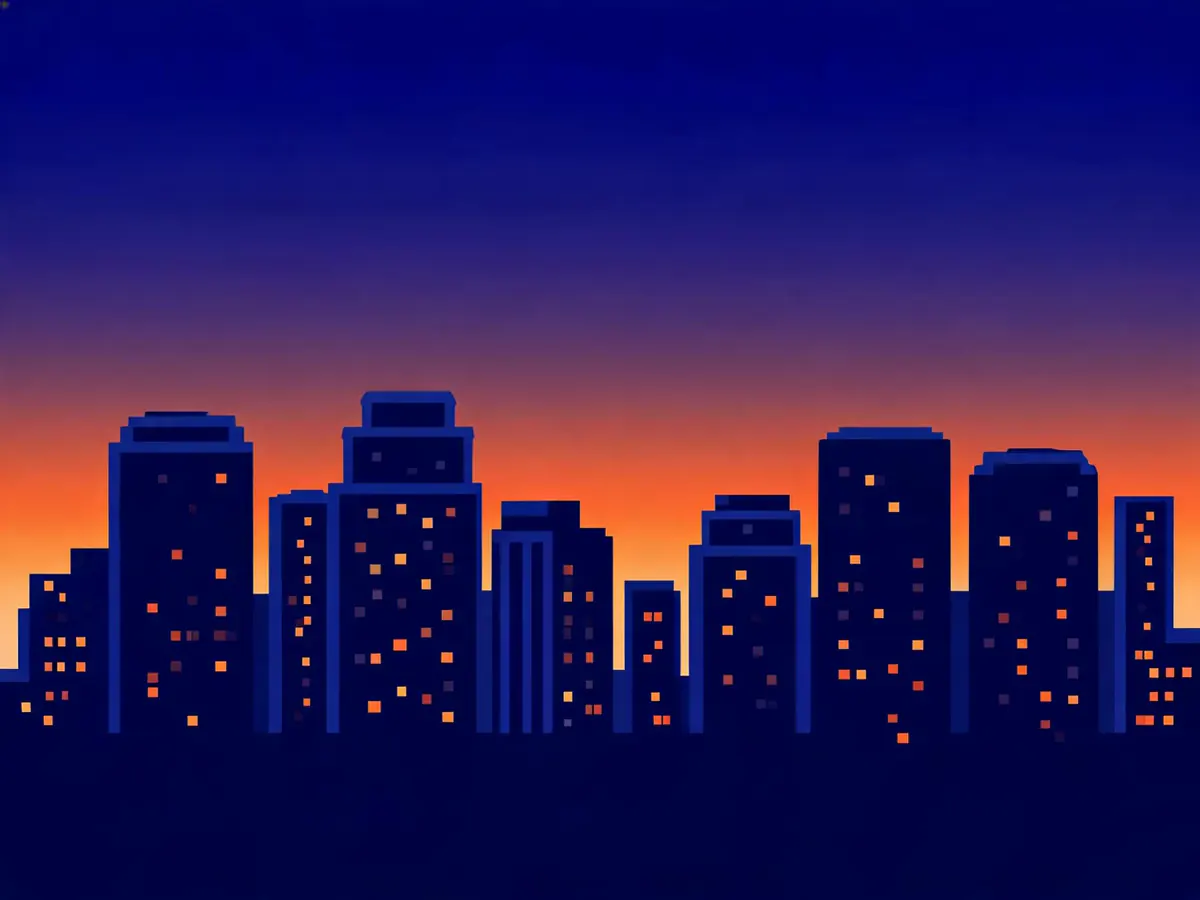
Not everything should look photographed. Ask the AI image generator for flat vector, thick linework or a limited palette — the right call for a diagram, an icon set or a header.
Words that survive inside the picture
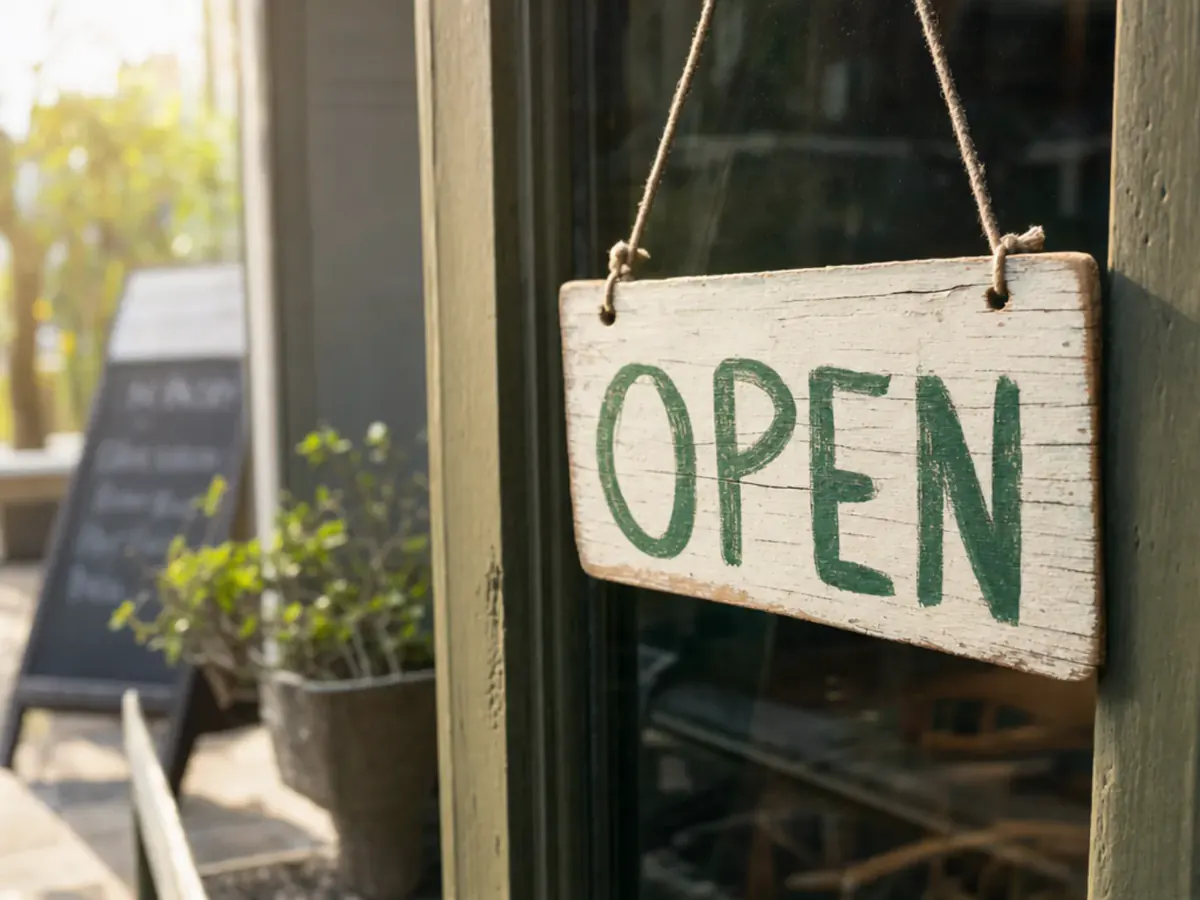
Text inside an image is where most models fall apart. In this AI image generator, the GPT Image models and Nano Banana Pro hold a short line of type together — what a poster or label needs.
How to use the AI image generator
- 1
Describe the picture
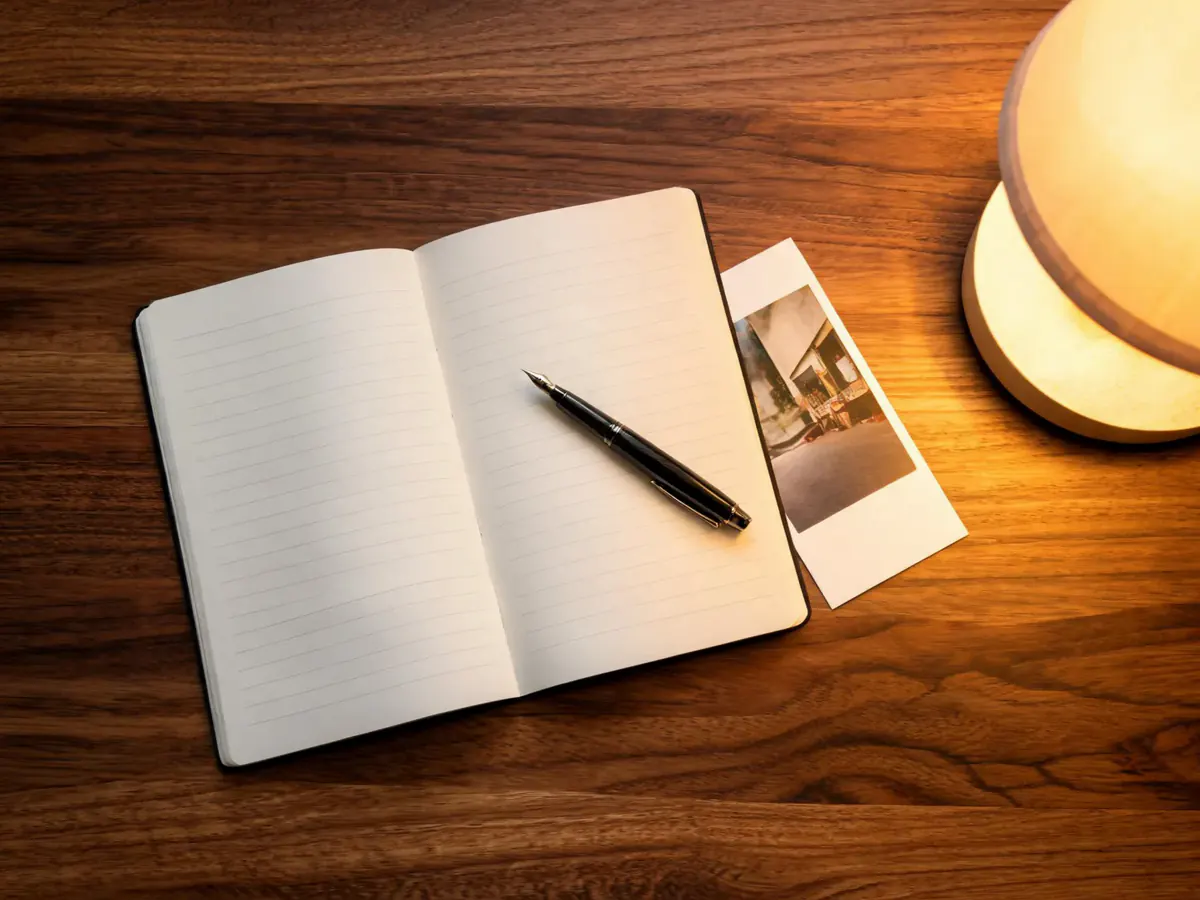
Tell the AI image generator what should be in frame — subject, setting, light and style. Concrete nouns beat adjectives.
- 2
Pick a model and a size
Choose a model and an aspect ratio. The credit cost on the button updates as you change either.
- 3
Generate and keep going
Press generate, then download the result or keep editing it in the same panel.
What people make with the AI image generator
Shop owners without a product photographer
Print-on-demand sellers building mockups
Bloggers who need a header by lunchtime
Social media managers working across formats
Indie developers filling an empty interface
Teachers and speakers building slides
Why use this AI image generator
AI image generator questions
An AI image generator turns a written description into a picture. Phevo's AI image generator does it in the browser: type what should be in frame, choose one of the popular models, and get a full-size file you can keep editing in the same panel.
Partly. Signed out, the AI image generator gives you one free generation per day at 1K on the cheapest model. Creating an account adds six credits once — about one more image. After that, images cost credits.
Yes. The free daily run works signed out. You only need an account to choose a specific model, generate above 1K, or spend credits.
From 5 credits for the cheapest model at 1K up to 40 for the most expensive at 4K. The exact number for your selection is on the generate button before you press it.
Yes. AI picture generator, AI image maker and AI image creator all mean the same as AI image generator: a tool that renders a picture from a written prompt. This page is that tool.
Start with the default, the cheapest good option. GPT Image 2 and Nano Banana Pro handle text inside an image better; Seedream 5 renders large canvases; FLUX.2 [pro] is quick and even. Switching costs nothing until you generate.
Up to 4K on Nano Banana 2, Nano Banana Pro and Seedream 5.0 Lite. Grok Imagine and Seedream 5.0 Pro stop at 2K, and the GPT Image models and FLUX.2 [pro] render a fixed preset instead of a resolution ladder.
PNG from most models. Seedream 5.0 Lite returns JPEG because its endpoint offers no other format — worth knowing, since it is the model the free daily run uses.
No. Phevo adds no watermark, logo or corner mark to generated images, including the free daily run.
Phevo runs its models through fal.ai. Check the terms of the provider behind the model you used, and confirm your prompt and intended use comply before commercial use.
Yes. The AI image generator keeps the result in the editor, so you can replace the background, remove an object, retouch a region or enlarge it without switching tools.
Yes. Upload a picture in Single Edit to change it, or several in Multi Fusion to combine them. To change only one area of a result, sign in and open the result in Brush Retouch, then paint over that area.
Square, 16:9, 9:16, 4:3 and 3:4, plus an auto option on the models that accept it. Choose before generating so the composition is built for that shape.
Prompts go to the model provider to render the picture. Phevo does not sell them, and the privacy policy sets out what is kept and for how long.
Try the AI image generator free
The AI image generator gives you one image a day without an account, six credits once you sign up, and the cost on the button before you spend anything.
Generate an image