 Phevo
PhevoImage to Image AI
Upload a picture, name the change, and this image to image AI leaves the rest of the frame alone.
Real Photo Editor AI edits, real prompts
Every pair below came from one sentence — no masks, no layers.
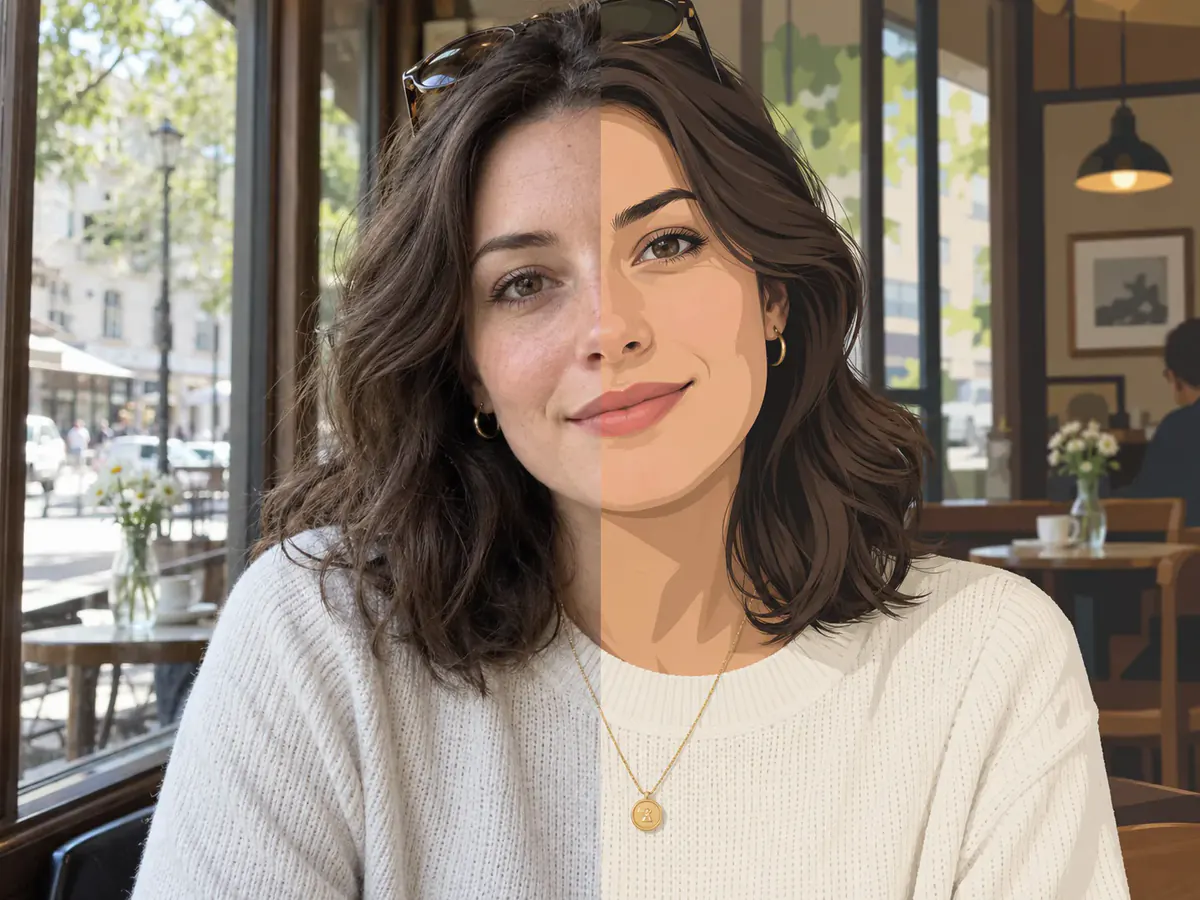
prompt
Redraw this portrait as a flat illustration, keeping the pose.
Your own result replaces these examples as soon as it is ready.
What an Image to Image AI Generator Does to a Photo You Have
An image to image AI starts from your upload, not a blank canvas. It reads the frame you gave it, applies the sentence you typed, and returns a picture that still holds your composition — recognisably your photo, changed, rather than a lookalike invented from a description.
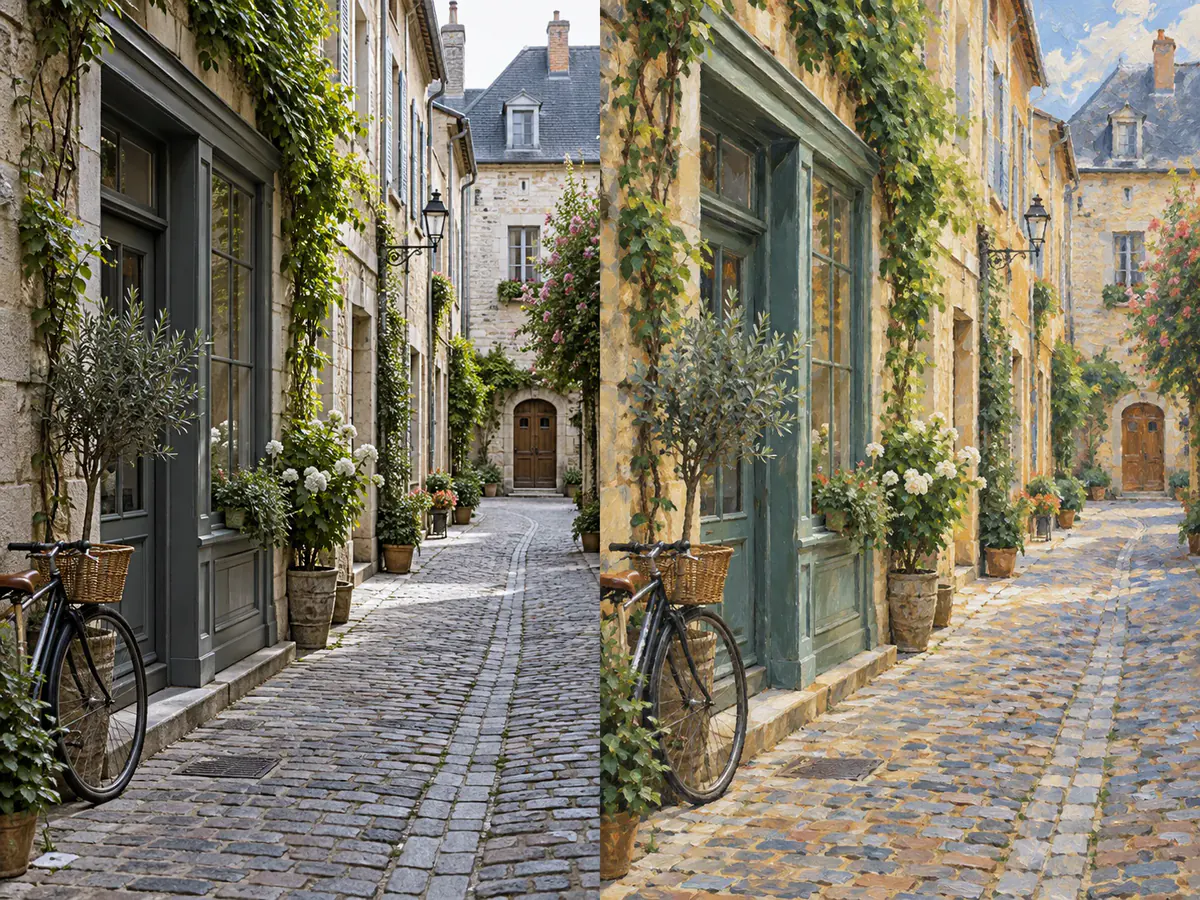
Keep the Composition, Change Only What You Name
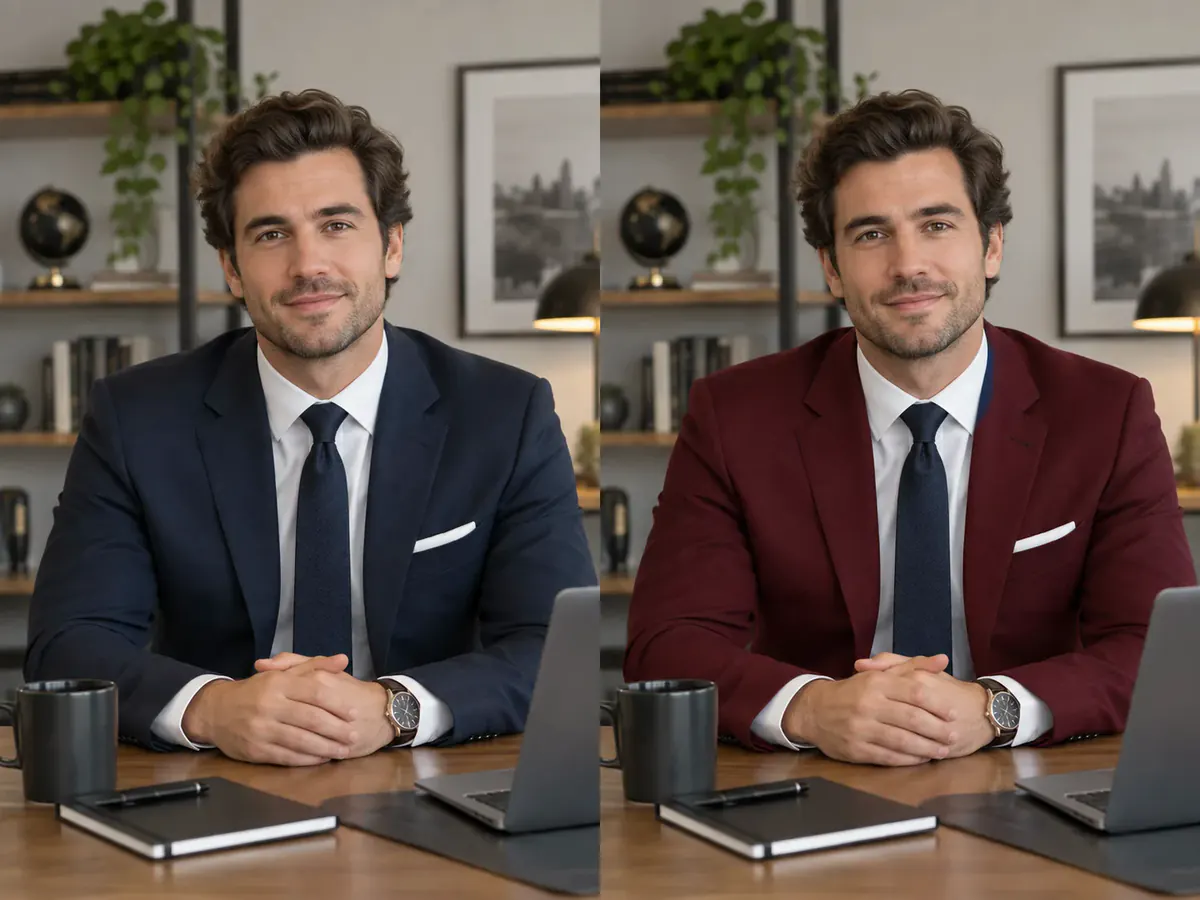
Write the instruction in two halves: what survives, then what moves. "Keep the pose and the background, change the jacket to red" gives the image to image AI a boundary, and a bounded instruction is why a portrait keeps the same face.
A Choice of Models, With the Credit Cost on the Button
This image to image AI generator routes to verified fal.ai endpoints — GPT Image 2.5 Flare, GPT Image 2.5 Sunburst, GPT Image 2, Nano Banana Pro, Nano Banana 2, Phevo, Flux-2 Pro, Seedream 5.0 Pro, Seedream 5.0 Lite and Grok Imagine. A pass costs 5 to 20 credits, shown on the button beside your balance.
Blend Several Reference Images in One Pass
Fusion mode accepts more than one upload: a product shot plus the scene it belongs in, or a face plus the outfit it should wear. Depending on the model, the image to image AI resolves up to sixteen references into one frame.
Choose the Aspect Ratio and Render Up to 4K
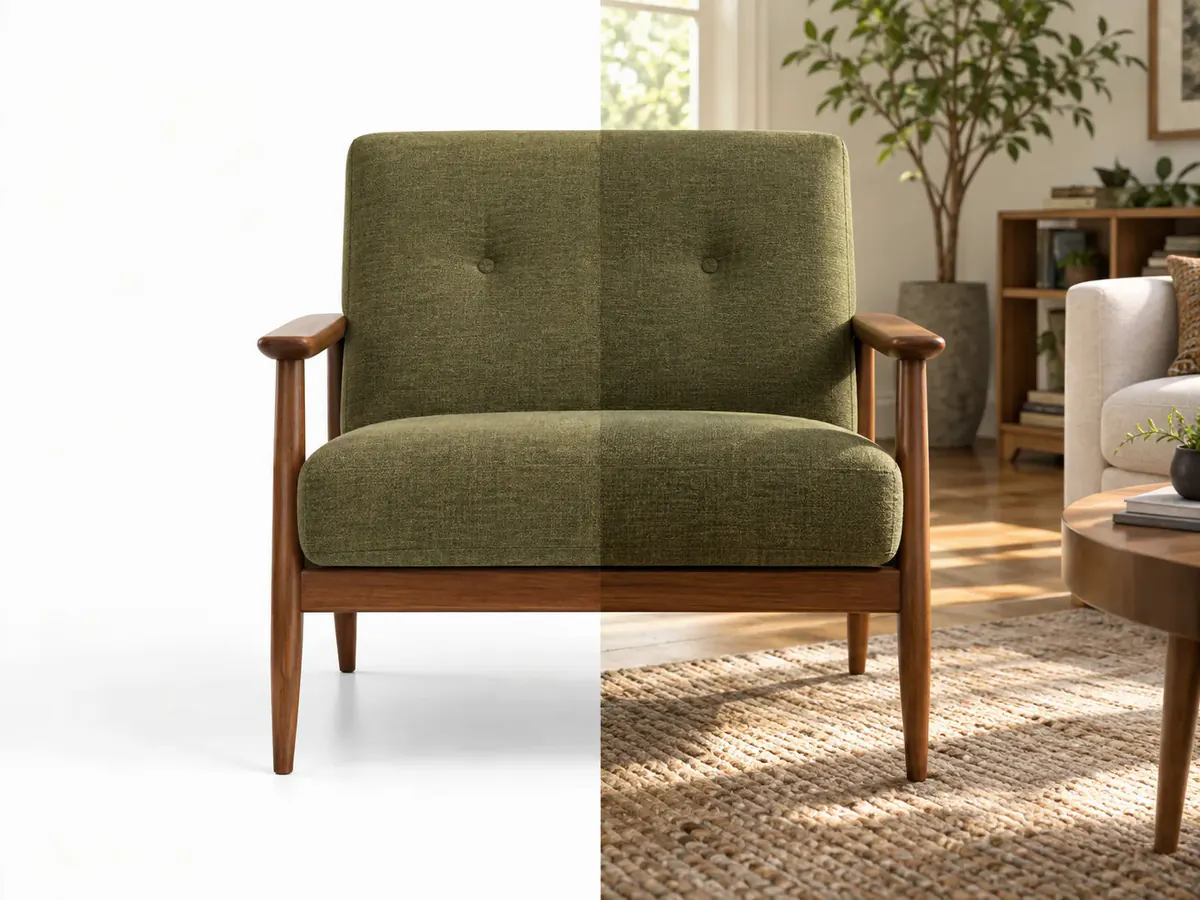
Output is not locked to the file you uploaded. Pick 1:1, 16:9, 9:16, 4:3 or 3:4, then render at 1K, 2K or 4K where the model allows it. A square product photo can leave the image to image AI as a wide banner.
How to Use This Image to Image AI Generator in Three Steps
- 1
Upload the Image You Want to Change
Drag in a JPEG, PNG or WebP under 30 MB. It is resized in your browser first, so a phone photo starts as fast as a screenshot.
- 2
Write What to Keep and What to Change
One sentence is enough. Name what has to survive, then the change you want, then pick which model runs the image to image AI pass.
- 3
Compare the Two Images and Download
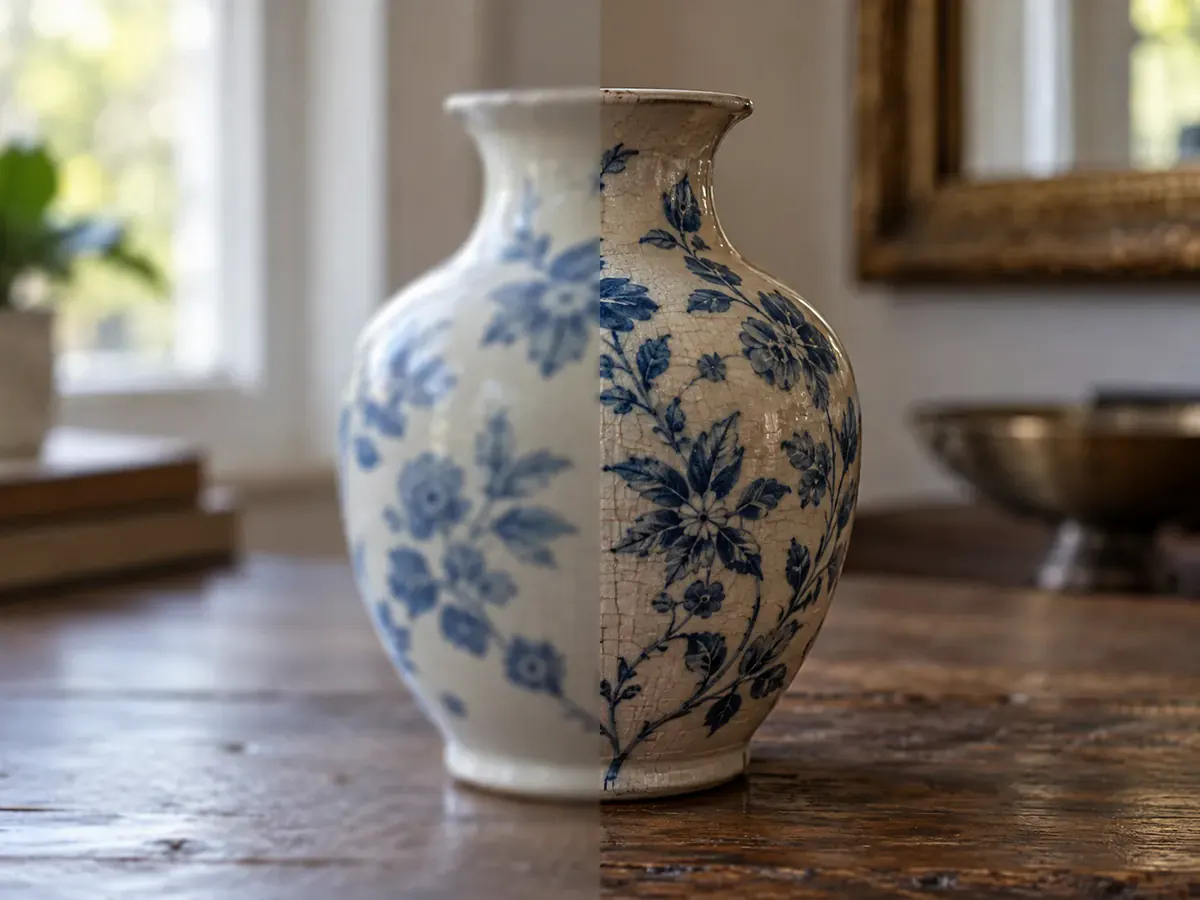
The new file lands beside your original, so you can see what moved before you keep it. Download it full size, no watermark.
Image to Image AI Use Cases
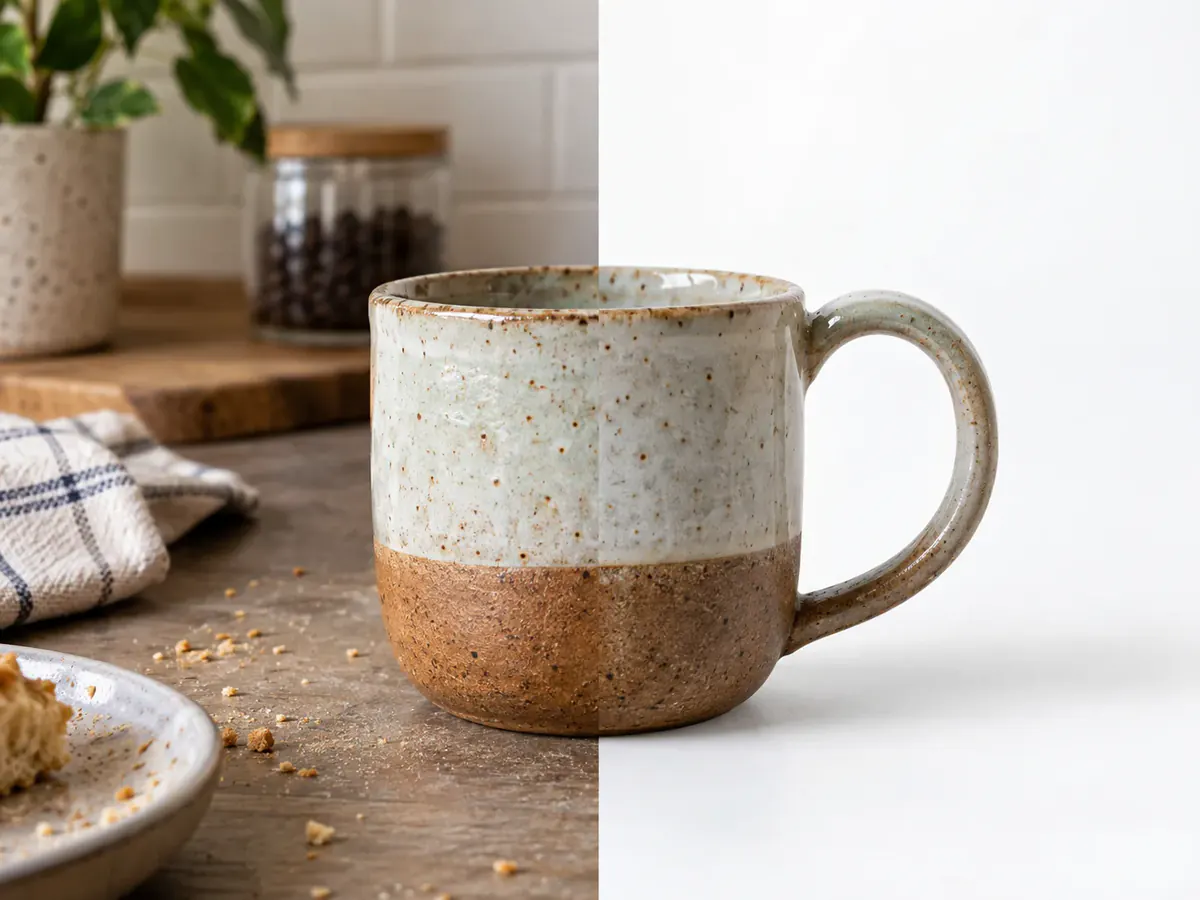
Sell Without a Studio
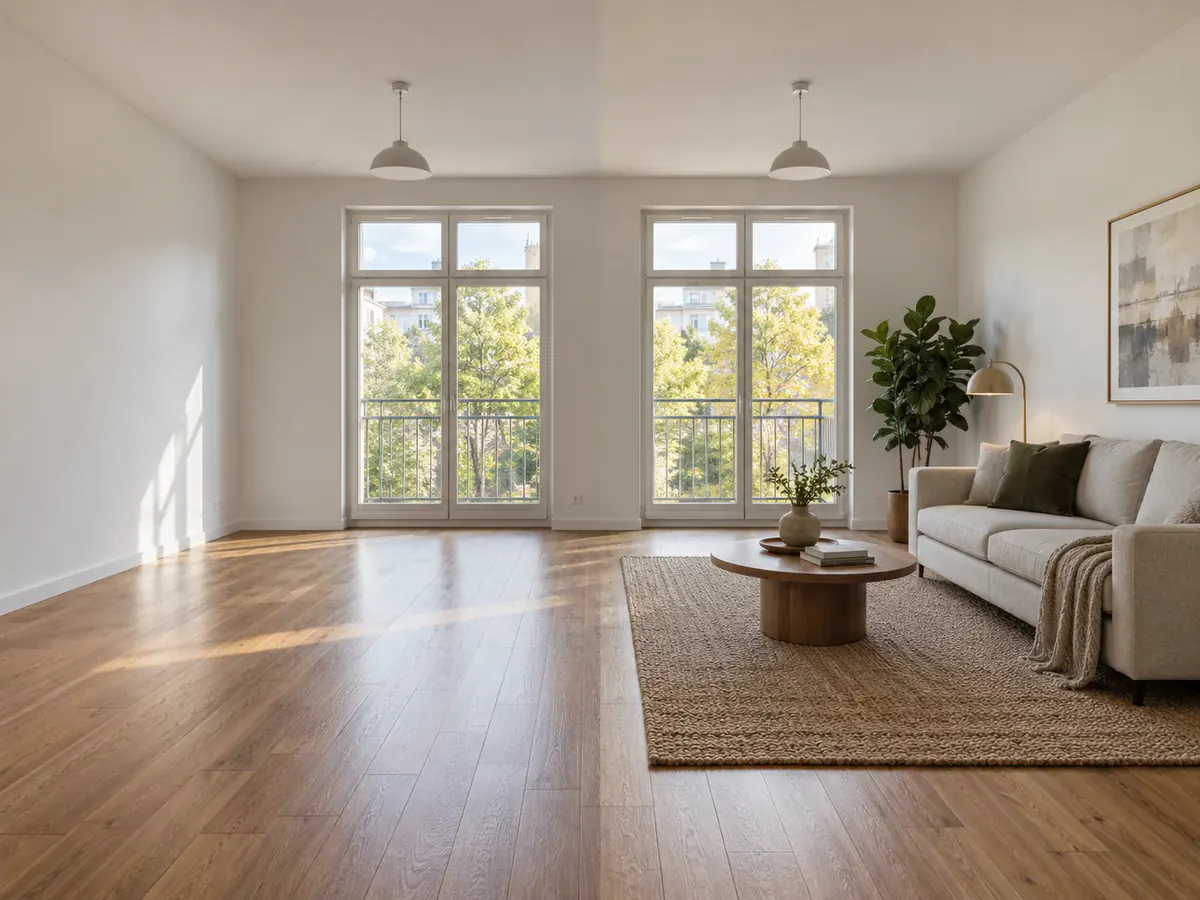
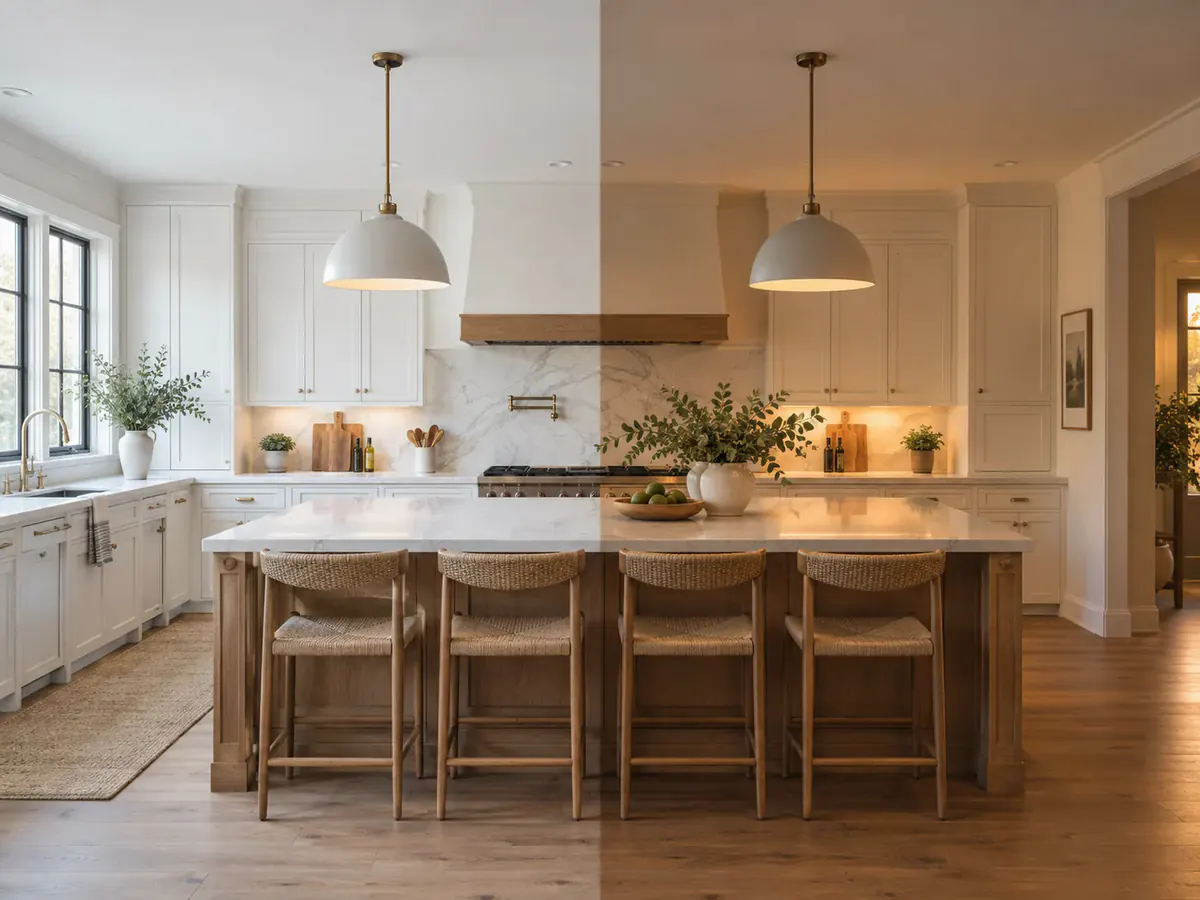
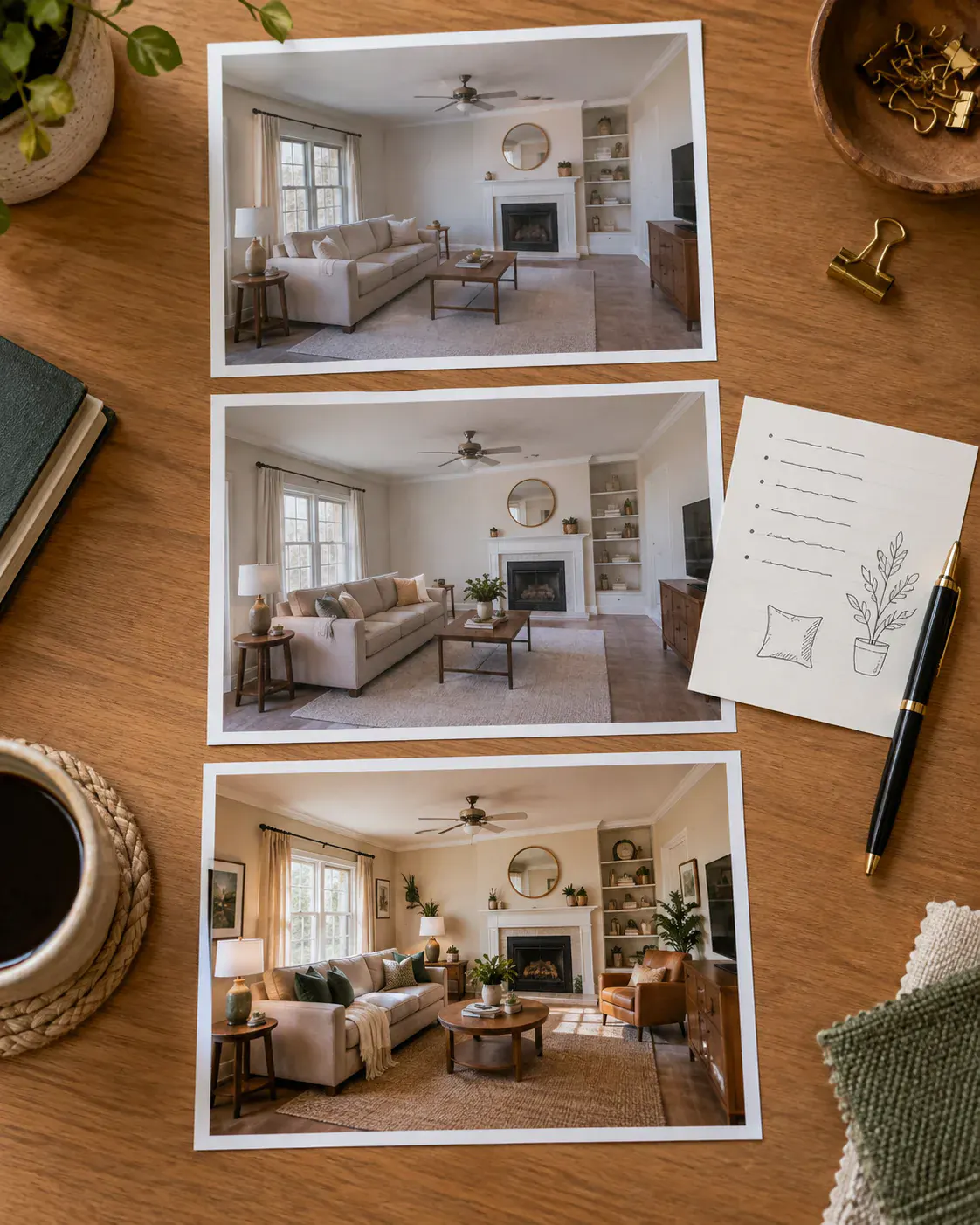
Show an Empty Room Furnished
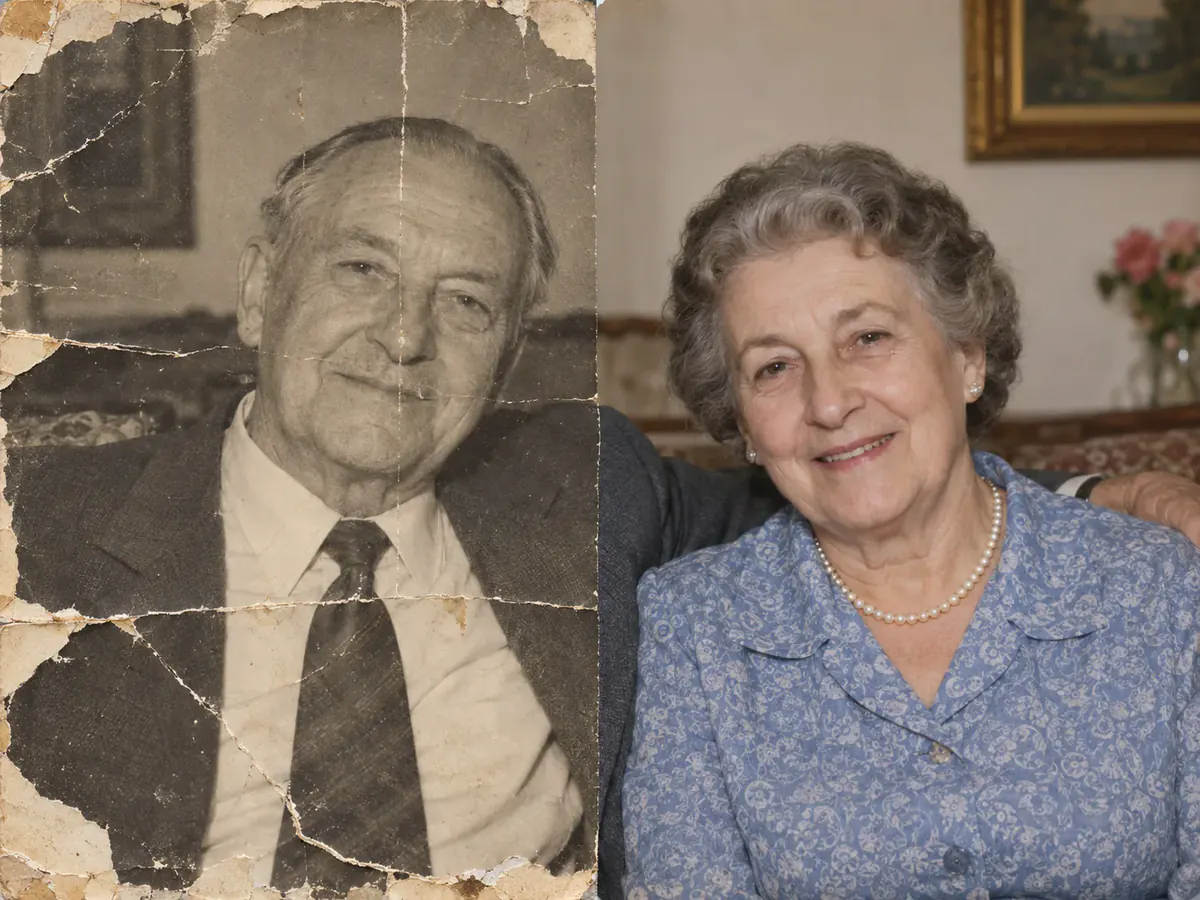
Bring a Damaged Photograph Back
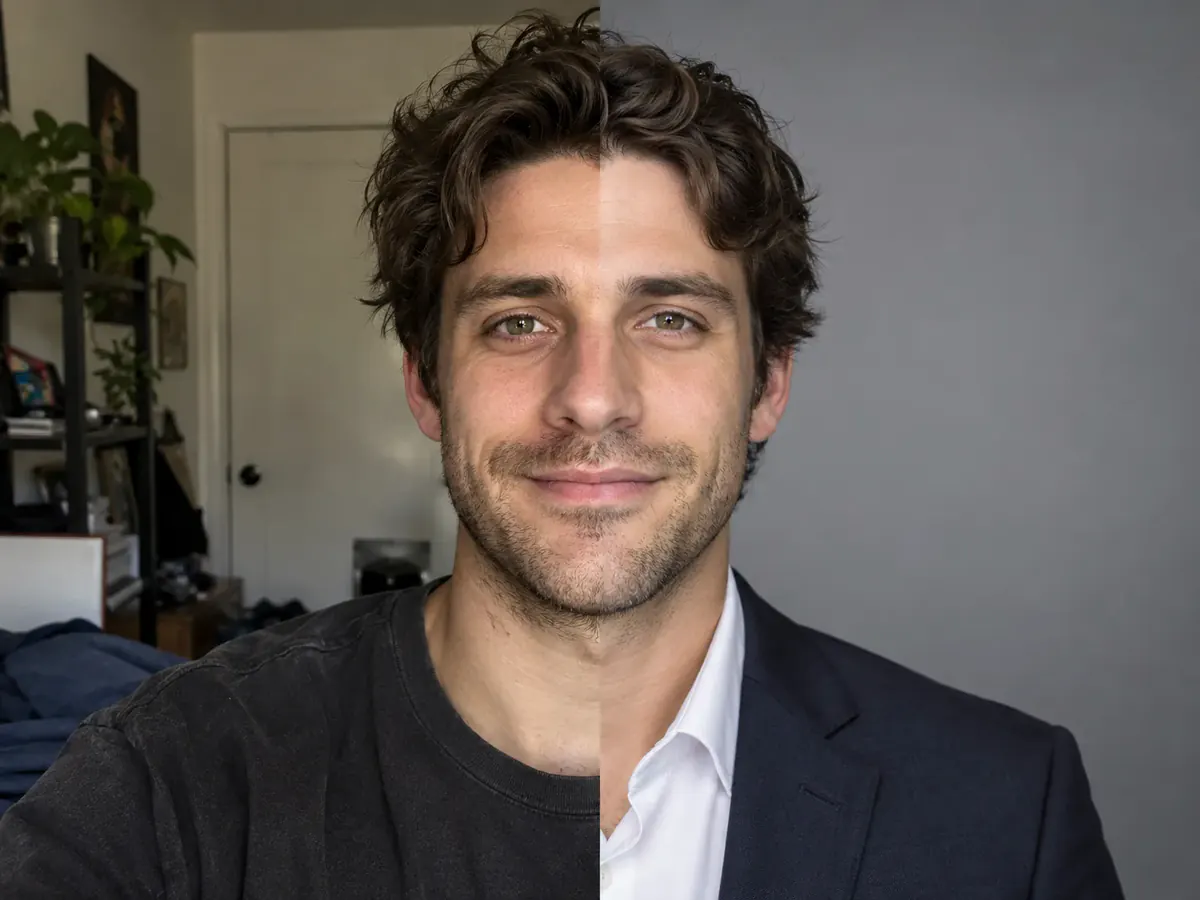
Fix a Headshot Without a Studio
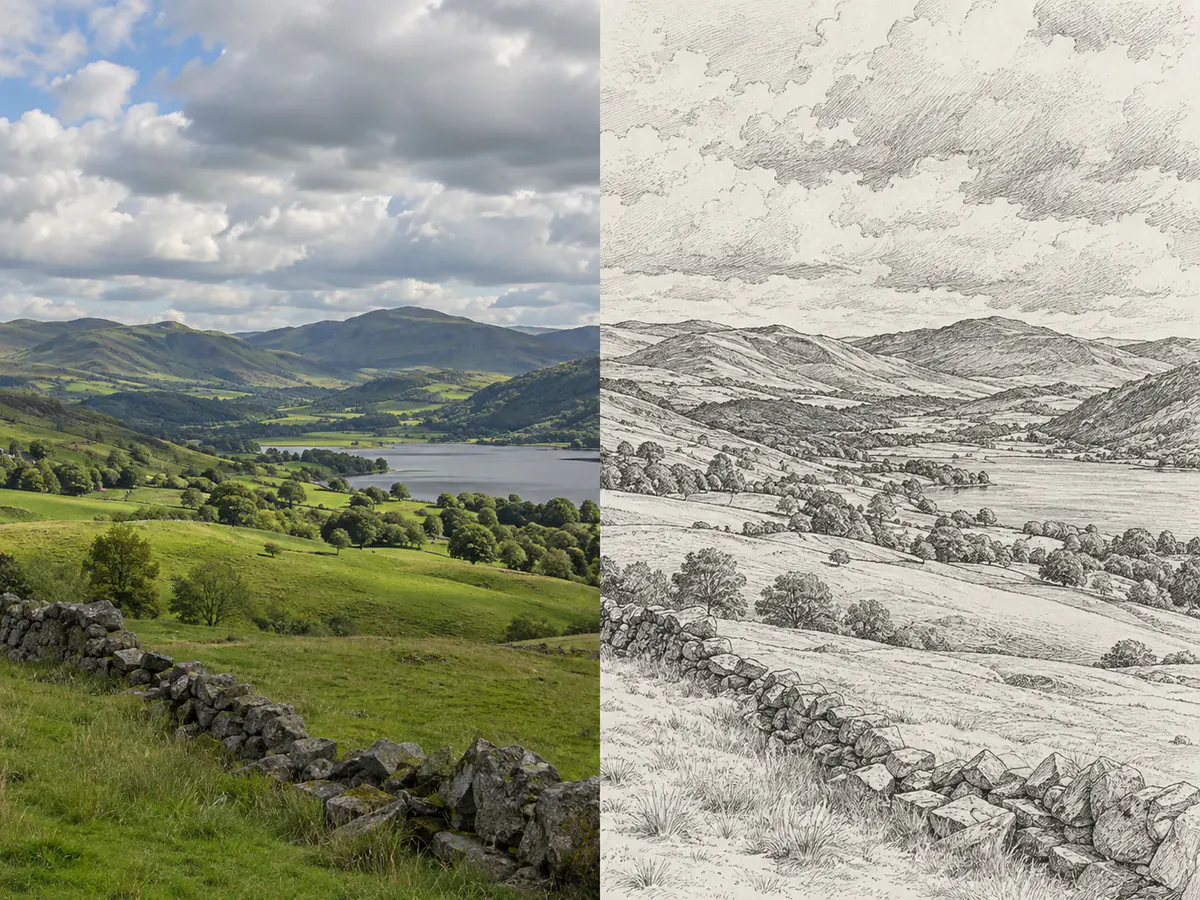
Restyle a Photo as Artwork
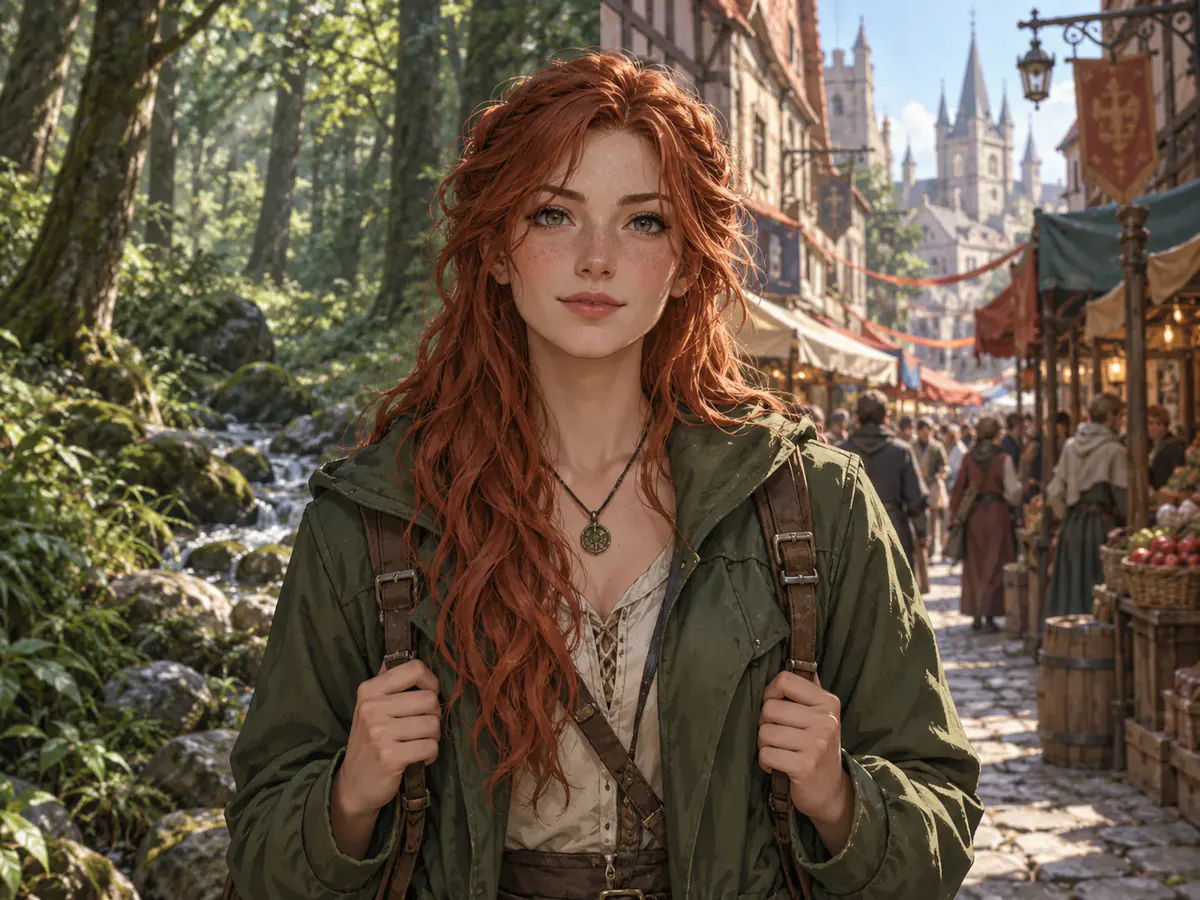
Hold One Character Across Scenes
Why Use Phevo as Your Image to Image AI
Image to Image AI Questions, Answered Before You Upload
An image to image AI takes a picture you already have plus a written instruction and renders a new picture from both. Phevo sends your upload and your sentence to the model you chose, then returns an image that keeps the original composition and changes what you named.
Text to image starts from nothing but words, so the picture is not yours. An image to image AI is constrained by your file: the frame, the subject and the layout come from your photo, and the prompt only decides what moves.
A layer editor asks you to select, mask and blend by hand. An image to image AI does the pass from one sentence with no selection. The trade is precision: a manual editor touches exactly the pixels you choose, so fine retouching still belongs there.
One free run a day, no account, no watermark — a free image to image AI online in the plain sense. A new account adds 6 welcome credits and asks for no card. It is not unlimited: the cheapest model costs 5 credits a run.
5 to 20 credits at 1K depending on the model, times 1.5 at 2K and times 2 at 4K. The figure sits on the generate button next to your balance, so an image to image AI run is never priced after the fact.
Your wording decides it, not a slider — these endpoints expose no strength dial, and Phevo will not draw one that does nothing. "Keep the pose, the background and the lighting, change only the jacket" survives a pass that "make this cooler" will not.
Phevo, the 5-credit default, covers everyday restyling and background work. Nano Banana Pro and GPT Image 2 hold detail on faces and lettering. Seedream 5.0 Pro and Flux-2 Pro suit larger canvases. Grok Imagine is cheapest but stops at 2K.
In two halves. Start with what has to survive — the pose, the shadow, the label — then state the single change. A vague line gives the image to image AI licence to redraw what you never wanted touched.
Waxy skin and flattened texture appear when a model rebuilds a face instead of editing around it. Say what to preserve and start from a sharp, evenly lit source — a dark or compressed original gives an image to image AI little to hold on to.
JPEG, PNG and WebP up to 30 MB, resized in your browser before upload. This image to image AI returns the result at the aspect ratio you selected rather than the one you started with.
Not unless you ask for it. Output follows the ratio and resolution controls rather than your file, so a modest source can leave an AI image to image pass at 2K or 4K. Grok Imagine caps at 2K and is billed at 2K.
Small lettering, hands, logos and faces at the frame edge need a close check, and matching edits across several angles remains unreliable. Each generative edit returns one image. Signed-in users can batch up to five images only with a true upscaling model; Multi Fusion combines references into one result.
Your image goes to fal.ai to perform the transformation — stated at the upload box, not buried. fal.ai’s published terms include no commitment that submitted content is excluded from model training, so we claim none here. Download what matters promptly, and keep sensitive photos off any AI editor, this one included.
Your First Image to Image AI Run Is Free
One free run a day without an account, no watermark, and the cost shown before you commit. Bring a photo and one sentence to the image to image AI.
Transform an Image Free