 Phevo
PhevoAI Image Upscaler
This AI image upscaler runs real super-resolution at 2x, 4x or 8x — or describe what must stay and let a model redraw it.
Real Photo Editor AI edits, real prompts
Every pair below came from one sentence — no masks, no layers.
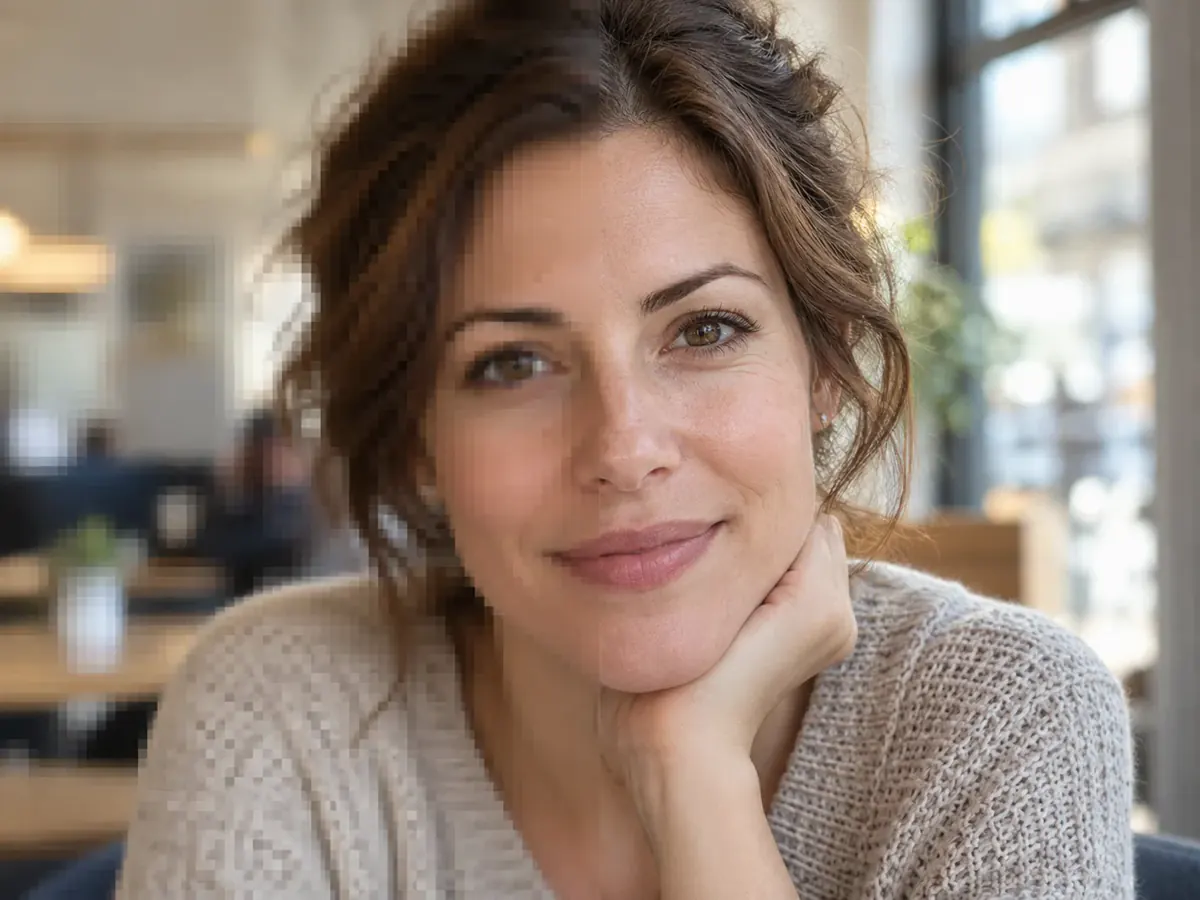
prompt
Re-render at 4K. Keep the face exactly as it is.
Your own result replaces these examples as soon as it is ready.
A Real Upscaler, Not a Generative Redraw
This AI image upscaler runs Real-ESRGAN: it enlarges the photo you uploaded at 2x, 4x or 8x instead of drawing a new one, with face restoration on by default. Generative edit models sit in the same dropdown for when you want it changed too.
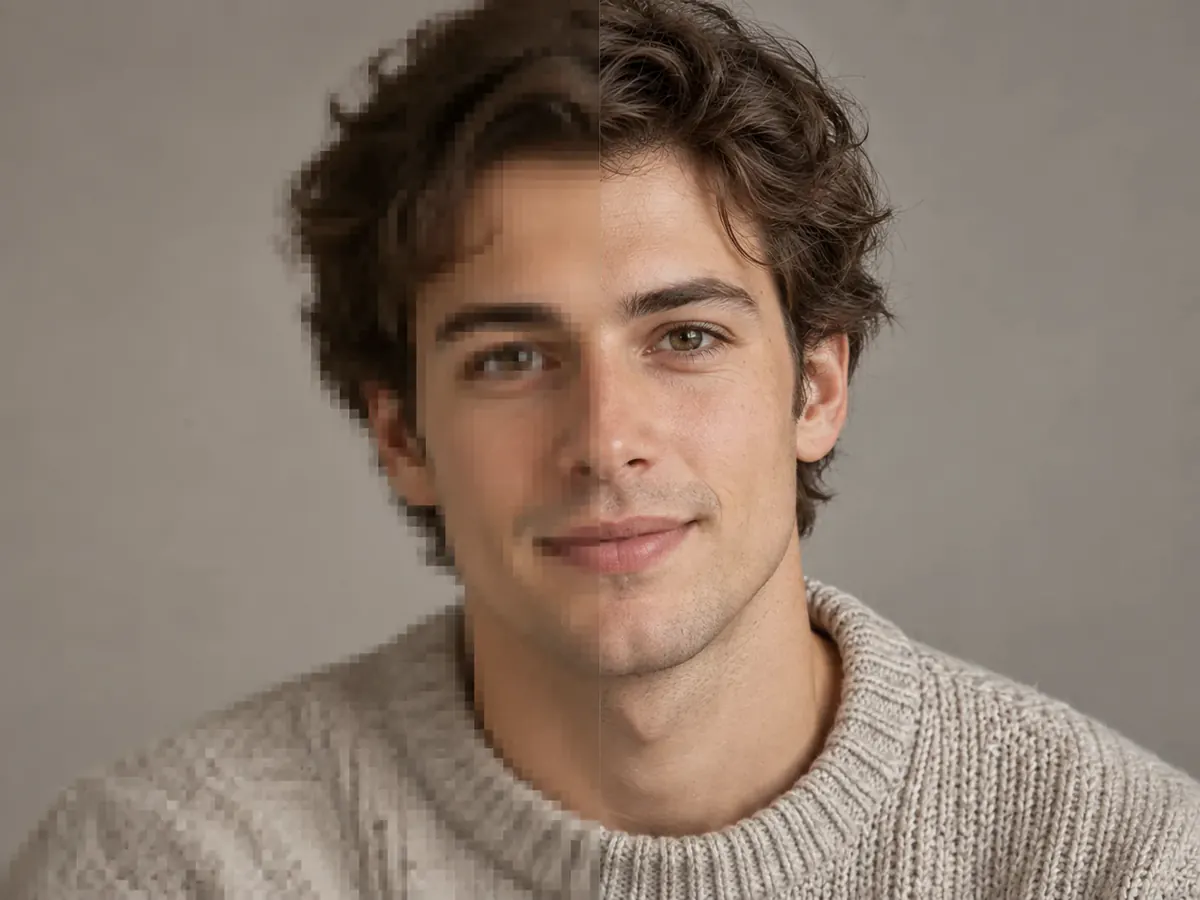
Sharper at 4K, Still Skin Instead of Plastic
People abandon an AI image upscaler at the zoom-in: smoothed pores, waxy faces. Real-ESRGAN reconstructs the texture the pixels implied, and SeedVR2 is the switch when a portrait still looks retouched.
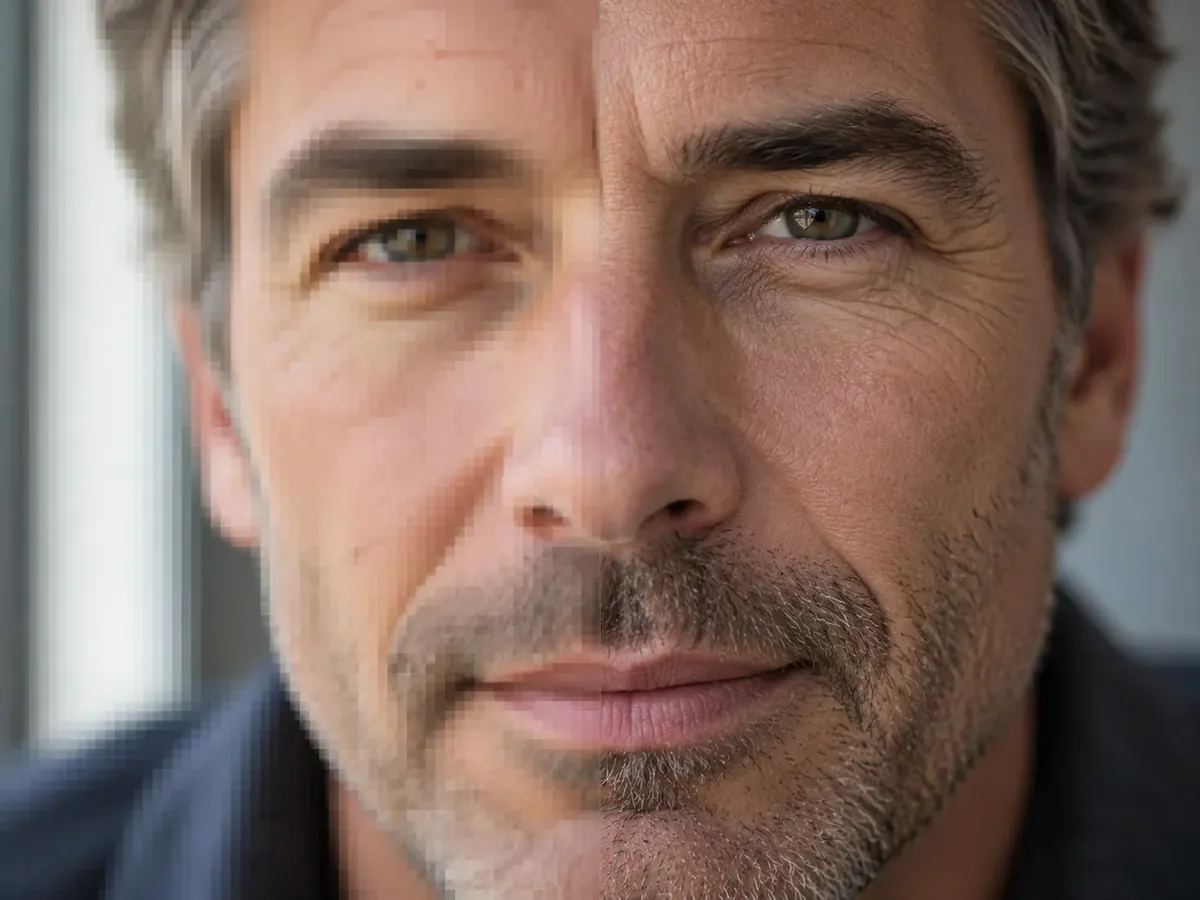
Compare Faces Before Keeping the Result
Real-ESRGAN has face restoration enabled by default. Review eyes, skin texture and facial shape at full size after upscaling, because restored detail can differ from the original.
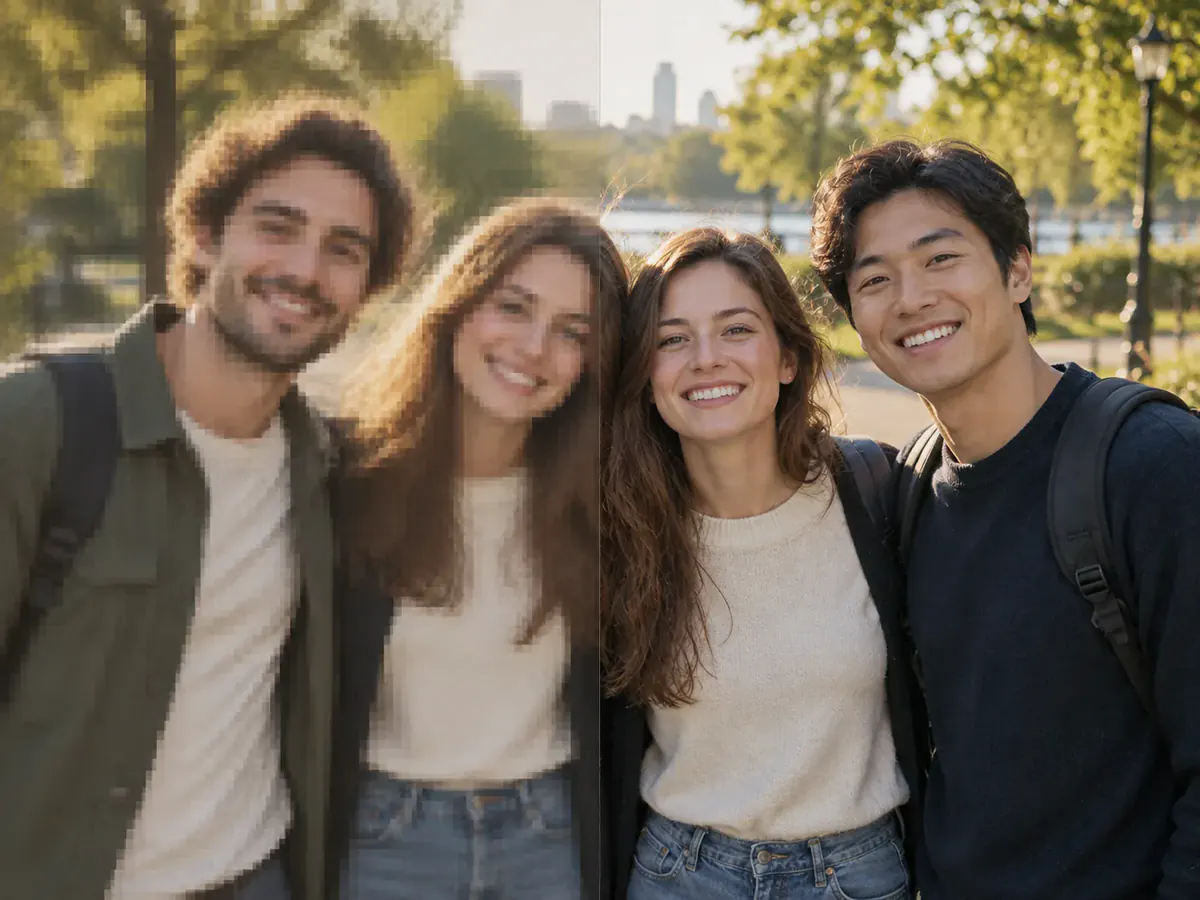
Real Pixels for A3, A1 and Wall Prints
For printing, use the downloaded pixel dimensions. True upscalers multiply the prepared upload by 2x, 4x or 8x; generative models use their own size presets. Check those dimensions against the print you plan to order.
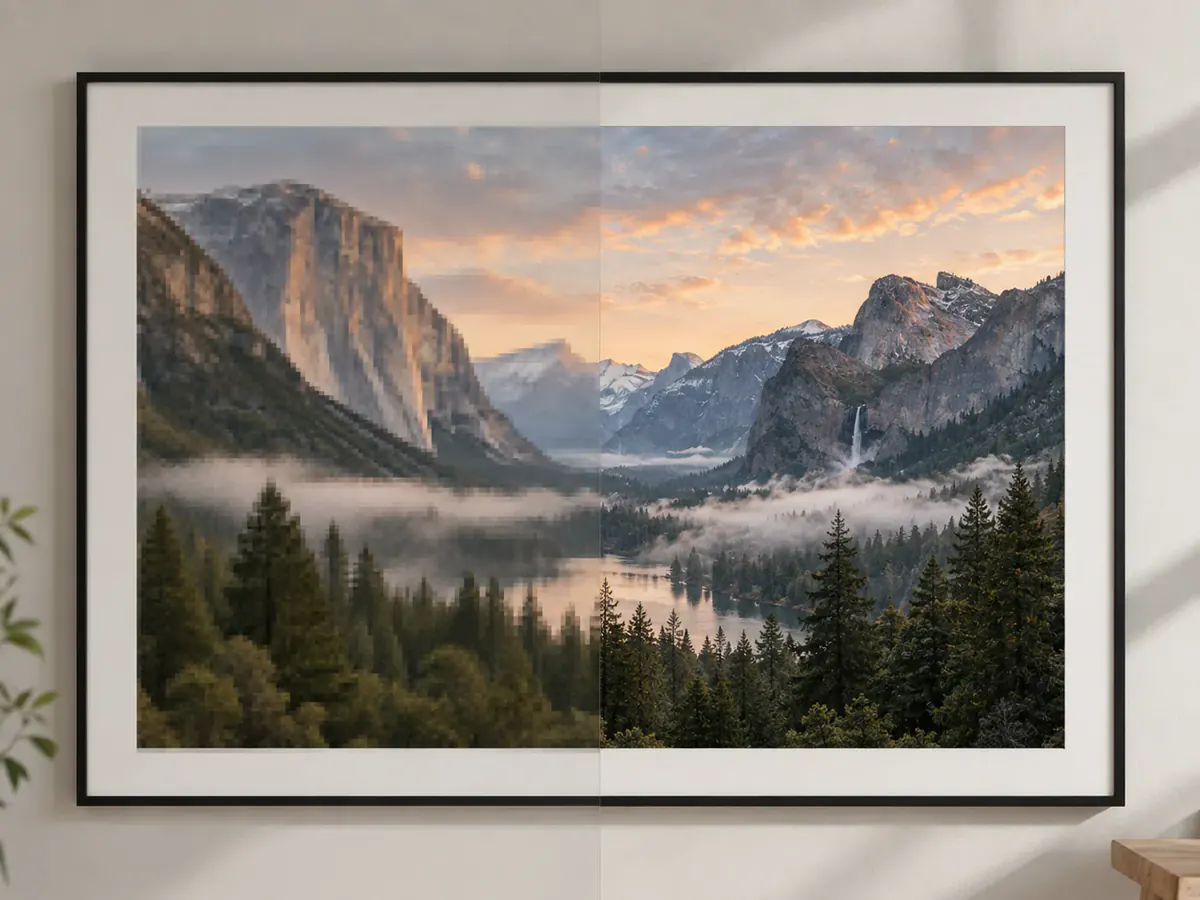
Increase Image Resolution on a Photo You Only Have Once
Scans, screenshots and photos of people who are gone have no RAW file. Keep the original, run the AI image upscaler at 2x or 4x, and treat the output as a candidate, not a replacement.
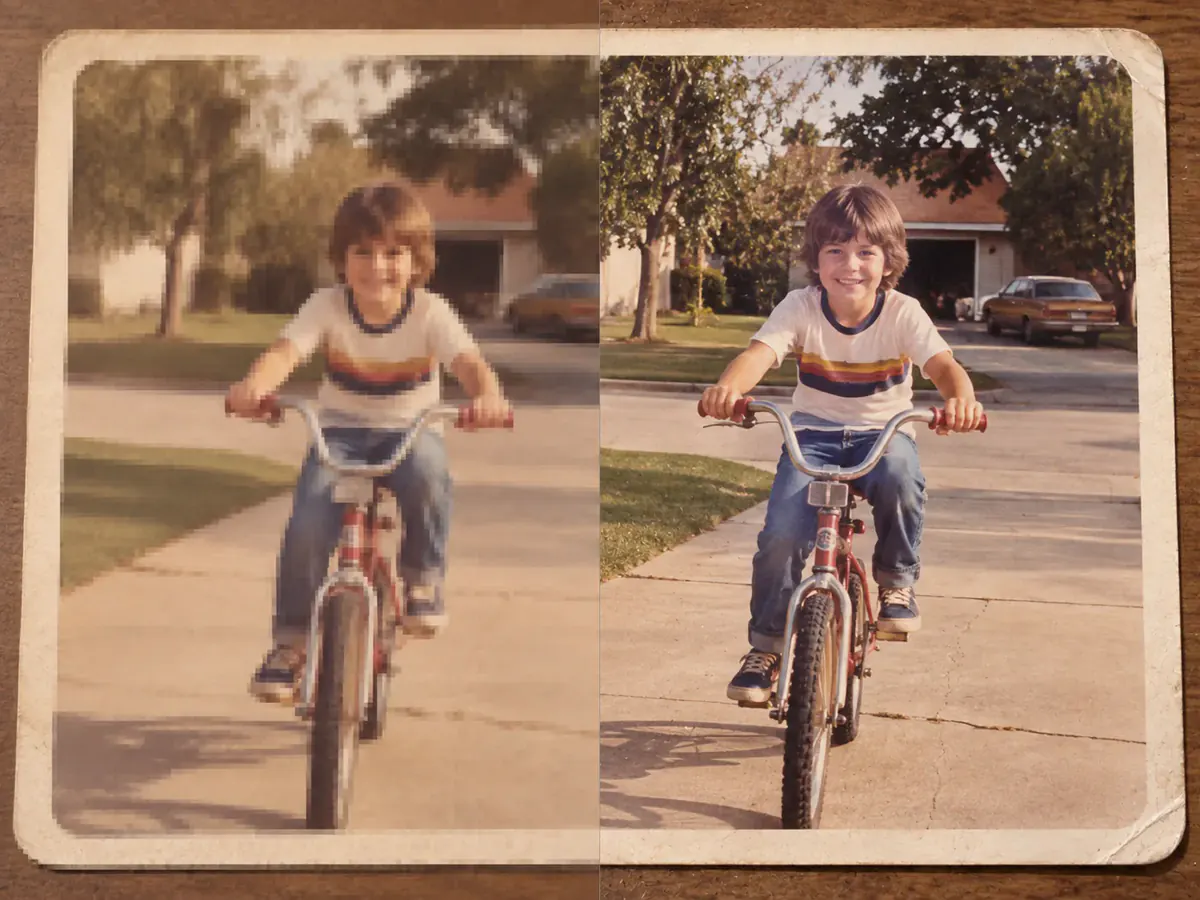
AI Image Upscaler Use Cases
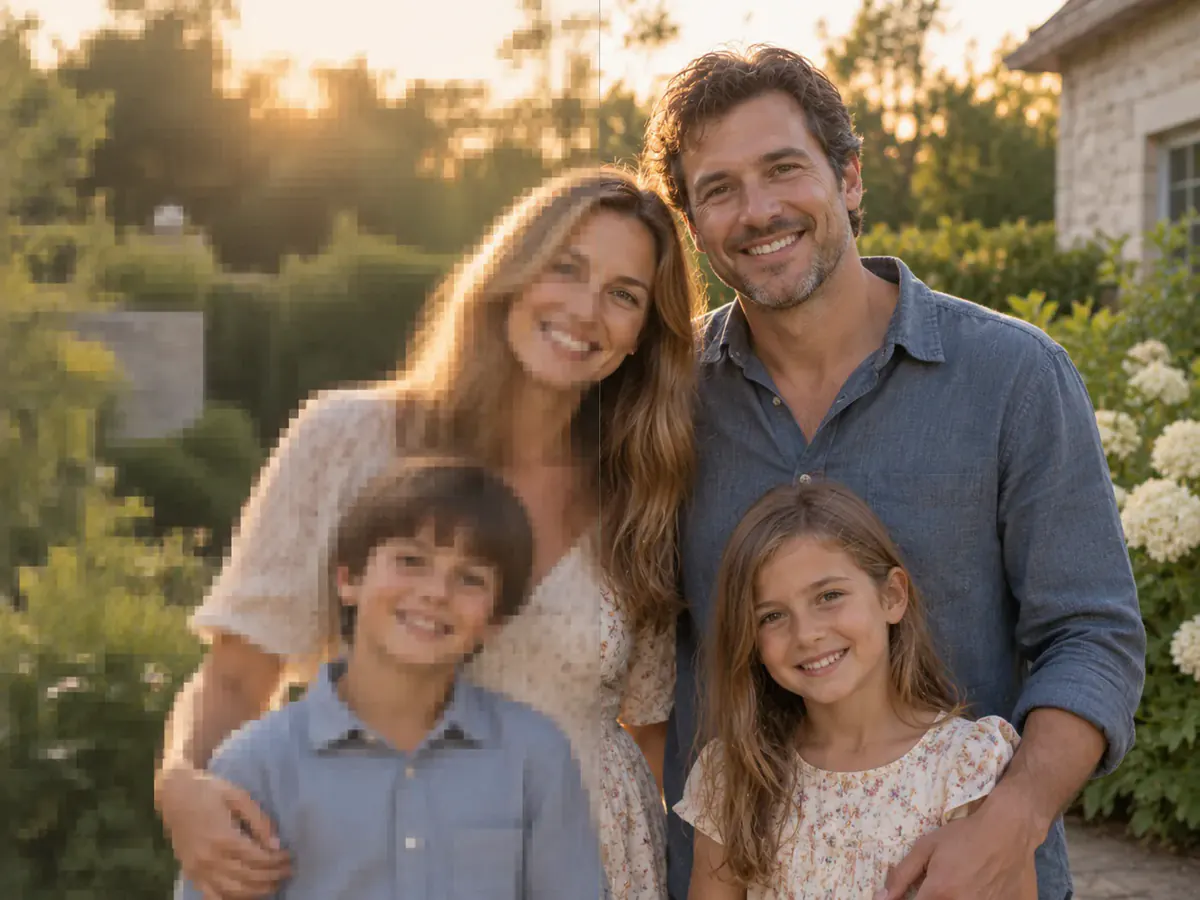
Enlarge a Family Photo for Framing
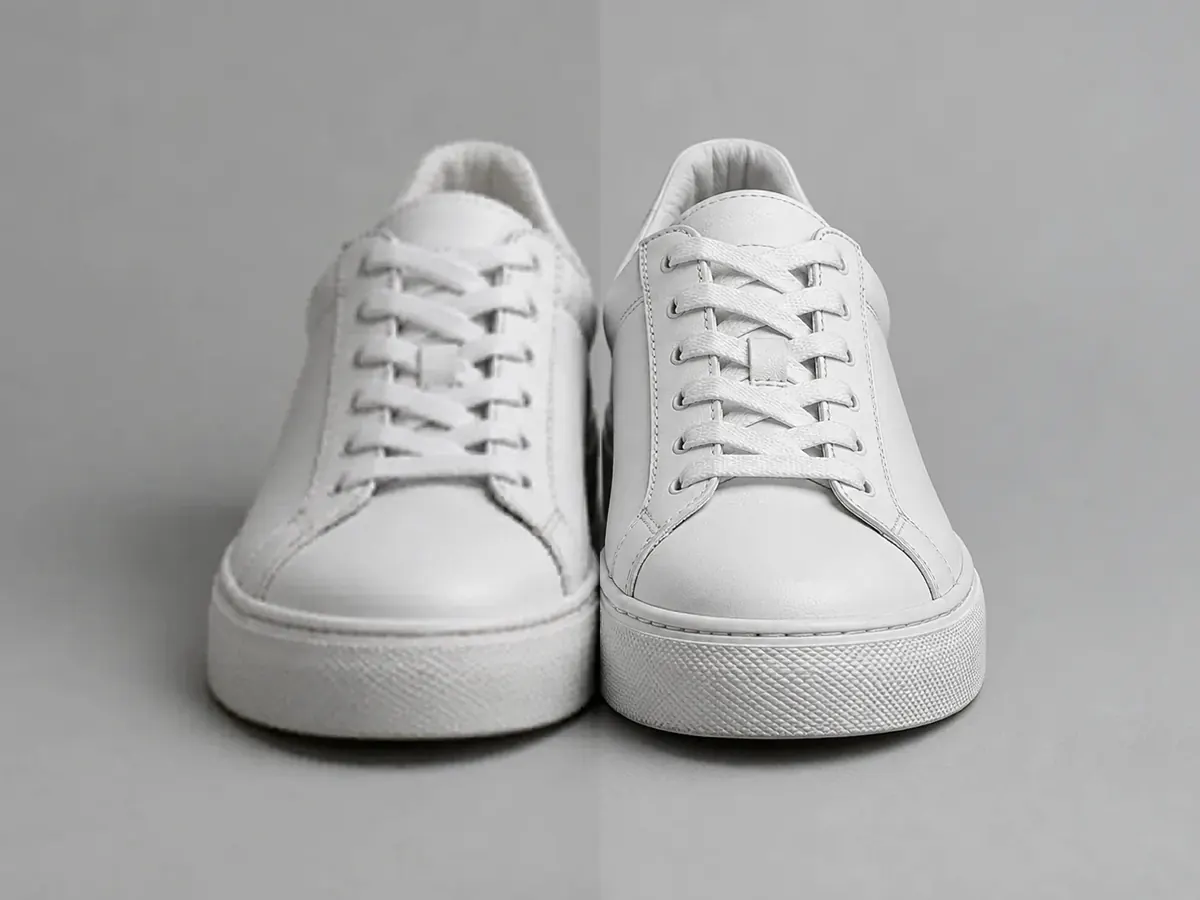
Prepare a Product Shot for a Marketplace Listing
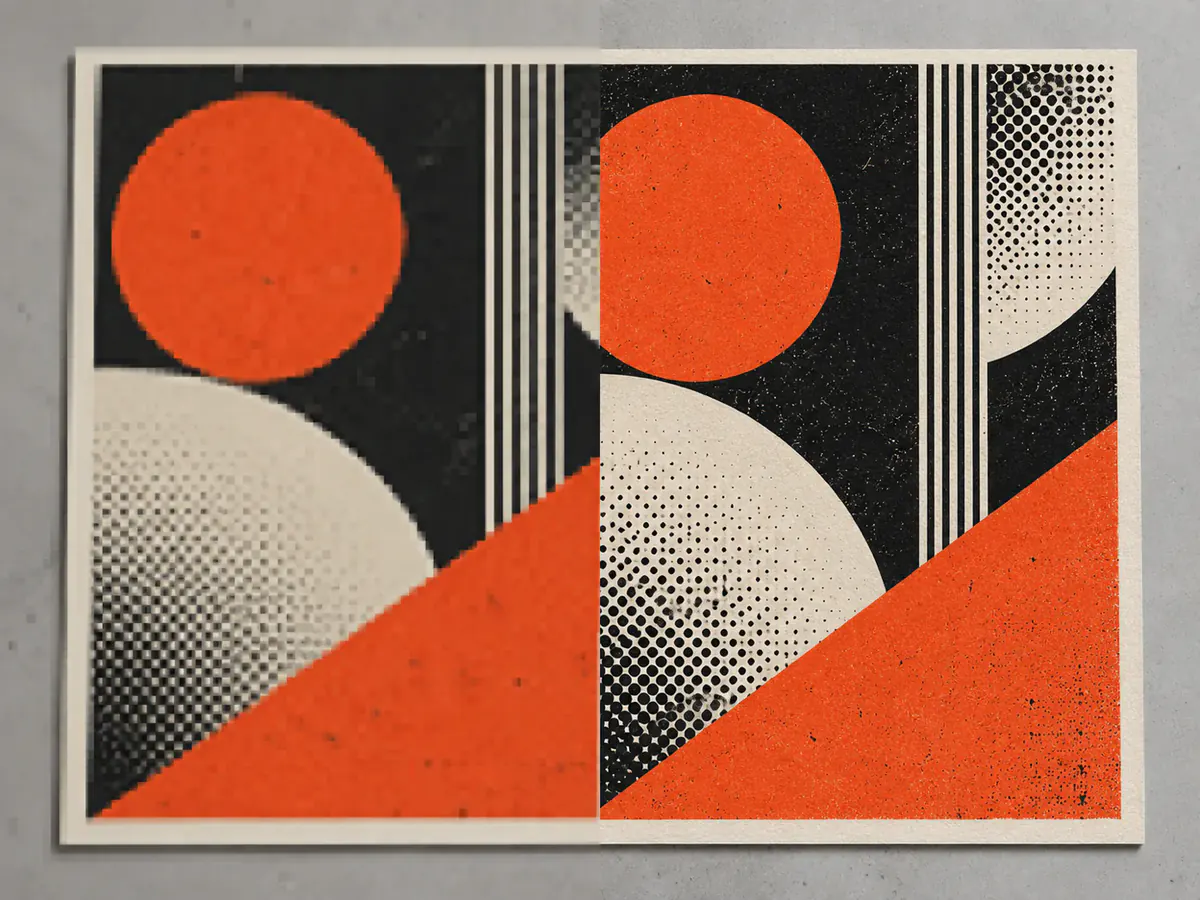
Rescue a Low-Res Poster or Artwork for Print
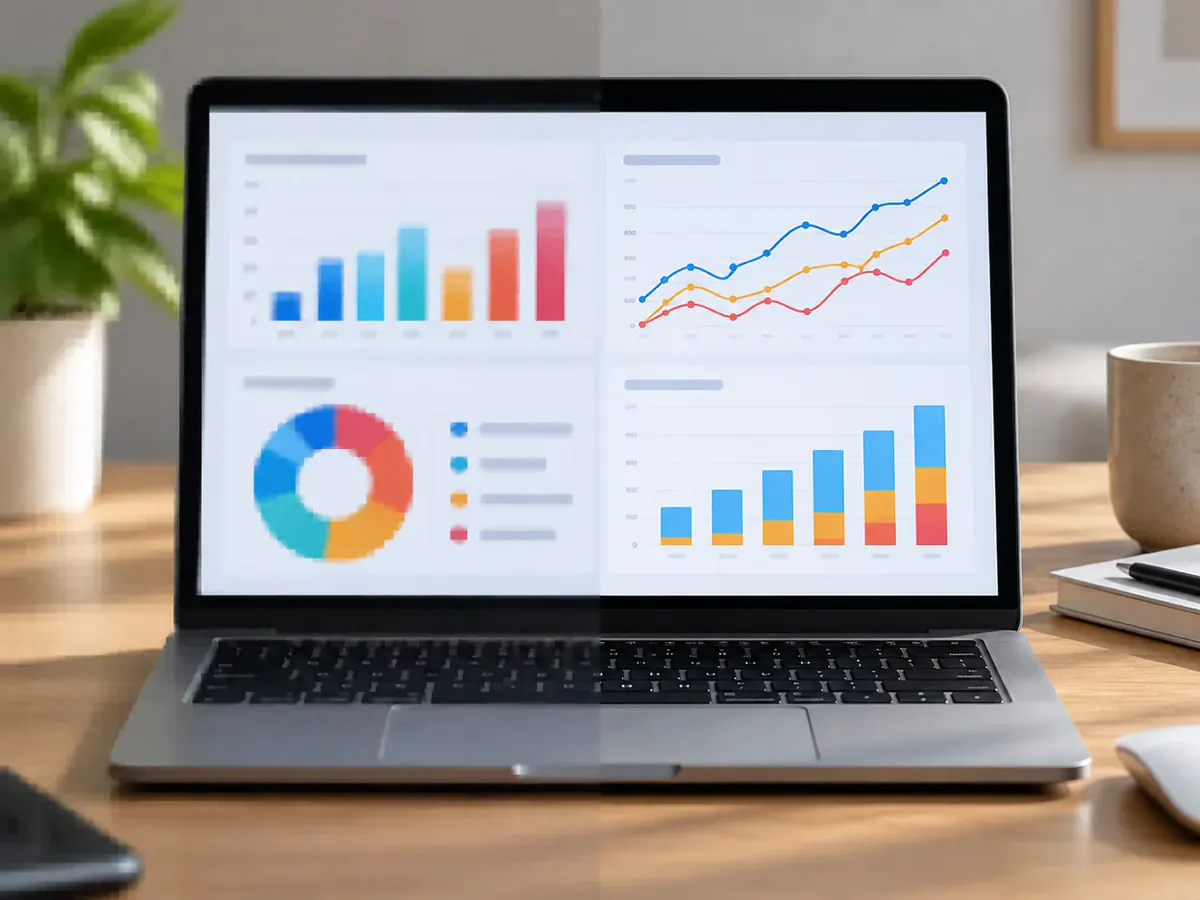
Sharpen a Screenshot Before It Goes in a Deck
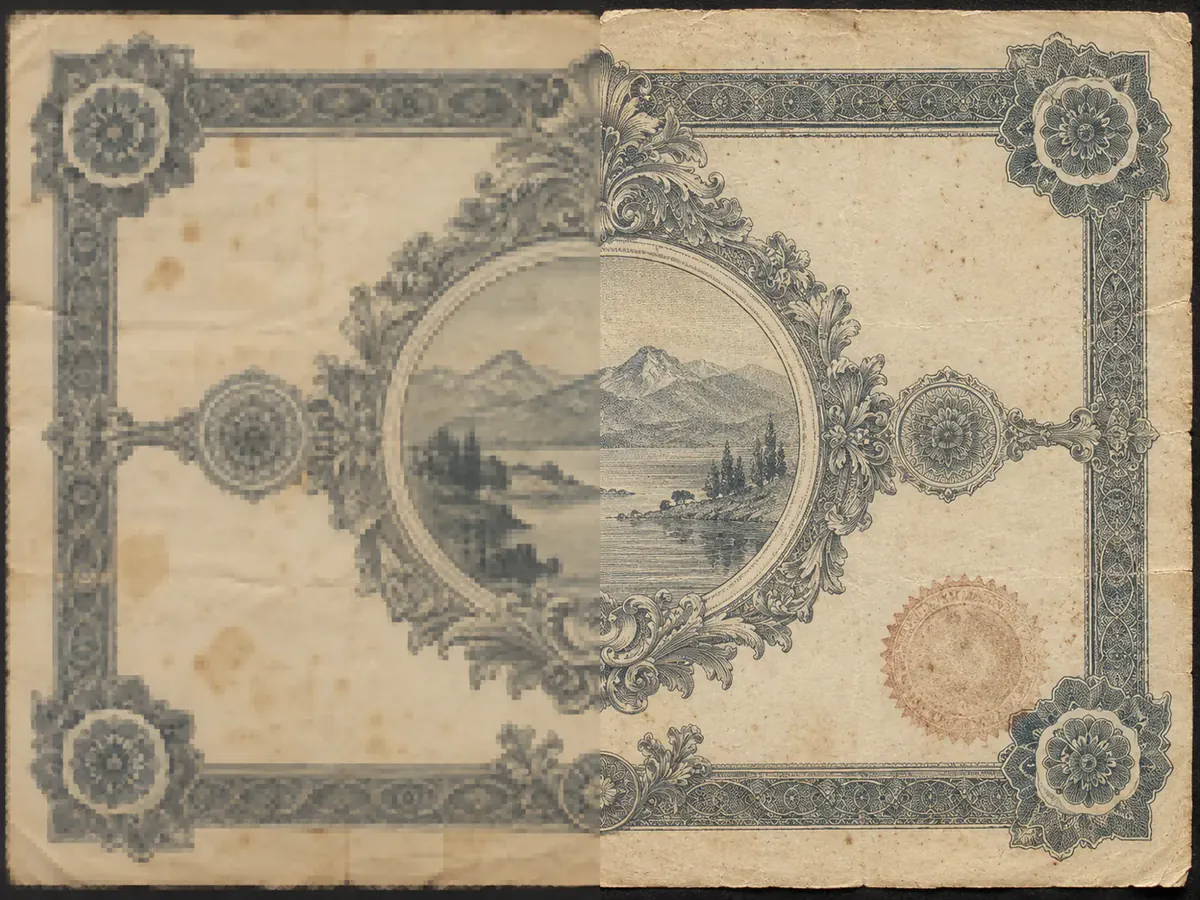
Bring a Scanned Card or Document up to Size
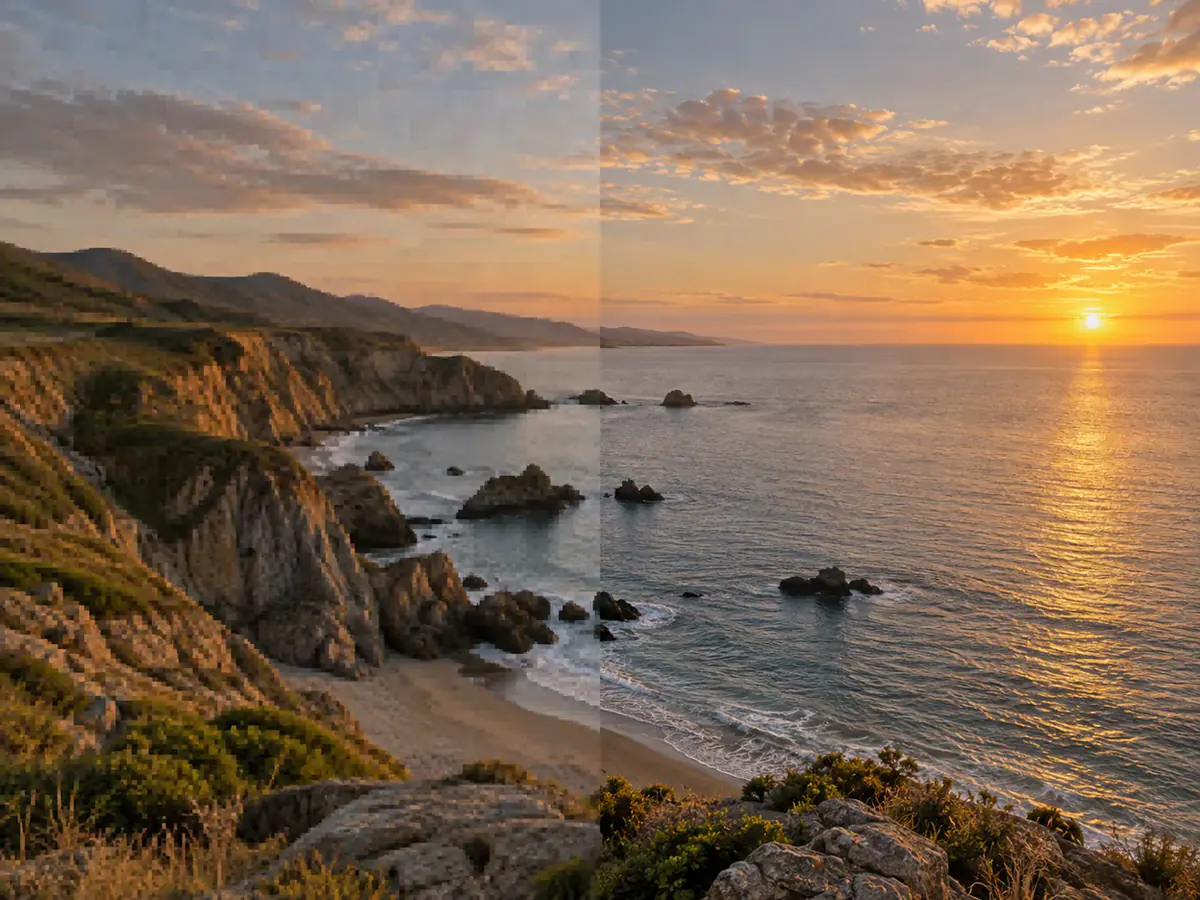
Lift a Social Crop Back to Header Size
Why Upscale Images With This AI Image Upscaler
How to Upscale an Image in Three Steps
- 1
Upload the Image You Want Upscaled
Drop a JPEG, PNG or WEBP under 30 MB into the AI image upscaler. It is resized in your browser before upload.
- 2
Pick a Model and a Factor
Use Real-ESRGAN, Real-ESRGAN Anime or SeedVR2 for a true upscale. The free guest run is fixed at 2x; sign in to choose 4x or 8x and see the credit cost before starting.
- 3
Review at Full Size and Download
Compare the result with your original at full size and download it — no watermark, with a 300 DPI tag for print software.
AI Image Upscaler Questions People Ask Before Uploading
An AI image upscaler produces a higher-resolution version of a picture you already have. Phevo's AI image upscaler runs true super-resolution models — Real-ESRGAN and SeedVR2 — that reconstruct detail at 2x, 4x or 8x instead of generating a new picture.
A resizer stretches the pixels you have; an AI image upscaler reconstructs them, so a 4x run returns four times the width and height, not a softer copy. The generative edit models redraw the picture instead.
One shared free run per day works without an account and uses Real-ESRGAN at 2x. Phevo adds no visible watermark. A new account receives 6 welcome credits; choosing 4x, 8x or another model requires an account and enough credits.
Real-ESRGAN and Real-ESRGAN Anime start at 3 credits per image at 2x; SeedVR2 starts at 5. Higher factors and generative models have different costs. Batch upscaling charges for each image, and the total is shown before you run.
Face restoration can alter fine facial details. Real-ESRGAN enables it by default, while Real-ESRGAN Anime disables it. Compare the result with the original at full size before keeping it, especially when likeness matters.
Strong restoration can smooth skin or invent texture. Compare the output with the original, try another available model or a lower factor, and keep the version that preserves the detail you need. No setting guarantees an unchanged face.
Check the downloaded file's pixel dimensions against your intended print size. A true upscale multiplies the image prepared for upload by the selected factor; a generative model follows its own size settings. The 300 DPI tag helps print software set a physical size, but adds no image detail.
Upload JPEG, PNG or WebP up to 30 MB. Before upload, the browser reduces images larger than 1536 pixels on the longest edge. True upscalers multiply that prepared image by 2x, 4x or 8x; generative models use their own supported output settings.
Yes — it is one of the most common reasons people open an AI image upscaler. Pick Real-ESRGAN Anime rather than the photo model: photo weights add skin shading and grain to flat colour, while the anime weights leave linework as drawn.
A free guest upscale always uses Real-ESRGAN at 2x. Sign in to choose 4x or 8x. The factor applies to the image prepared for upload, whose longest edge is limited to 1536 pixels. Generative edit models use output sizes rather than enlargement factors.
Real-ESRGAN at 3 credits for a straight enlargement — also what the free daily run uses. Real-ESRGAN Anime for line art, SeedVR2 for faces, and a generative edit model only when you want the content changed.
Your image is sent to fal.ai for the upscale, as stated at the upload box. Results there may stay available for a limited period under fal.ai’s retention practices, so download what matters.
Try the AI Image Upscaler Free
Try your shared daily free run at 2x on Real-ESRGAN without an account. Sign in to choose 4x or 8x, with the credit cost shown before you run.
Upscale an Image Free