 Phevo
PhevoPhoto Editor AI
Say what changes and what must stay — Photo Editor AI returns a new photo beside your original, in your browser.
Real Photo Editor AI edits, real prompts
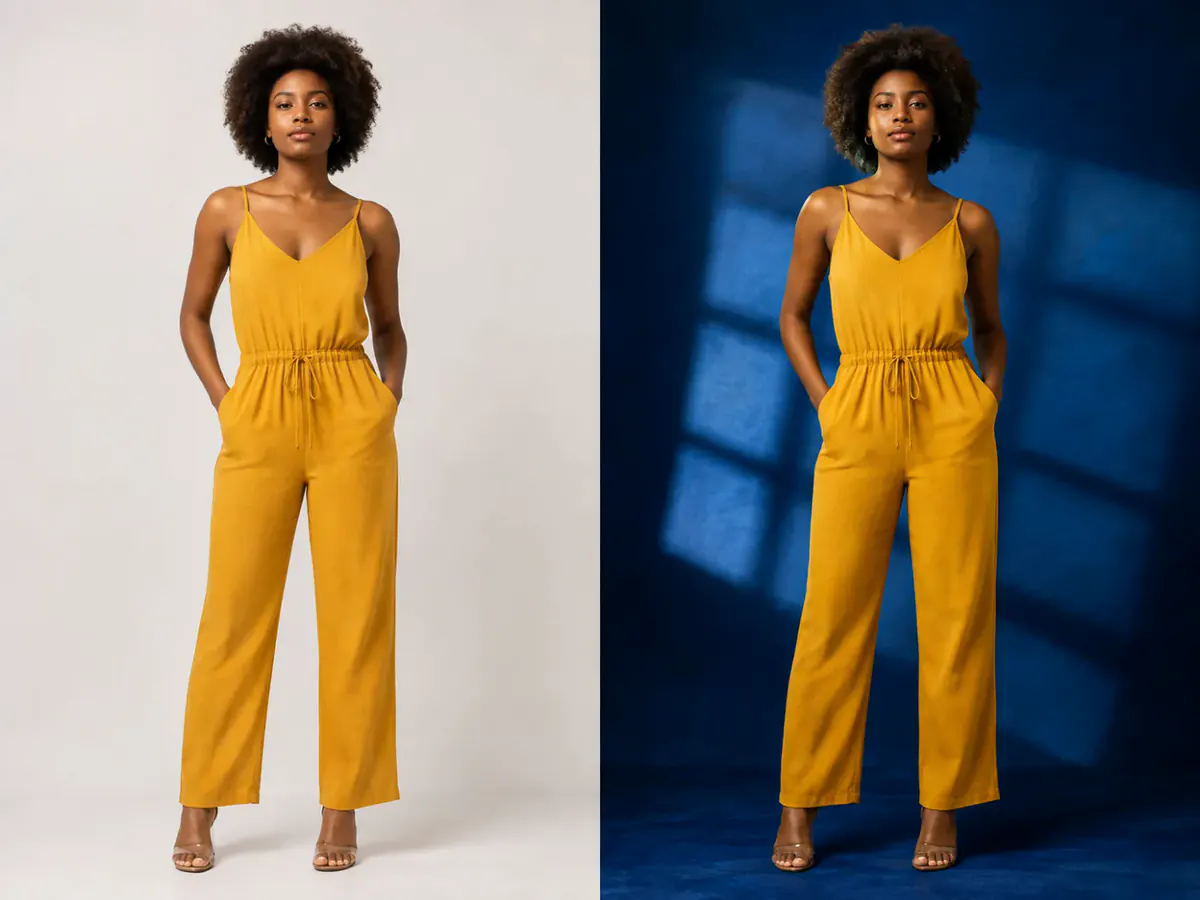
Every pair below came from one sentence — no masks, no layers.
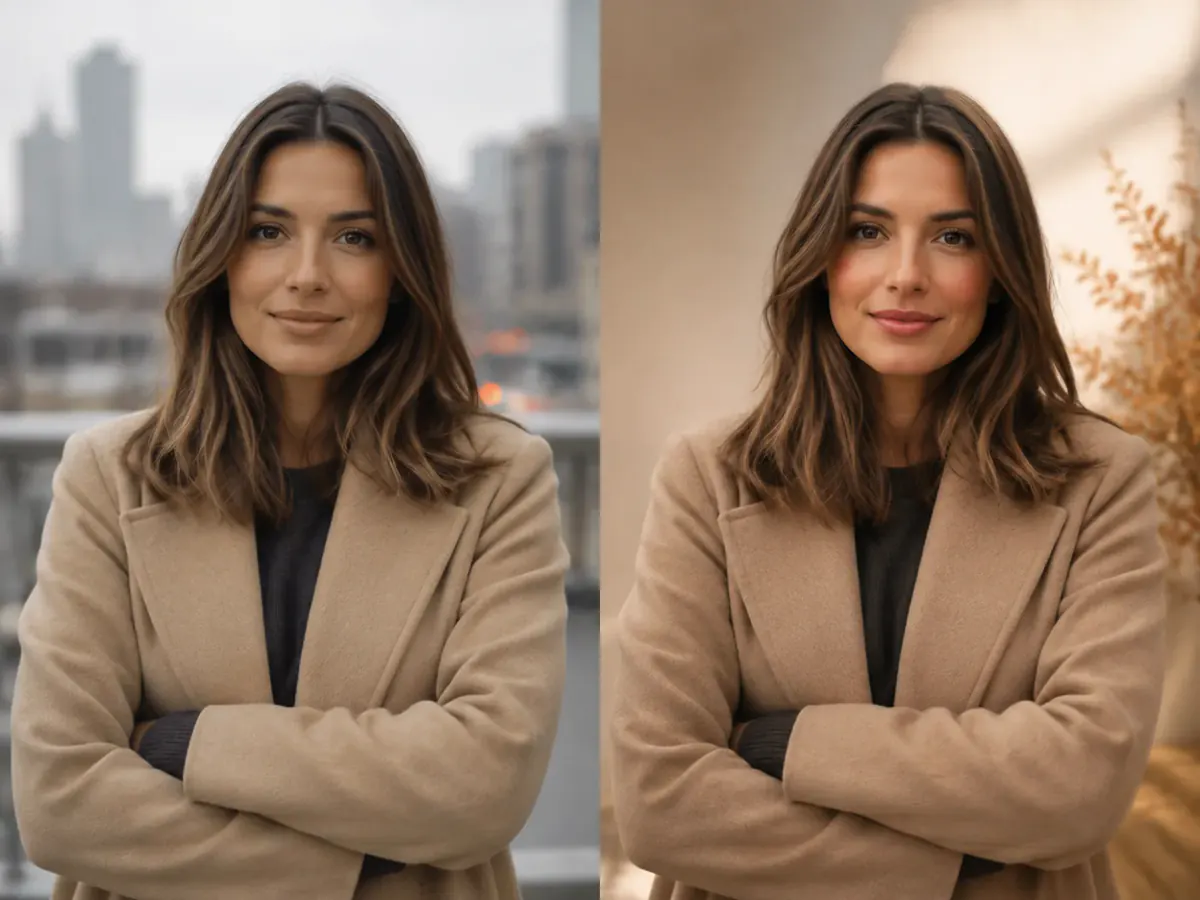
prompt
Replace the background with a clean editorial studio
Your own result replaces these examples as soon as it is ready.
Photo Editor AI Models, Each With a Price on the Button
Tap any model to load it into Photo Editor AI above. Its credit cost sits on the generate button before you spend anything.
Edit Photos with AI Using Simple Text Prompts
Change What You Ask. Keep What Matters.
You wanted the background gone, not a different person. Tell Photo Editor AI the change and what to keep, then judge the result against your original.
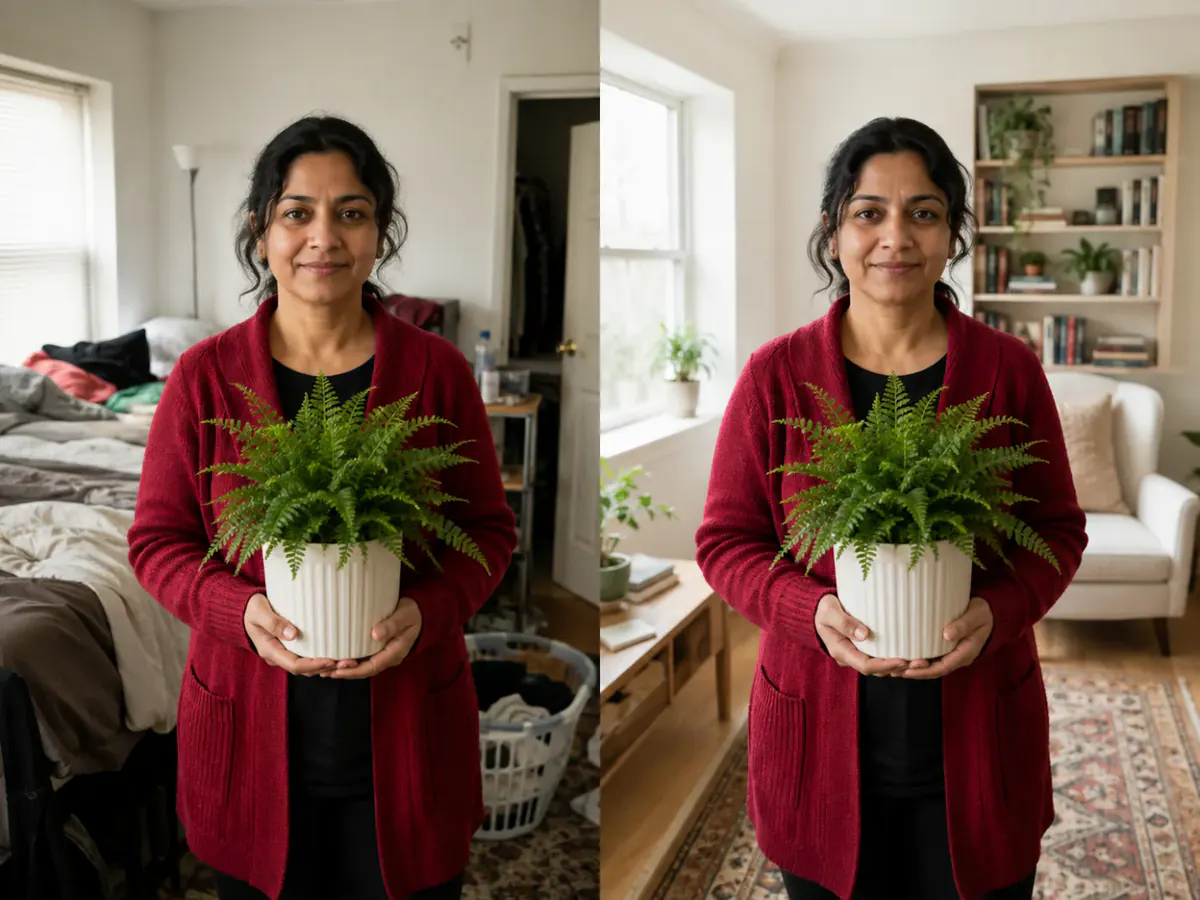
Remove an Object From a Photo, Not the Whole Scene
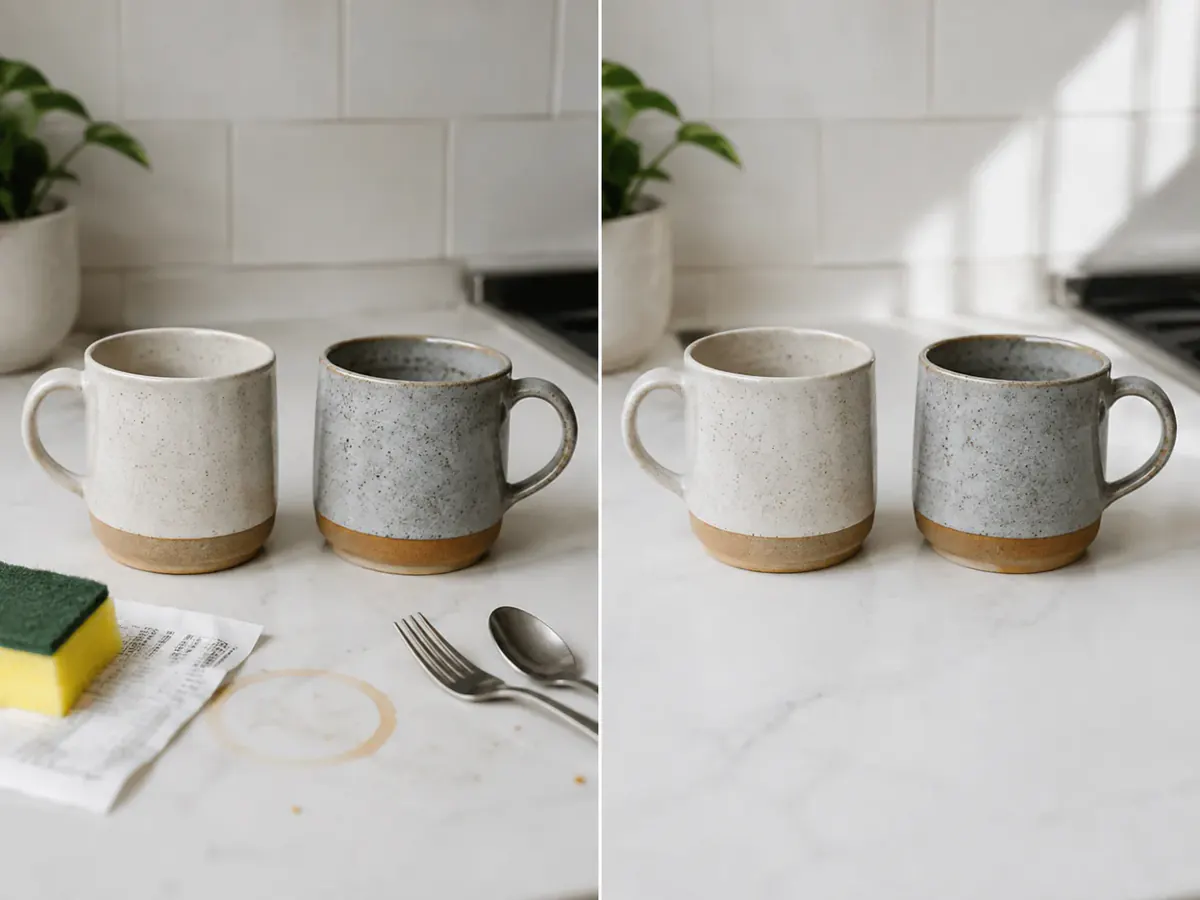
A stranger walked into the shot. Describe the distraction and the space behind it, and the AI photo editor rebuilds that area — no lasso, no layers.
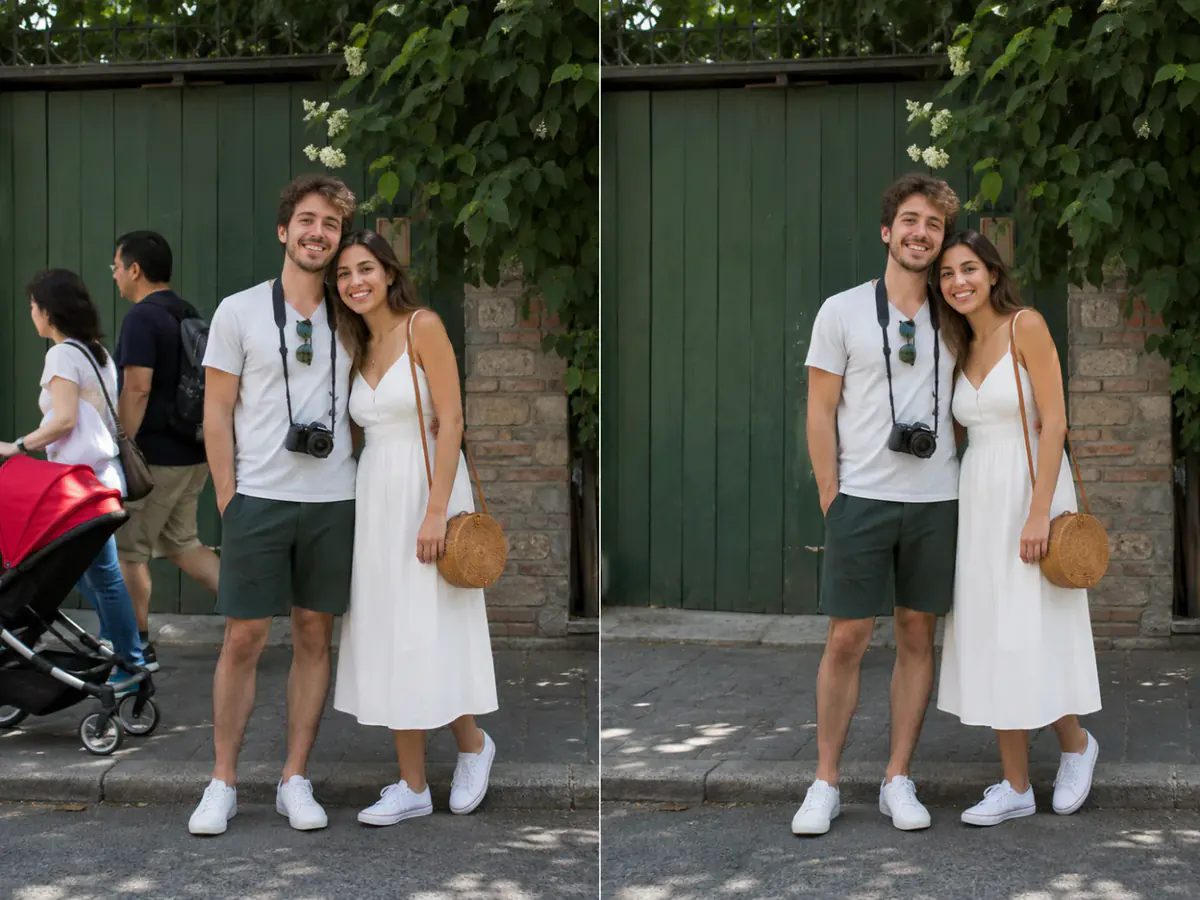
Turn a Phone Snapshot Into a Usable Product Shot
One phone photo, a listing to fill. Ask Photo Editor AI for a cleaner setting and better light while the product stays put.
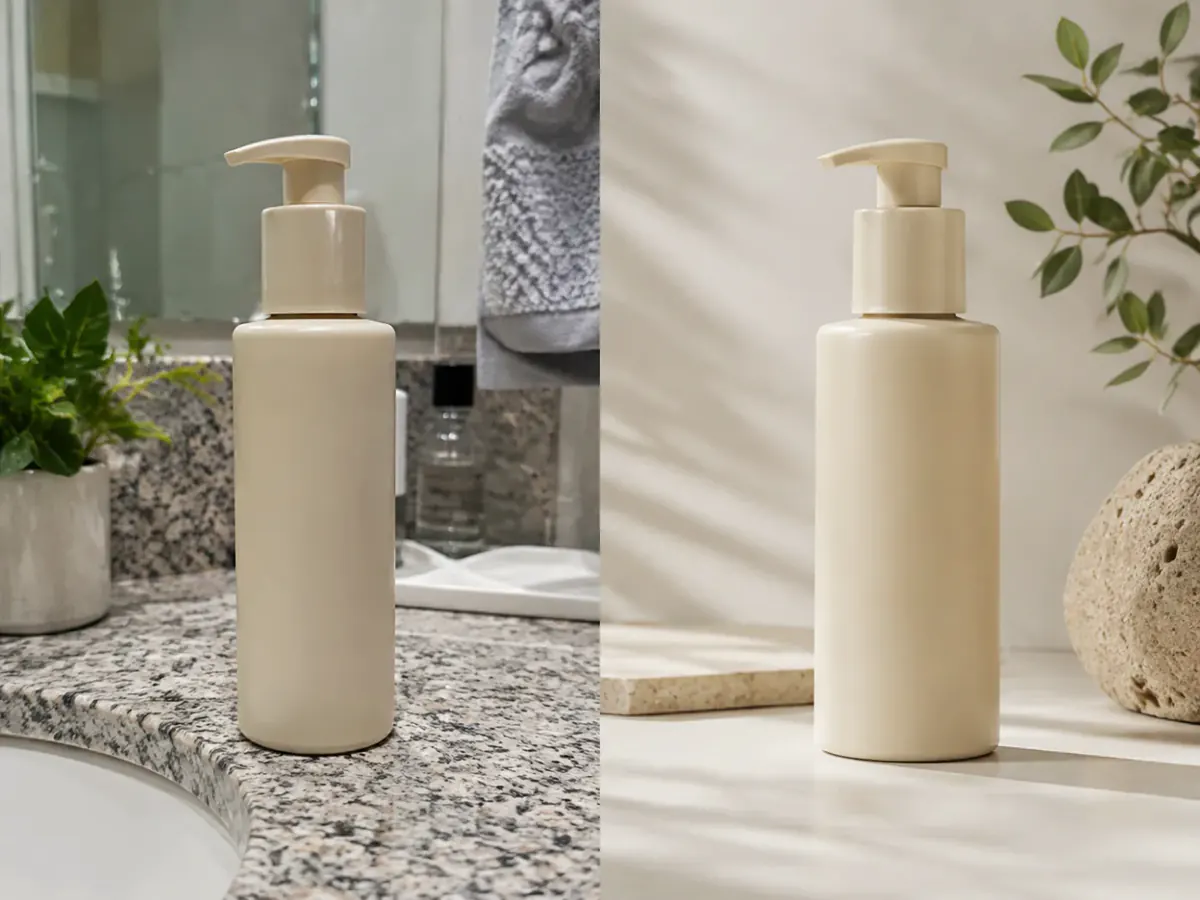
Test a Bolder Look Before Committing Budget
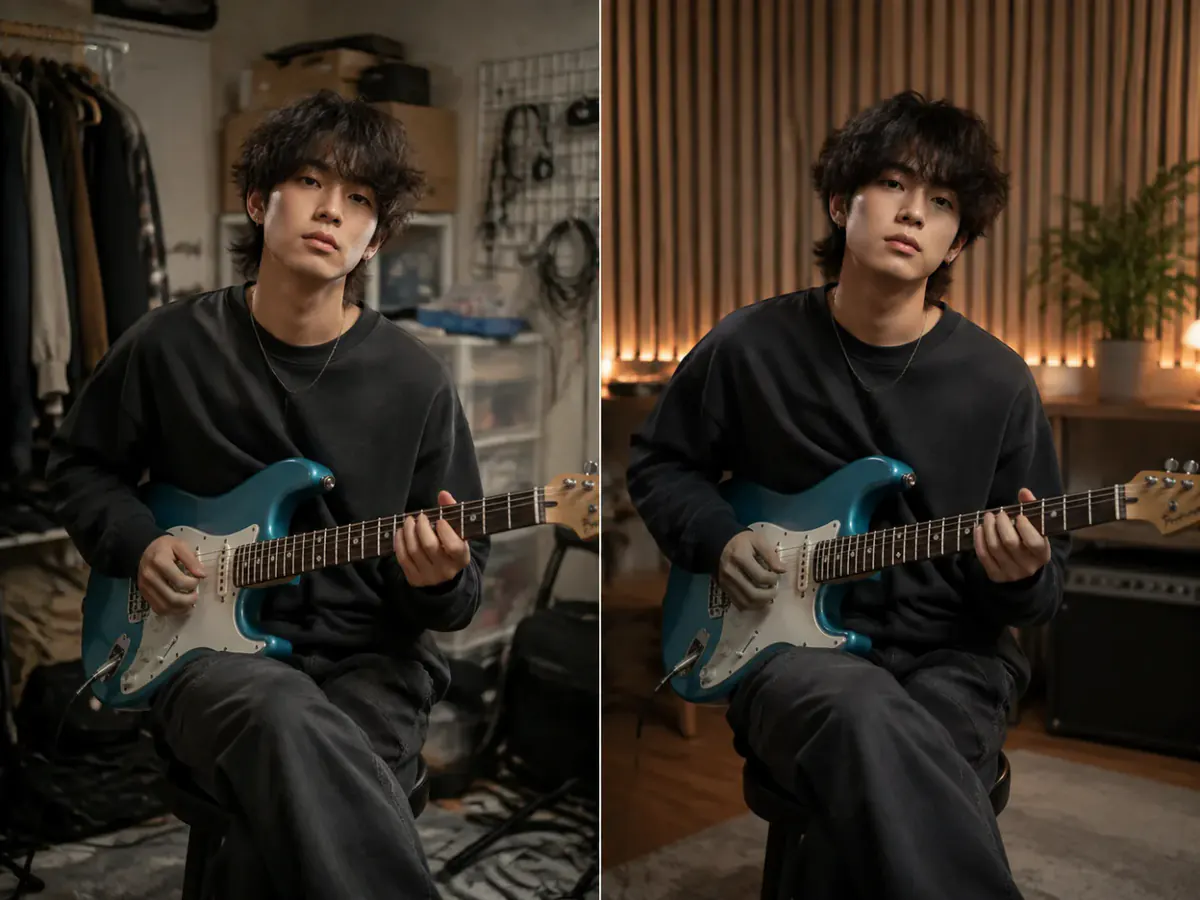
A mood board is guesswork. Put the campaign direction on your own image with photo editing AI, holding pose and framing in the prompt.
Old Photo Restoration Without Reinventing the Person
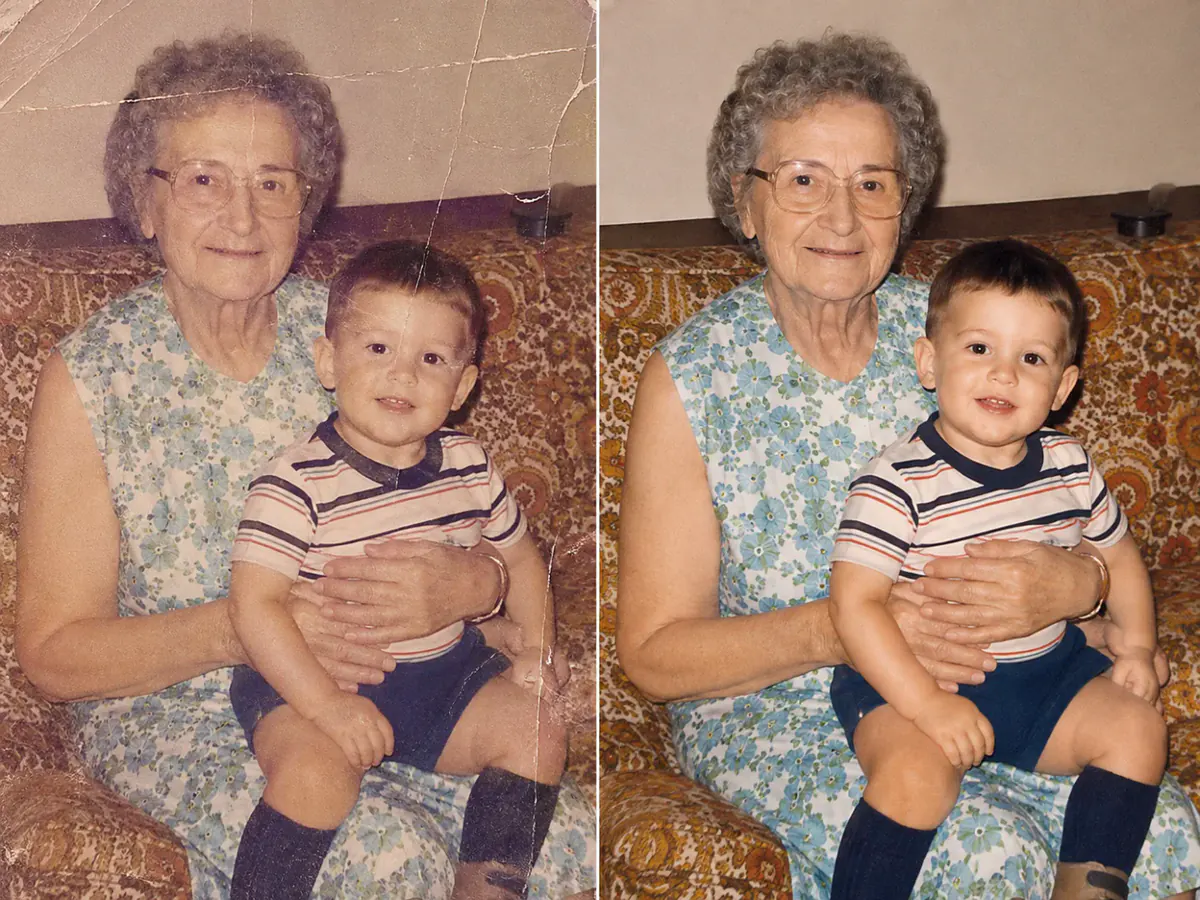
Scratches and fading are worth repairing; a new face is not. Ask Photo Editor AI for a careful repair, and keep your scan.
What Can You Do With Photo Editor AI?
E-commerce & Online Stores
Social Media & Creators
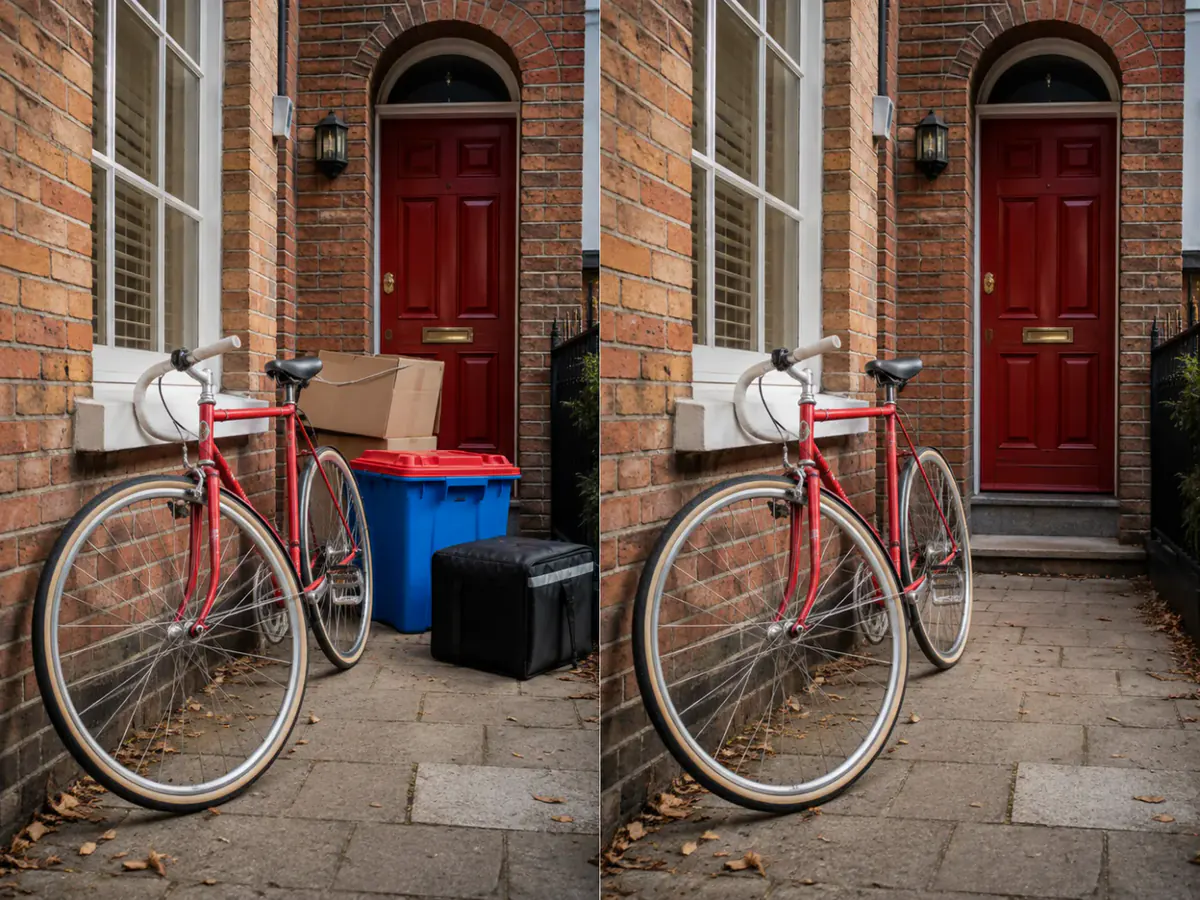
Marketing & Ads
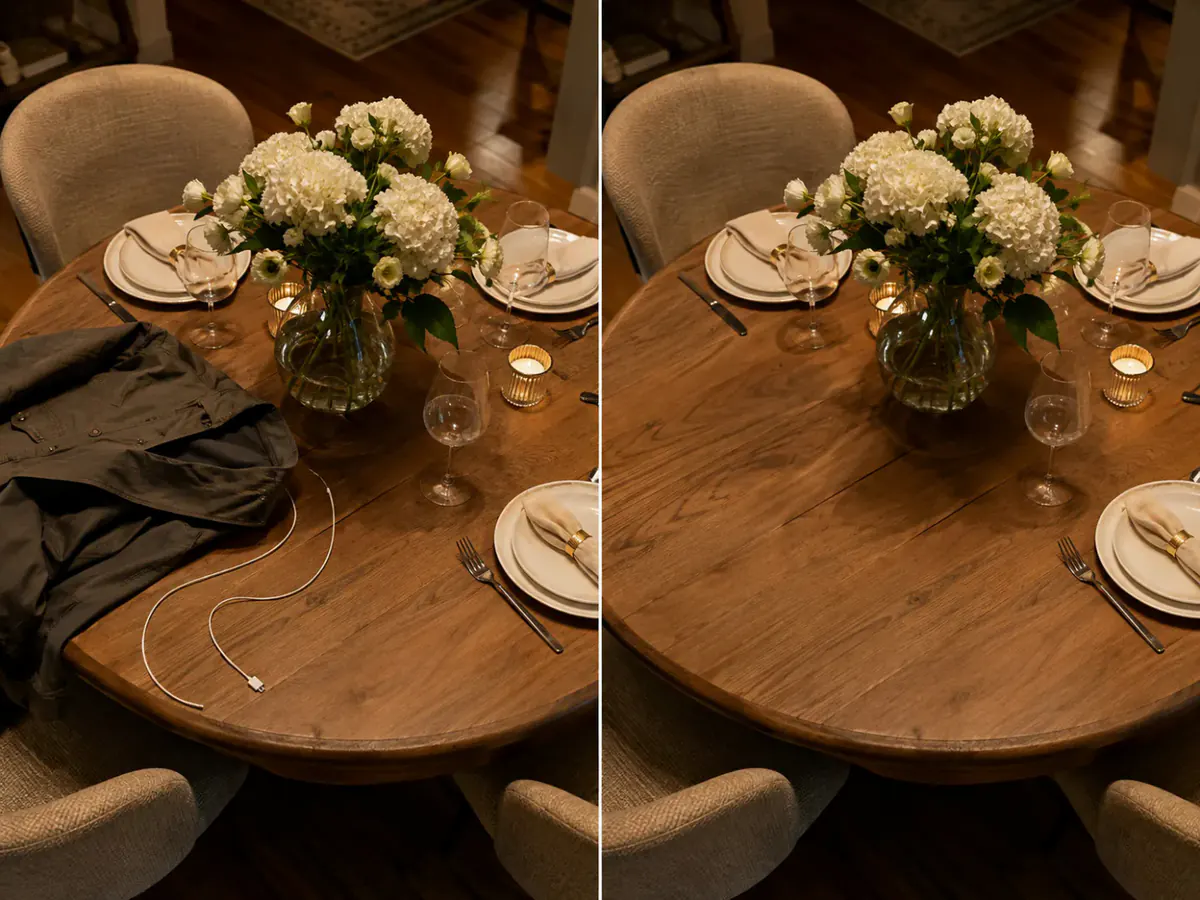
Photography & Personal Photos
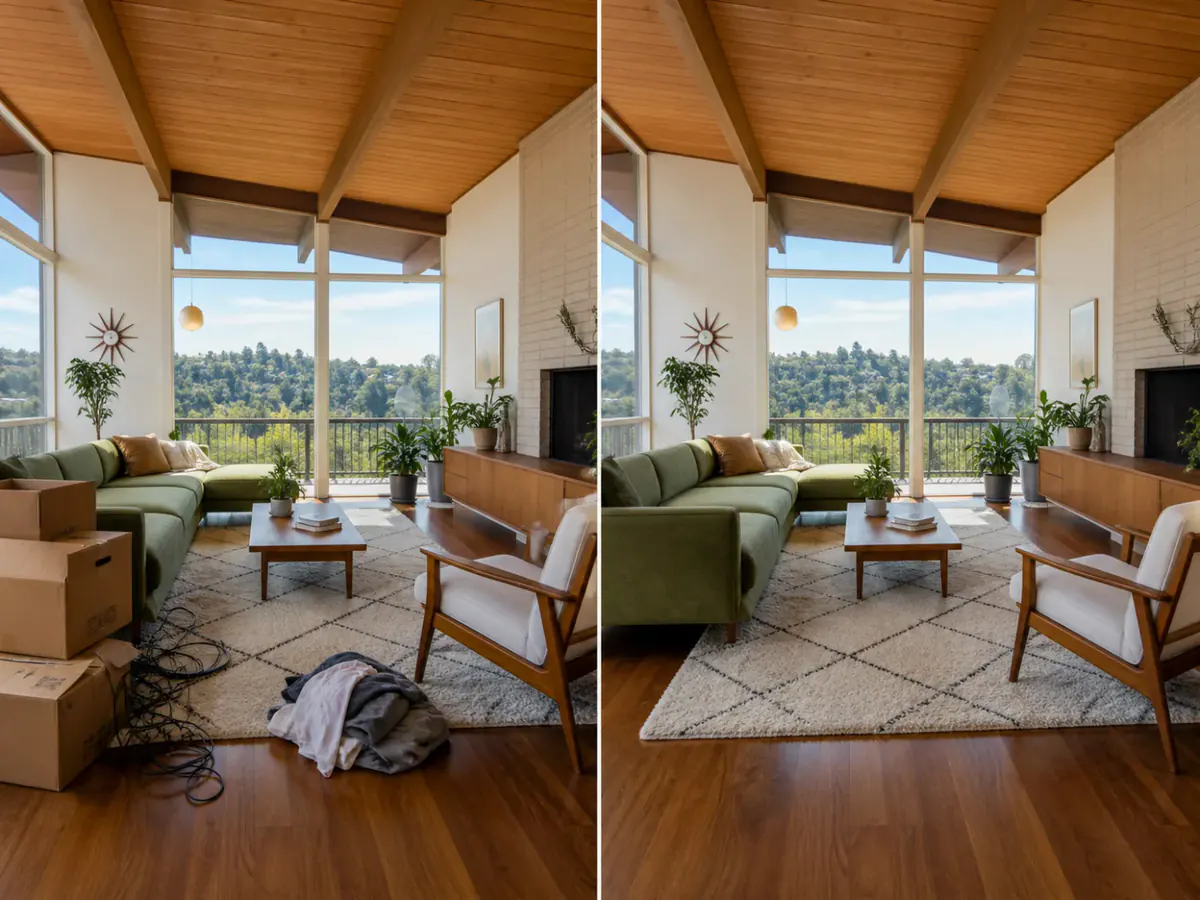
Small Teams & Startups
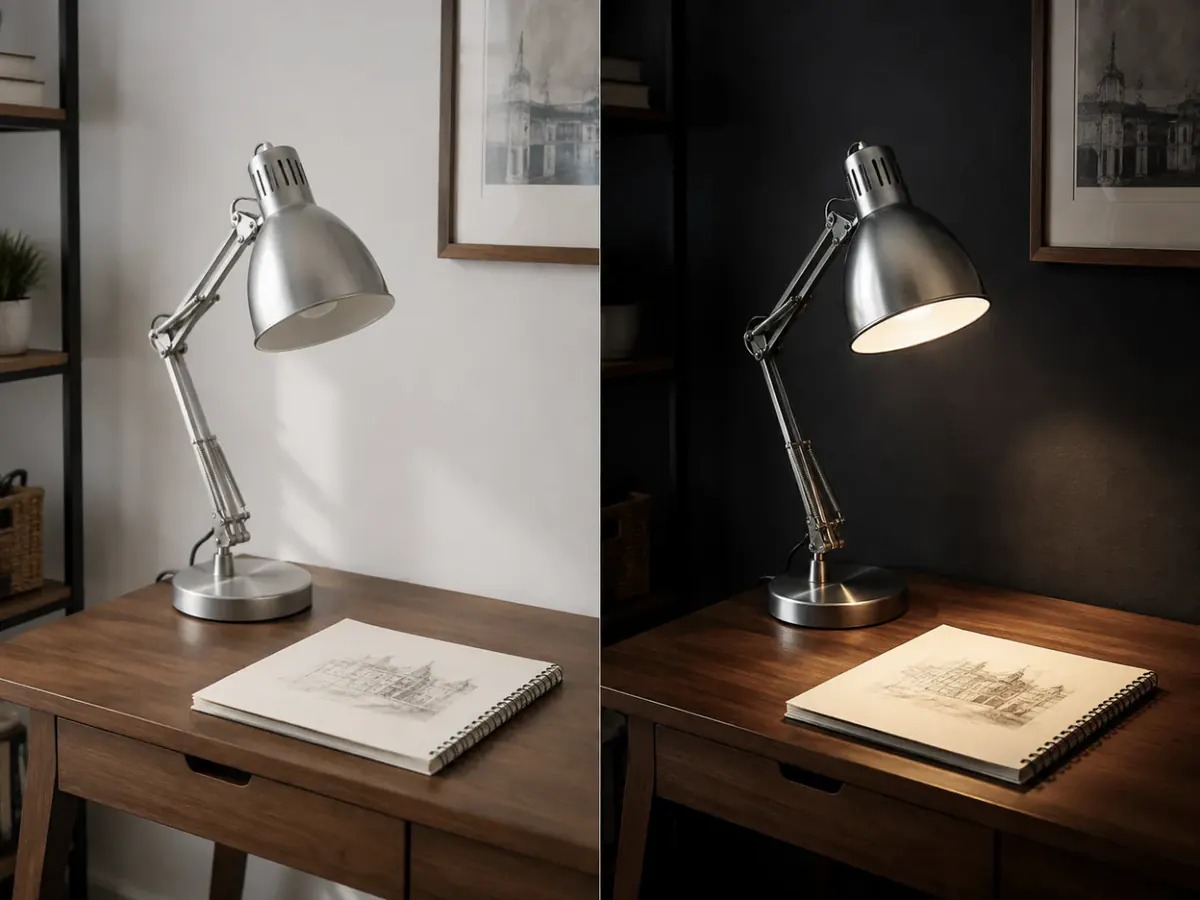
Designers & Creative Review
Why People Pick This Photo Editor AI
How to Edit Photos With AI in Three Steps
- 1
Upload the Photo
Drop a JPEG, PNG or WEBP into Photo Editor AI — several at once if the model takes them. The upload box says where the files go.
- 2
Say What Changes — and What Does Not
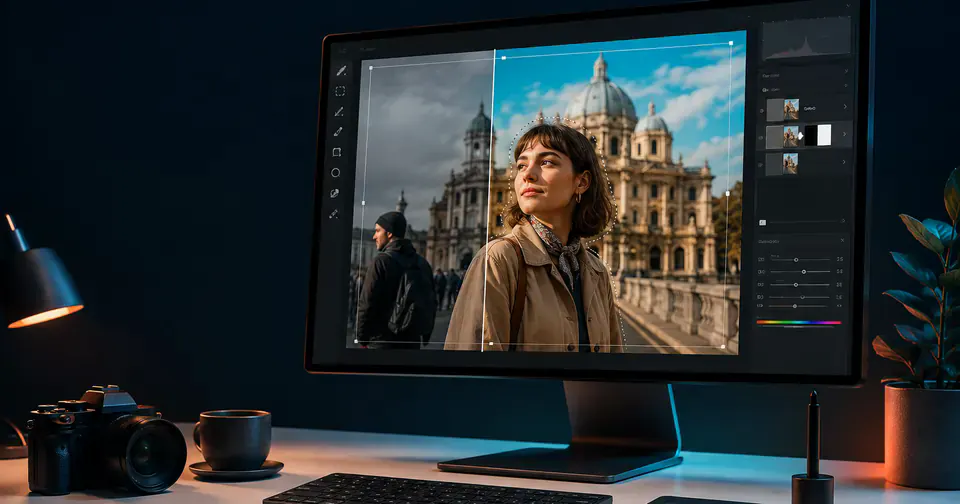
"Remove the people behind her, keep her face, clothing and pose." The constraint half is the half most people skip.
- 3
Compare and Download
Photo Editor AI places the result beside your original. Keep it, or reword and try again — failed generations refund themselves.
Twelve Ways People Use Photo Editor AI
What people ask Photo Editor AI for, what they protect, and how they decide a result is worth keeping.
Photo Editor AI Questions People Ask Before Uploading
You upload a photo, describe the change in plain language, and the model returns a new image to review. Photo Editor AI keeps the upload, prompt, result, balance and download on one screen.
Yes, two ways. Name what must stay unchanged in your instruction and the model keeps the change local. For tighter control, sign in, open a finished result in Brush Retouch, paint over the area and describe the fix — only the painted part is redrawn.
It can, which is why the instruction should say otherwise. Add "keep her face, expression and pose exactly as they are", then compare both images at full size.
The result is a newly generated image, not your file with a filter, so fine detail can shift. Keep the source and review at full size.
That is the main reason people open Photo Editor AI. Describe the distraction to remove or the setting you want, say which details stay, and skip layers and selection tools.
It is free to start: a new account gets 6 welcome credits and no card is required. It is not unlimited — the cheapest model costs 5 credits an edit.
An edit costs 5 to 20 credits depending on the model, more at 2K or 4K, shown on the generate button next to your balance.
No. When a Photo Editor AI generation does not complete, its credits return automatically, so you can rewrite the prompt without paying twice.
Your image is sent to fal.ai to perform the edit. Its terms do not promise that submitted content is excluded from training, so we do not claim it — keep sensitive photos out of any photo editor AI, including this one.
Photo Editor AI runs its models through fal.ai. Check the terms of the provider behind the model you used, and confirm your inputs and intended use comply before commercial use.
Try Photo Editor AI Free
Six credits on a new account, and the model's cost on the button before you commit. Upload a photo and see what one sentence does in Photo Editor AI.
Start editing free