 Phevo
PhevoGPT Image 2.5
Run GPT Image 2.5 as Flare or Sunburst by name, see the cost before you render, and refine an image without losing what matters. Sign up for 6 free credits.
Real Photo Editor AI edits, real prompts
Every pair below came from one sentence — no masks, no layers.
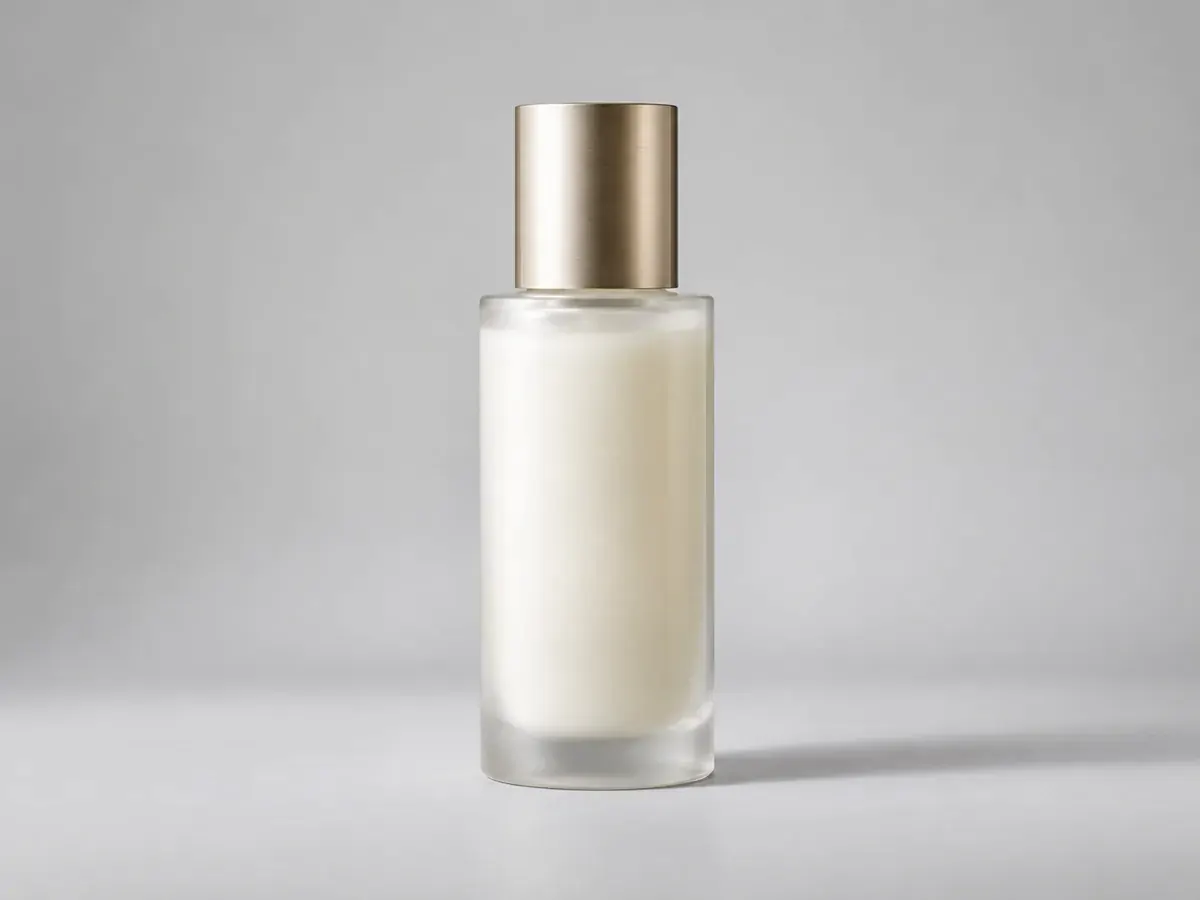
prompt
Keep the bottle and its shadow; replace the desk behind it with a plain studio wall
Your own result replaces these examples as soon as it is ready.
GPT Image 2.5 Is Two Models, Not One
GPT Image 2.5 is OpenAI's image model, launched on 8 September 2026 in two editions. Flare is the fast default for natural light and rich texture; Sunburst takes longer and returns finer detail with strict control over what an edit changes. Phevo runs both under their real names.
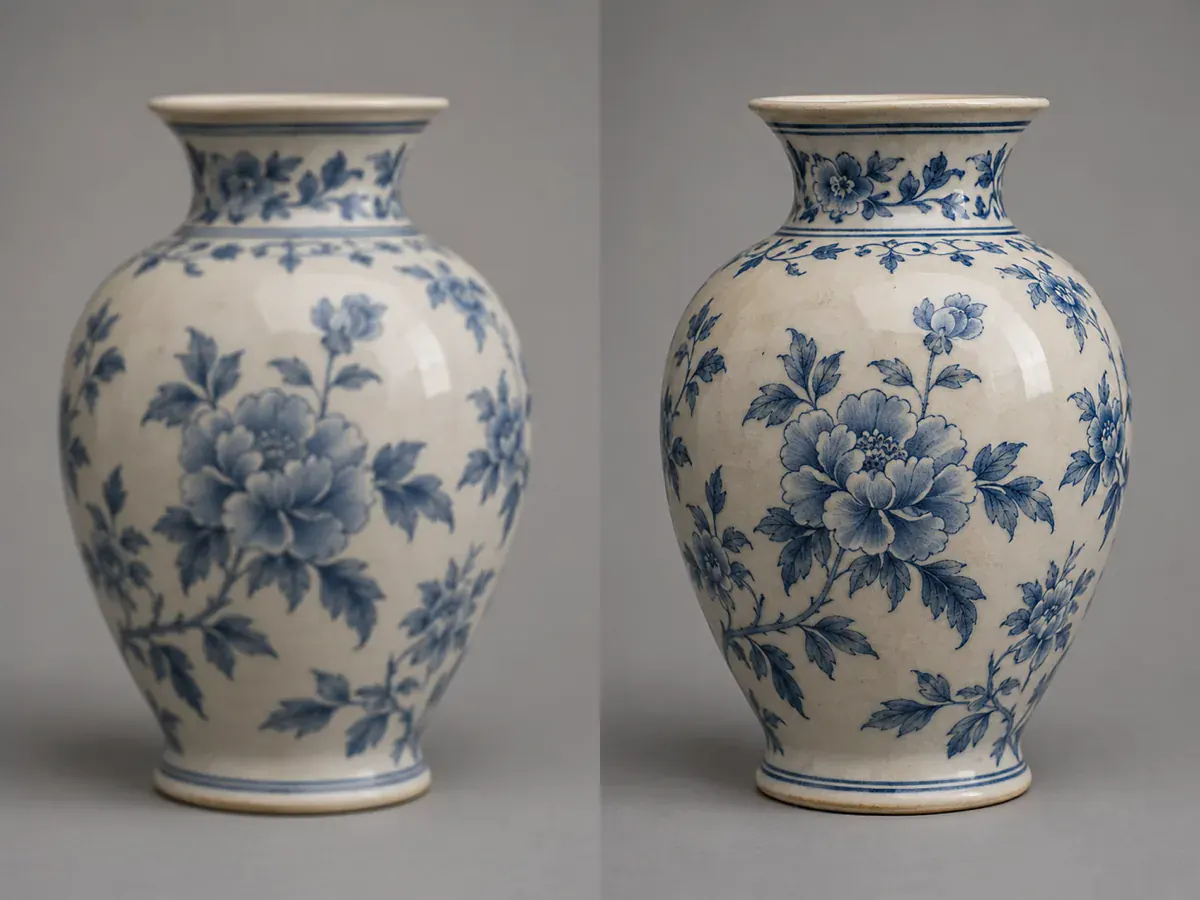
One Subject, Up to 16 References
A single GPT Image 2.5 edit accepts up to 16 reference images and keeps the subject recognizable across them. The same face, product or jacket survives a change of style and several revisions — where earlier releases quietly drifted.
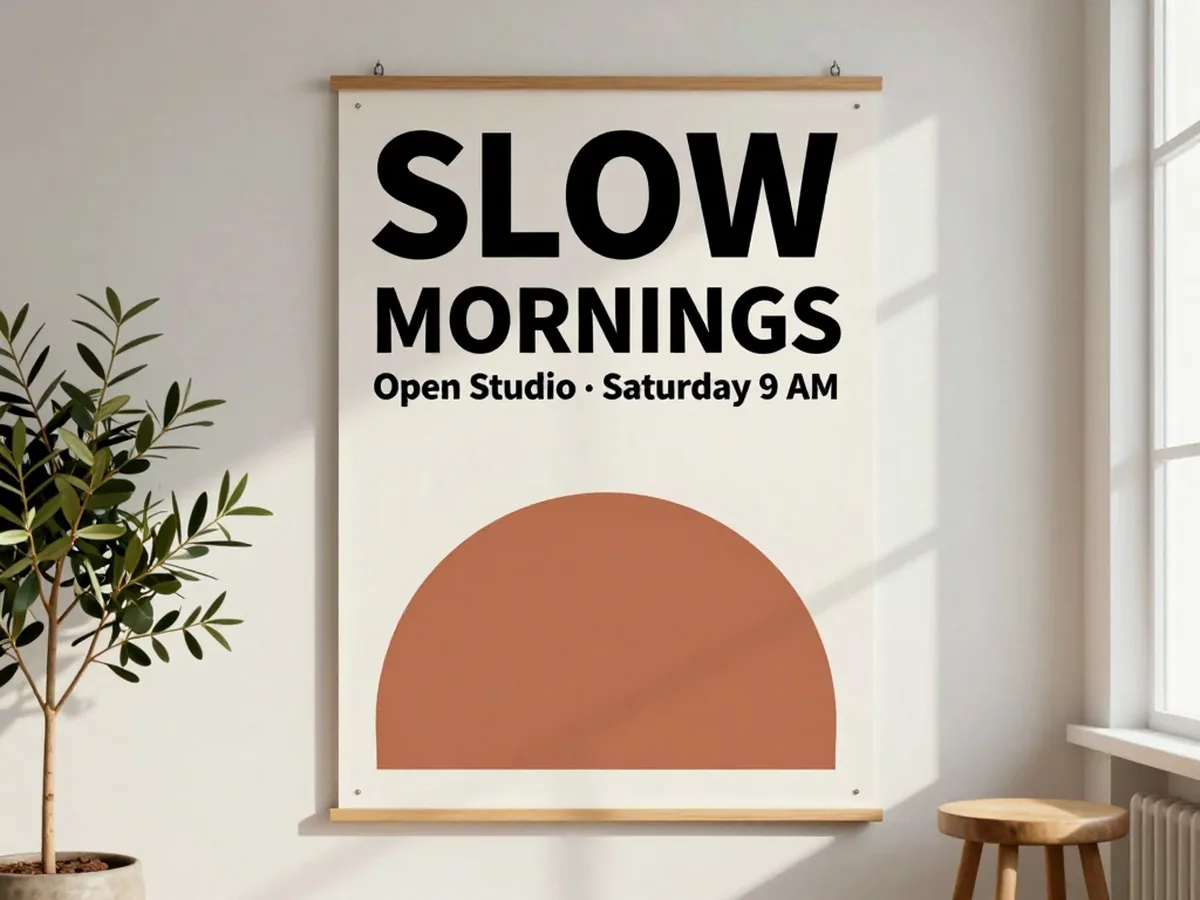
Type That Holds Together
Lettering is where most image models come apart. GPT Image 2.5 keeps a short line of type legible and holds a layout together — a menu board, a product label, a poster headline. Proof the spelling before print.
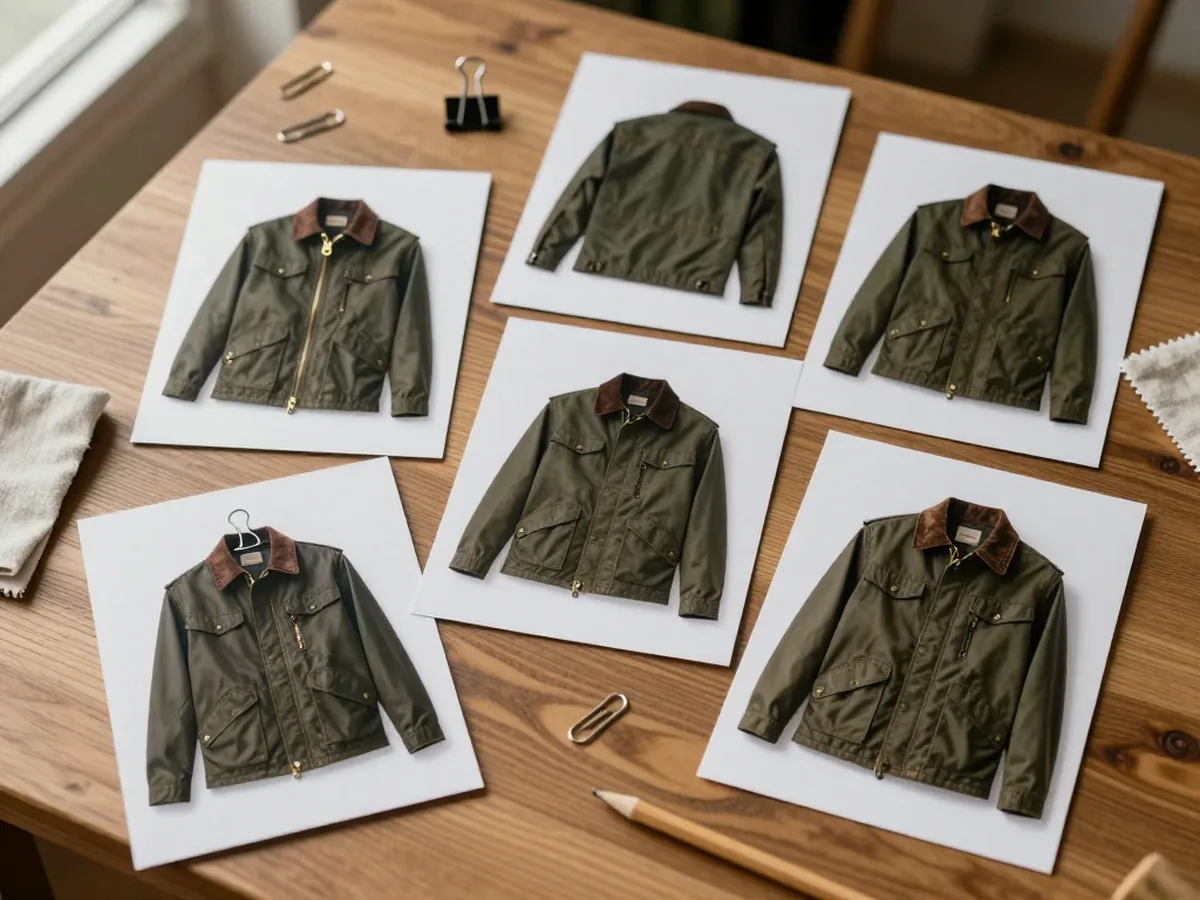
Change One Thing, Keep the Rest
GPT Image 2.5 is better at scoped edits: say what must stay, then name the one thing to change. Subject, lighting and composition stay recognizable across passes, but complex edits still deserve a final check.

Choose the Detail Level
Choose Standard, High or Very high quality for GPT Image 2.5. Higher quality changes the detail setting and credit cost, while the aspect ratio selects the image-size preset. Check the downloaded dimensions before using the image at a fixed size.
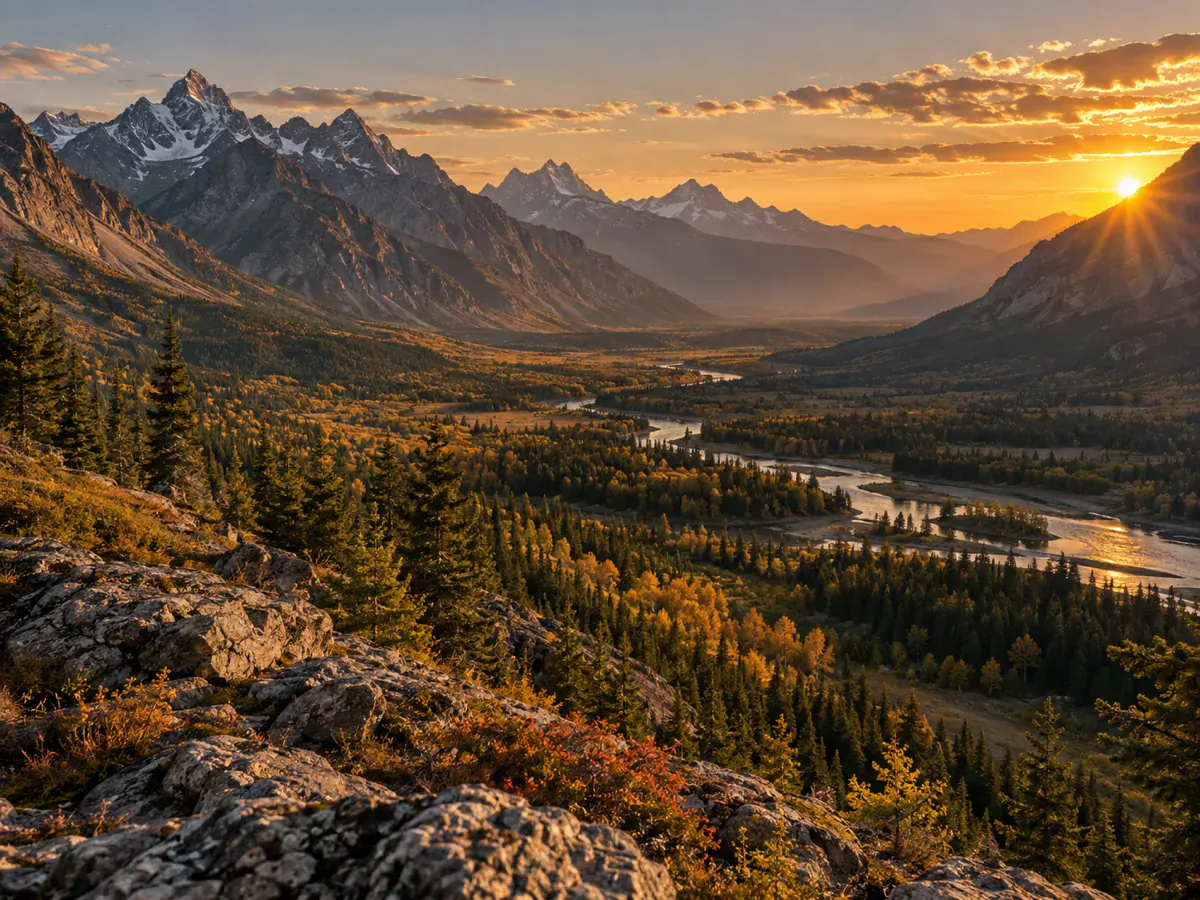
What People Run Through GPT Image 2.5
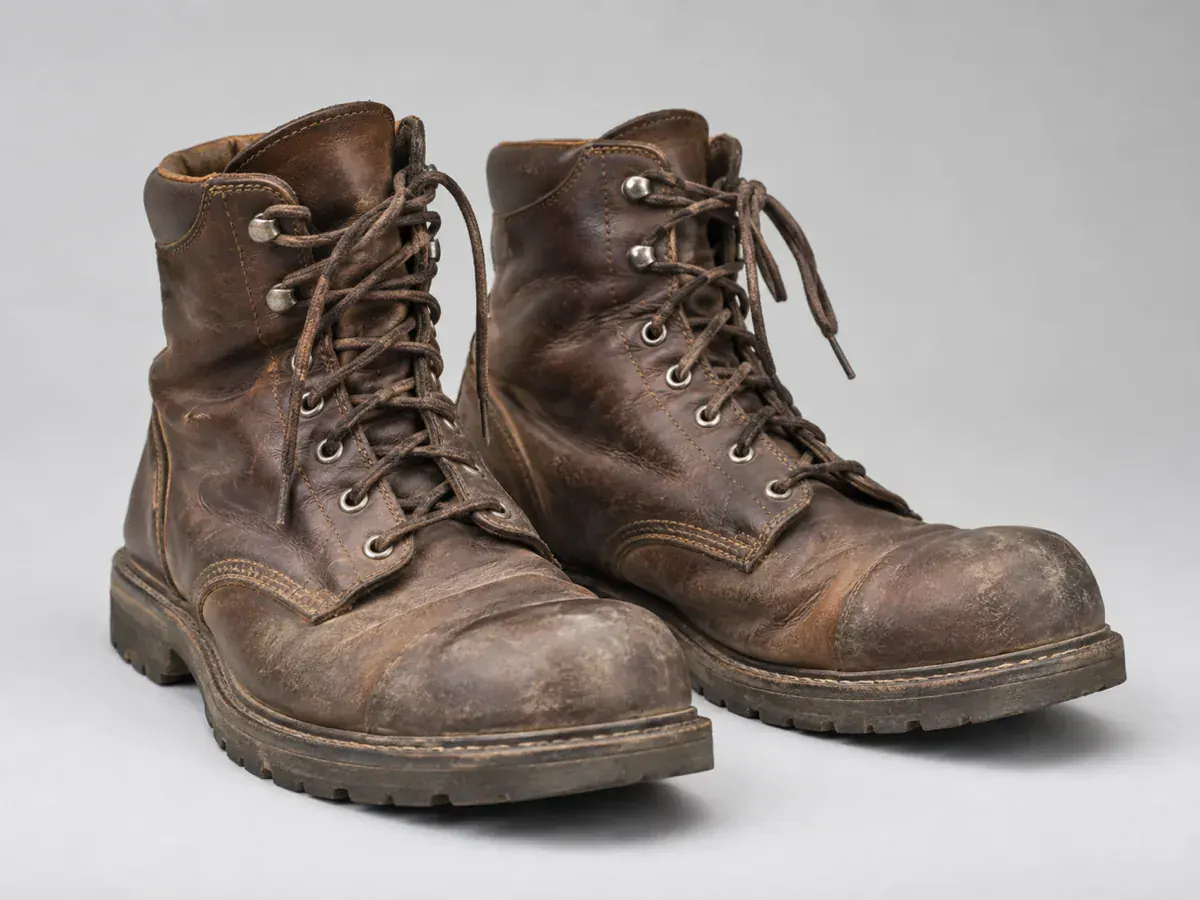
Marketplace sellers

Website builders
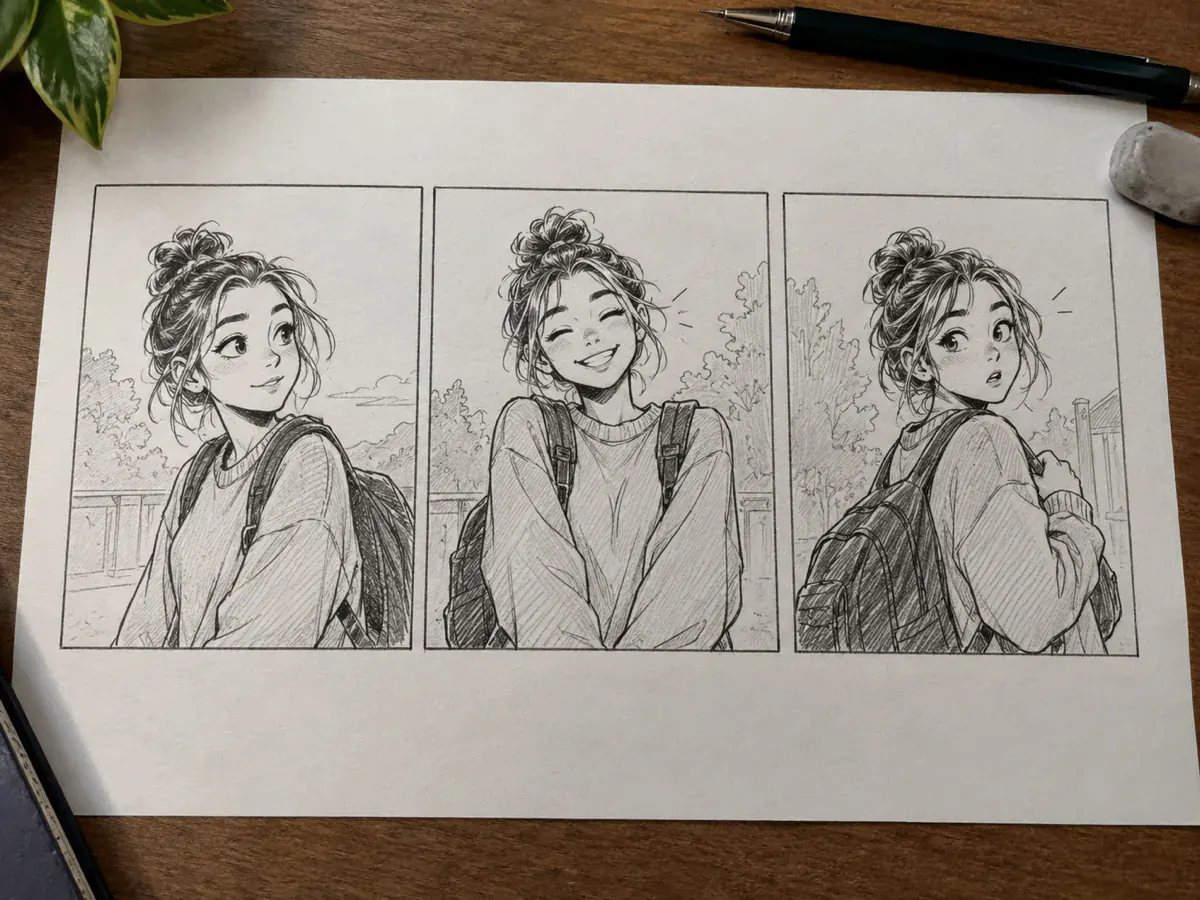
Comic and storyboard artists
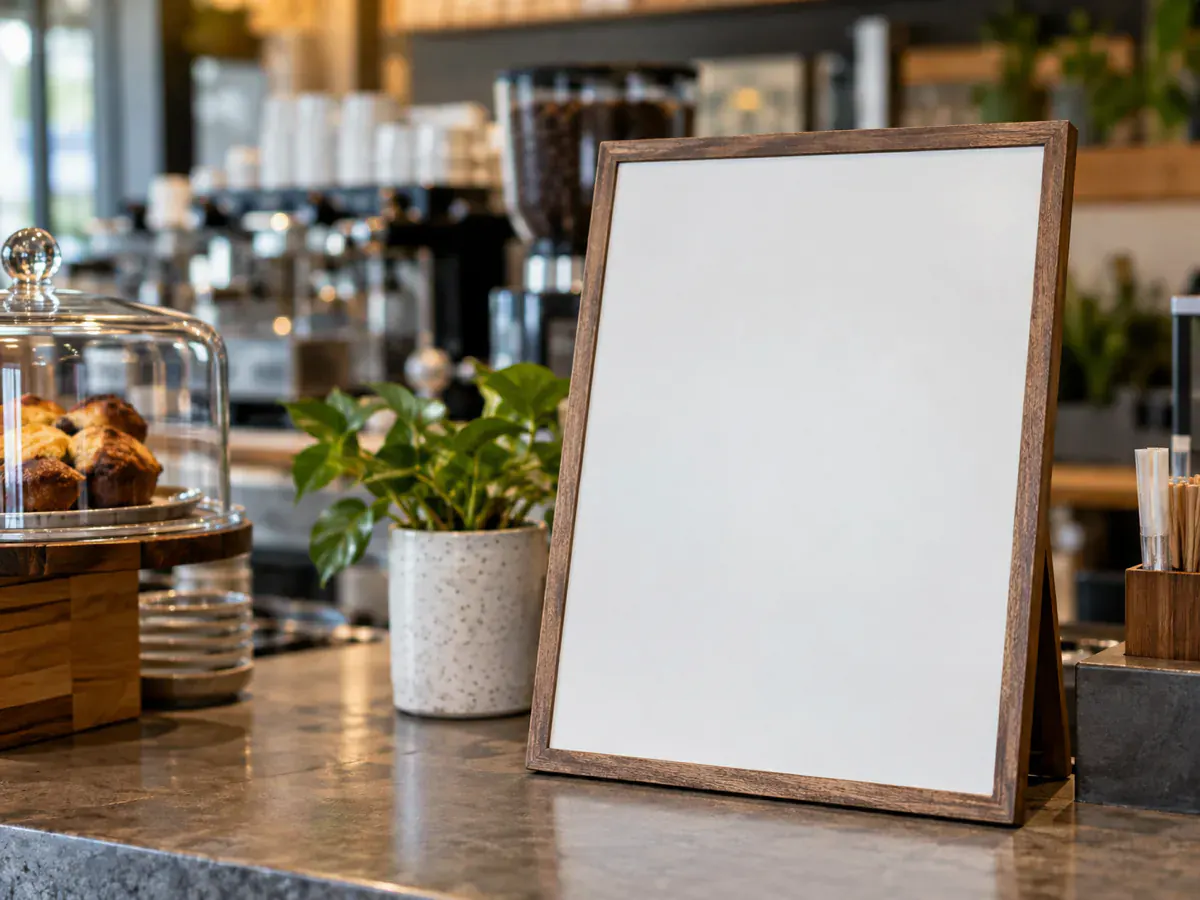
Small-shop owners
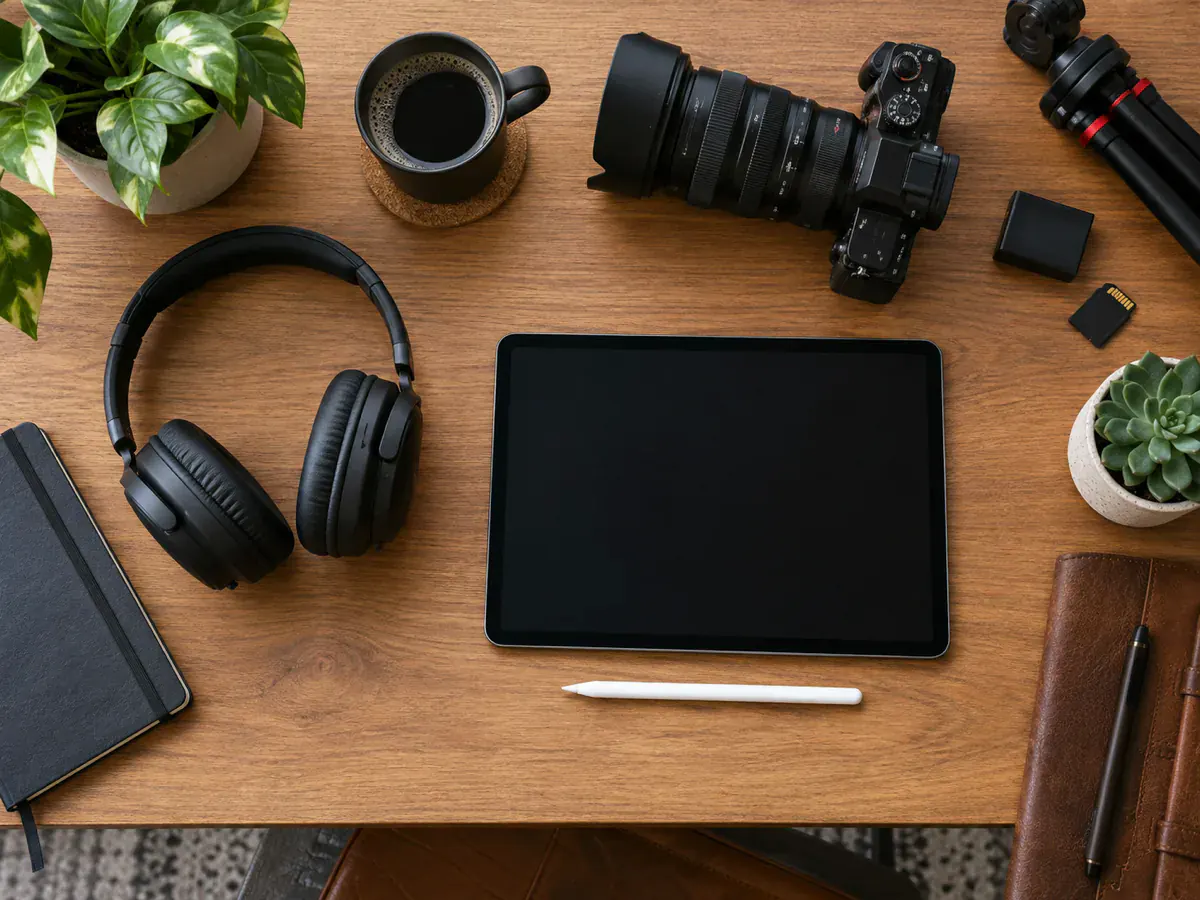
Video creators

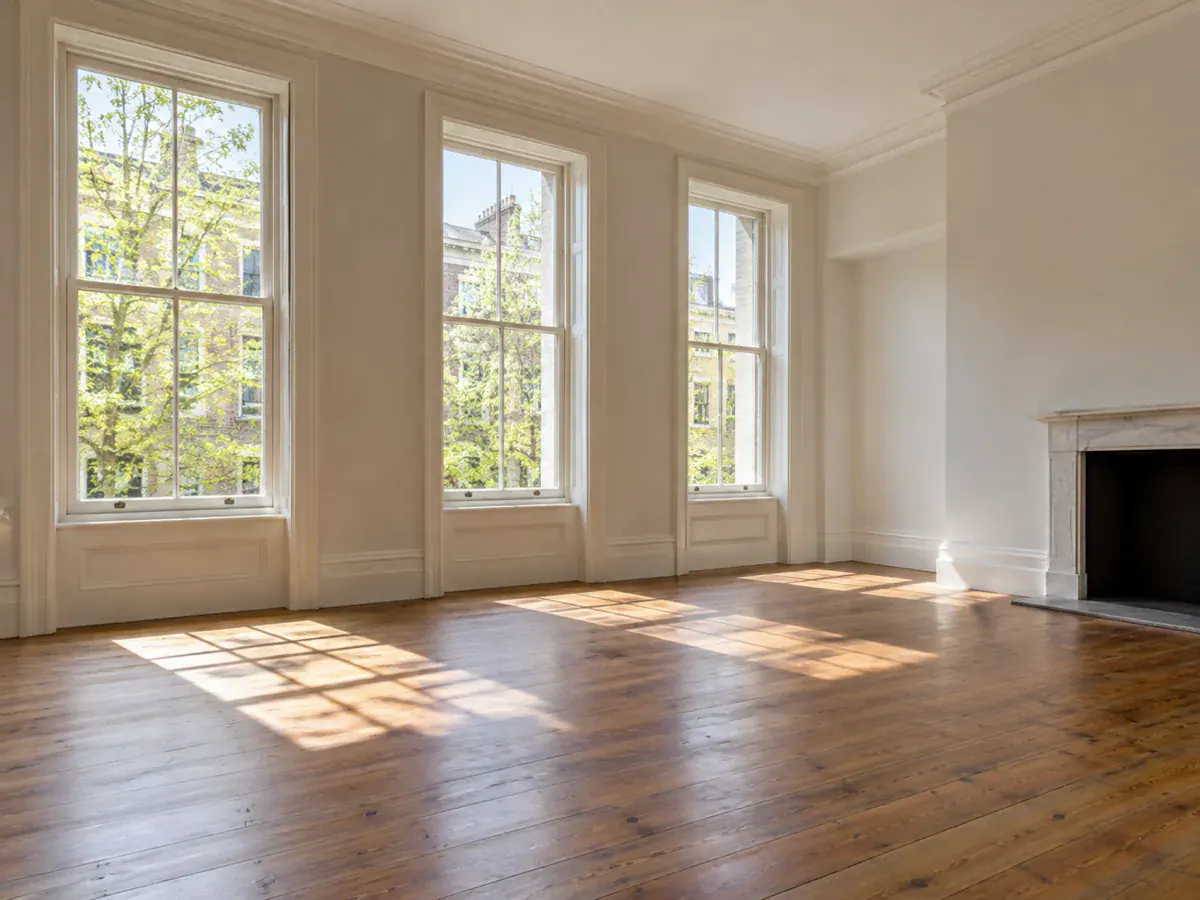
Home stagers and renovators
Why Choose GPT Image 2.5
How to Run GPT Image 2.5 in Three Steps
- 1
Upload a photo or write a prompt
Upload an image to modify, or describe a new scene from scratch. One GPT Image 2.5 edit supports up to 16 reference images.
- 2
Choose Flare or Sunburst
Pick Flare or Sunburst, choose the aspect ratio, then select Standard, High or Very high quality. The credit cost updates on the button before you run.
- 3
Generate and download
Compare the GPT Image 2.5 render side by side with the original, then download the full-size PNG or run another pass.
GPT Image 2.5 FAQ
GPT Image 2.5 is OpenAI's image model, launched on 8 September 2026 in two editions: Flare for fast generation and Sunburst for fine detail and tight edit control. Phevo runs both via fal.ai, picked by name.
Start with Flare when speed matters, or choose Sunburst for demanding detail and editing. Both start at 6 credits at Standard quality. Compare the same prompt in both; a quality setting does not guarantee 4K dimensions.
The shared daily free run uses Seedream 5.0 Lite, not GPT Image 2.5. New accounts receive 6 welcome credits, enough for one GPT Image 2.5 run at Standard quality. Higher quality or further runs require enough credits.
Both Flare and Sunburst cost 6 credits at Standard quality, 9 at High and 12 at Very high. The button shows the cost before you run. Quality levels do not set the output pixel dimensions.
No. Phevo's quality controls select Standard, High or Very high detail; they do not request 3840×2160 output. The aspect ratio sets the image-size preset. Check the downloaded file's dimensions, or use the AI Image Upscaler if you need more pixels.
GPT Image 2.5 keeps a subject and composition recognizable across passes better than earlier releases, especially Sunburst. State what must stay in every prompt and inspect each result — complex edits can still drift.
Yes. It renders short text lines, labels and signs much better than older generators. Keep phrases concise and check spelling before finalizing.
Moderation runs on OpenAI's servers and applies across all providers. If a prompt is flagged, simplify the wording or try another editing model in the picker.
Phevo adds no visible watermark, delivering full-size clean PNGs. OpenAI embeds invisible SynthID markers and C2PA provenance metadata into all GPT Image outputs, including API calls.
Phevo offers GPT Image 2.5 as Flare and Sunburst. Both start at 6 credits at Standard quality, compared with 12 for GPT Image 2. Compare the results using the same prompt and aspect ratio; higher quality is separate from output size.
OpenAI and partners like fal.ai provide the API; Phevo runs on fal.ai. To edit images without writing code, this web editor is the fastest start.
Try GPT Image 2.5 on Your Own Photo
Test the editor free, then sign up for 6 credits to run GPT Image 2.5. Choose Flare or Sunburst, name what must stay, and compare the result beside the original.
Open the editor