 Phevo
PhevoGPT Image 2.5
ใช้ GPT Image 2.5 แบบเลือก Flare หรือ Sunburst ได้เอง ดูค่าเครดิตก่อนกด และรันได้ทันทีโดยไม่ต้องรอคิว
งานแต่งจริง คำสั่งจริง
ทุกคู่ภาพด้านล่างมาจากประโยคเดียว ไม่มีมาสก์ ไม่มีเลเยอร์
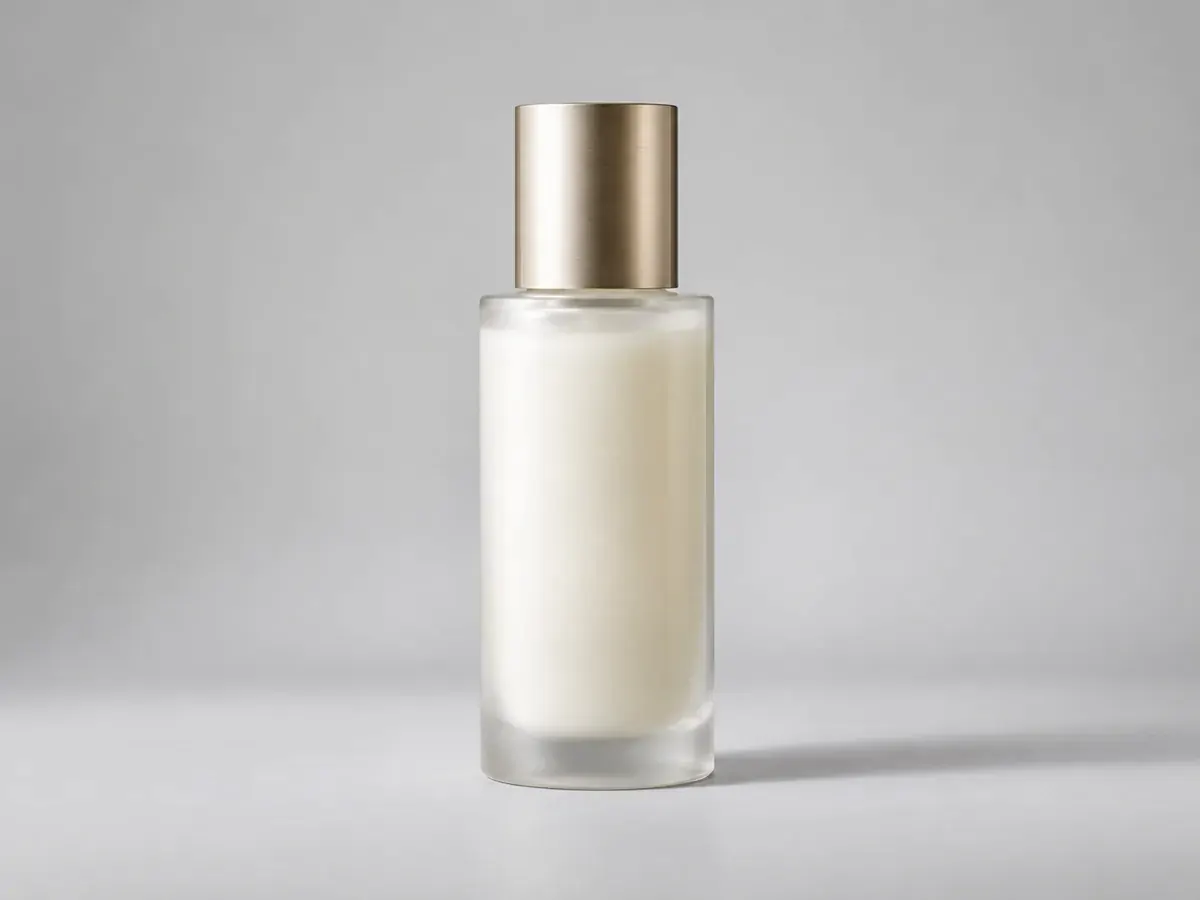
คำสั่ง
คงขวดและเงาไว้ เปลี่ยนโต๊ะด้านหลังเป็นผนังสตูดิโอแบบเรียบ
ผลลัพธ์ของคุณเองจะมาแทนที่ตัวอย่างเหล่านี้ทันทีที่สร้างเสร็จ
GPT Image 2.5 มี 2 โมเดลย่อย ไม่ใช่แค่รุ่นเดียว
GPT Image 2.5 แยกเป็น 2 รุ่น Flare คือรุ่นเริ่มต้นที่เร็ว เหมาะกับแสงธรรมชาติและองค์ประกอบซับซ้อน ส่วน Sunburst ช้ากว่าแต่ให้รายละเอียดคมและคุมขอบเขตการแก้ได้แม่นกว่า
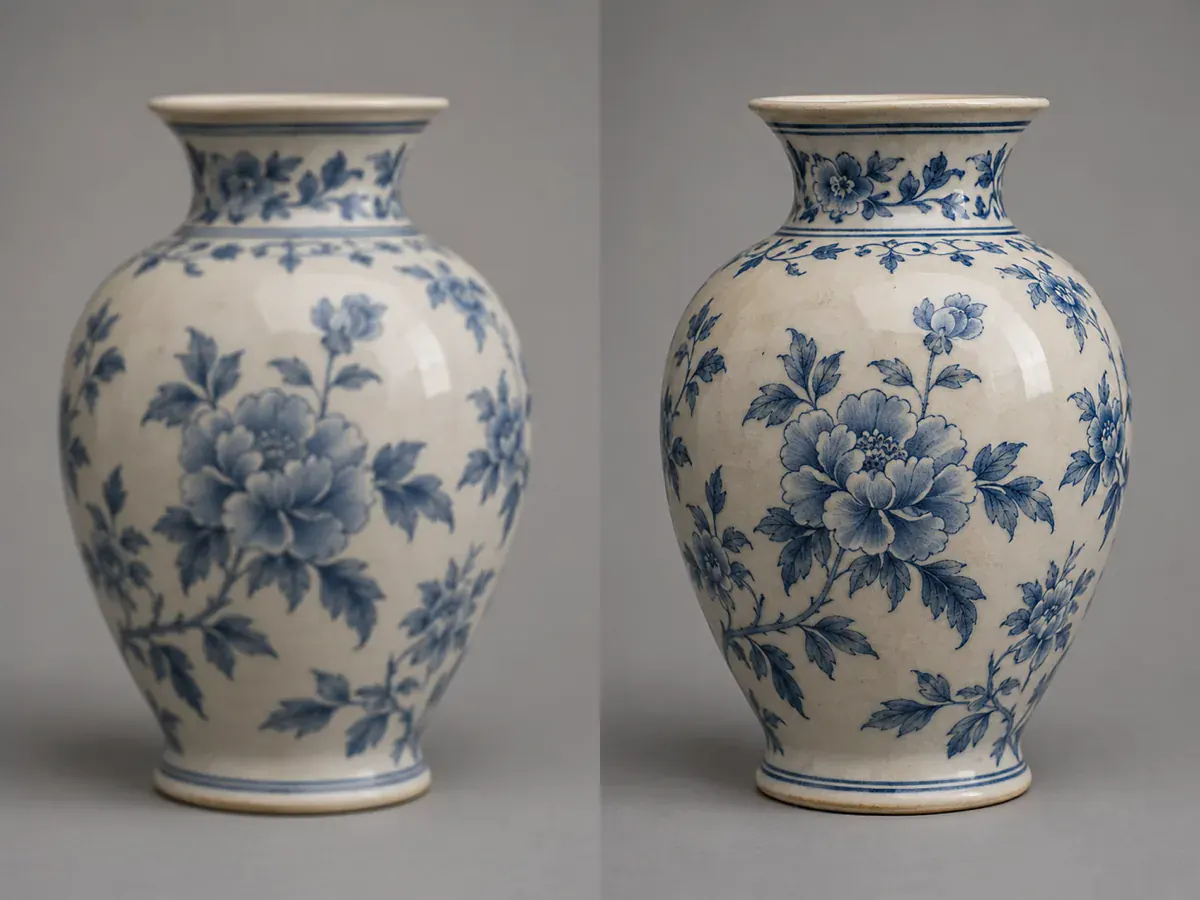
ยึดตัวแบบเดิมไว้ได้ แม้ใส่ภาพอ้างอิงถึง 16 ภาพ
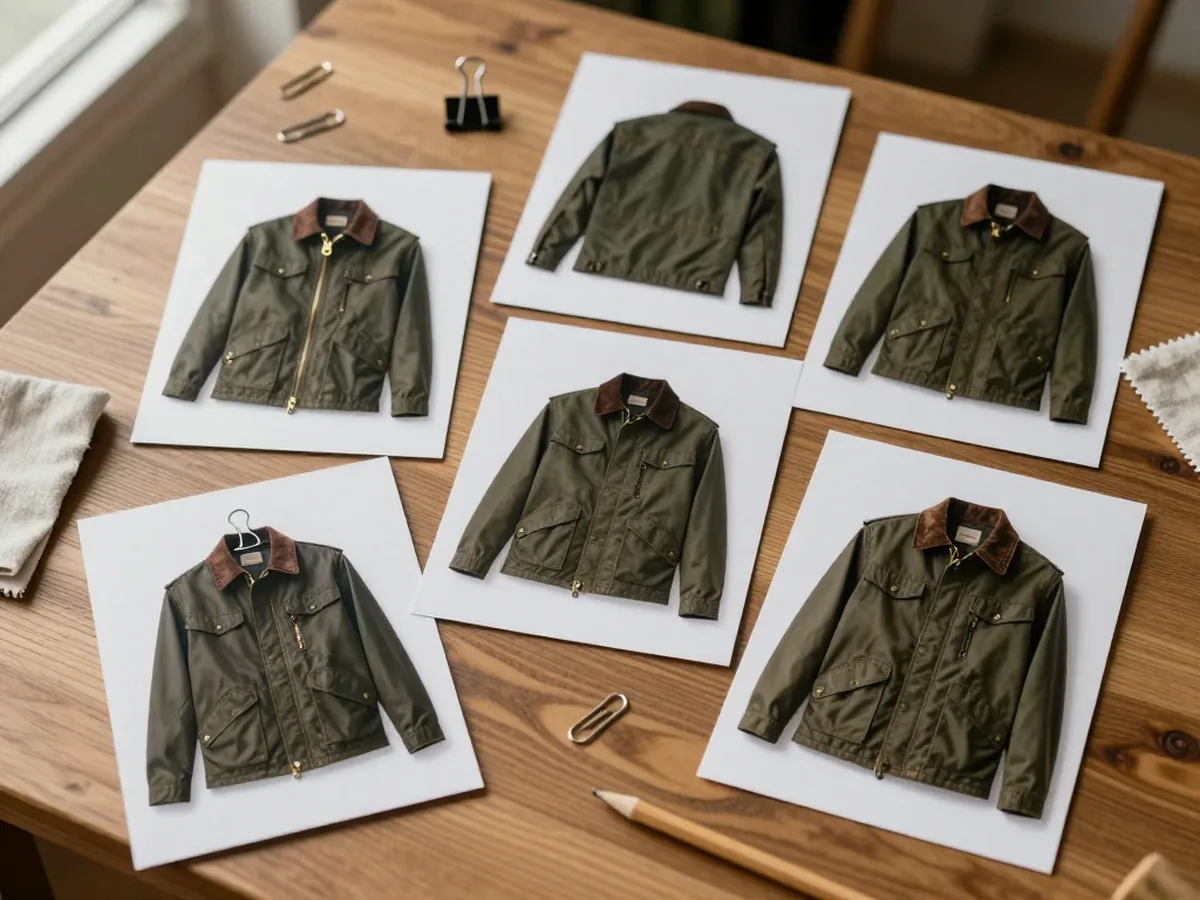
การแก้ครั้งเดียวรับภาพอ้างอิงได้ถึง 16 ภาพ และ GPT Image 2.5 รักษาตัวแบบให้ตรงกันทุกภาพ ใบหน้า สินค้า หรือแจ็กเก็ตตัวเดิมยังอยู่ครบแม้เปลี่ยนสไตล์และแก้หลายรอบ
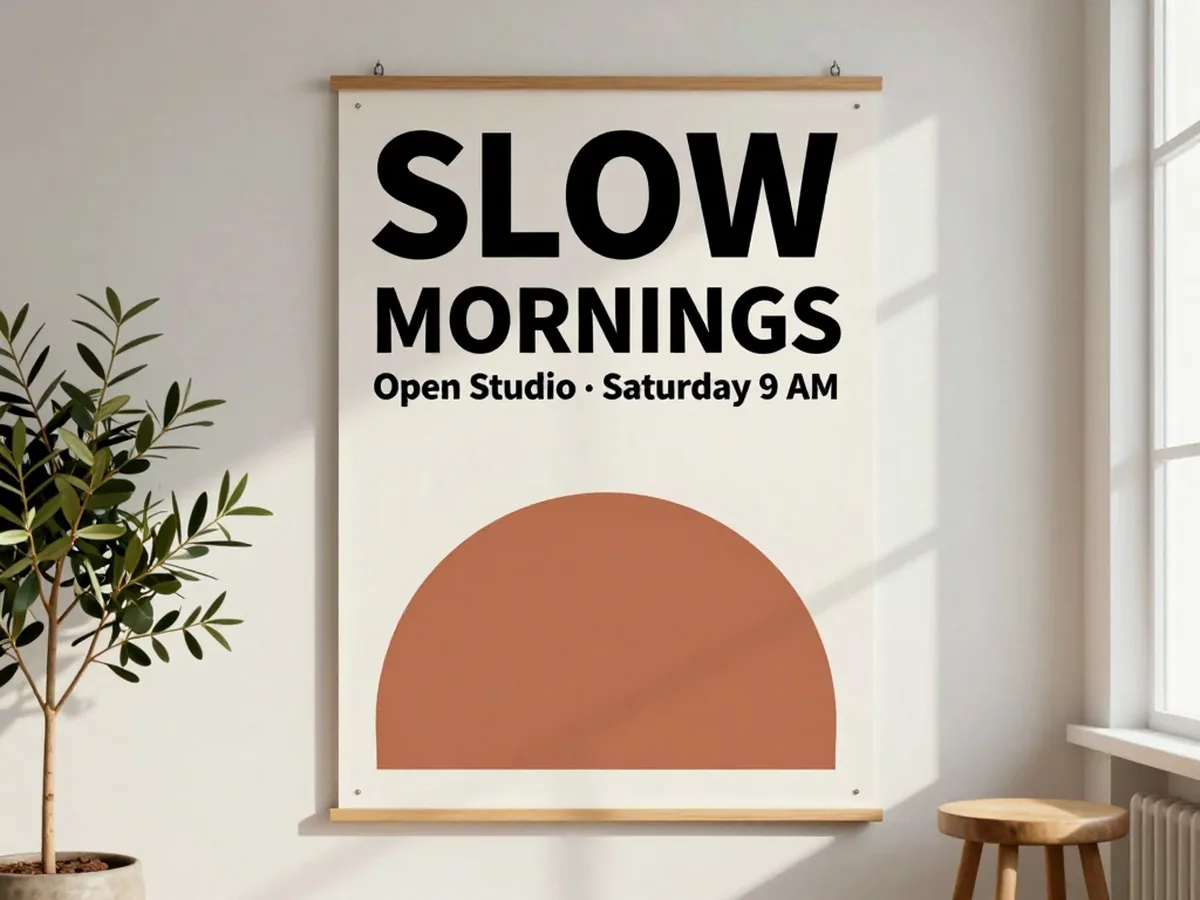
ตัวอักษรและเลย์เอาต์ที่ไม่พังกลางทาง
ตัวอักษรคือจุดที่โมเดลภาพส่วนใหญ่พัง GPT Image 2.5 รักษาข้อความสั้นให้อ่านออกและคุมเลย์เอาต์ได้ ทั้งป้ายเมนู ฉลากสินค้า และพาดหัวโปสเตอร์ แต่ยังควรตรวจตัวสะกดก่อนส่งพิมพ์
แก้ไขเฉพาะจุดที่สั่ง ไม่กระทบส่วนอื่น
GPT Image 2.5 แก้แบบจำกัดขอบเขตได้ดีขึ้น บอกก่อนว่าอะไรต้องคงไว้ แล้วระบุสิ่งเดียวที่อยากเปลี่ยน งานซับซ้อนควรตรวจอีกครั้งตอนท้าย

เลือกระดับรายละเอียด
เลือกคุณภาพมาตรฐาน สูง หรือสูงมากสำหรับ GPT Image 2.5 คุณภาพที่สูงขึ้นจะเปลี่ยนการตั้งค่ารายละเอียดและค่าเครดิต ส่วนอัตราส่วนภาพเป็นตัวกำหนดชุดขนาดภาพที่ตั้งไว้ล่วงหน้า โปรดตรวจสอบขนาดไฟล์ที่ดาวน์โหลดก่อนนำภาพไปใช้ในพื้นที่ที่กำหนดขนาดไว้
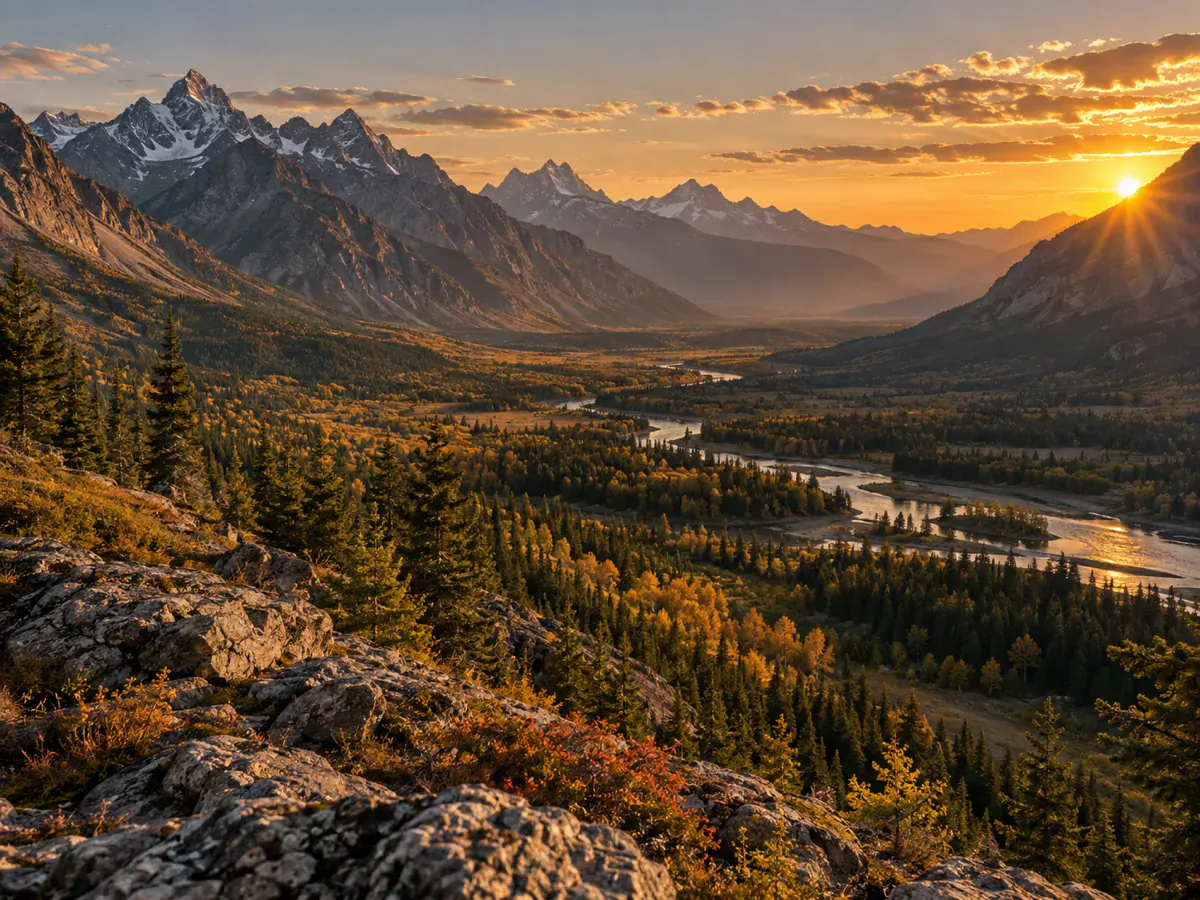
ตัวอย่างการใช้งาน GPT Image 2.5
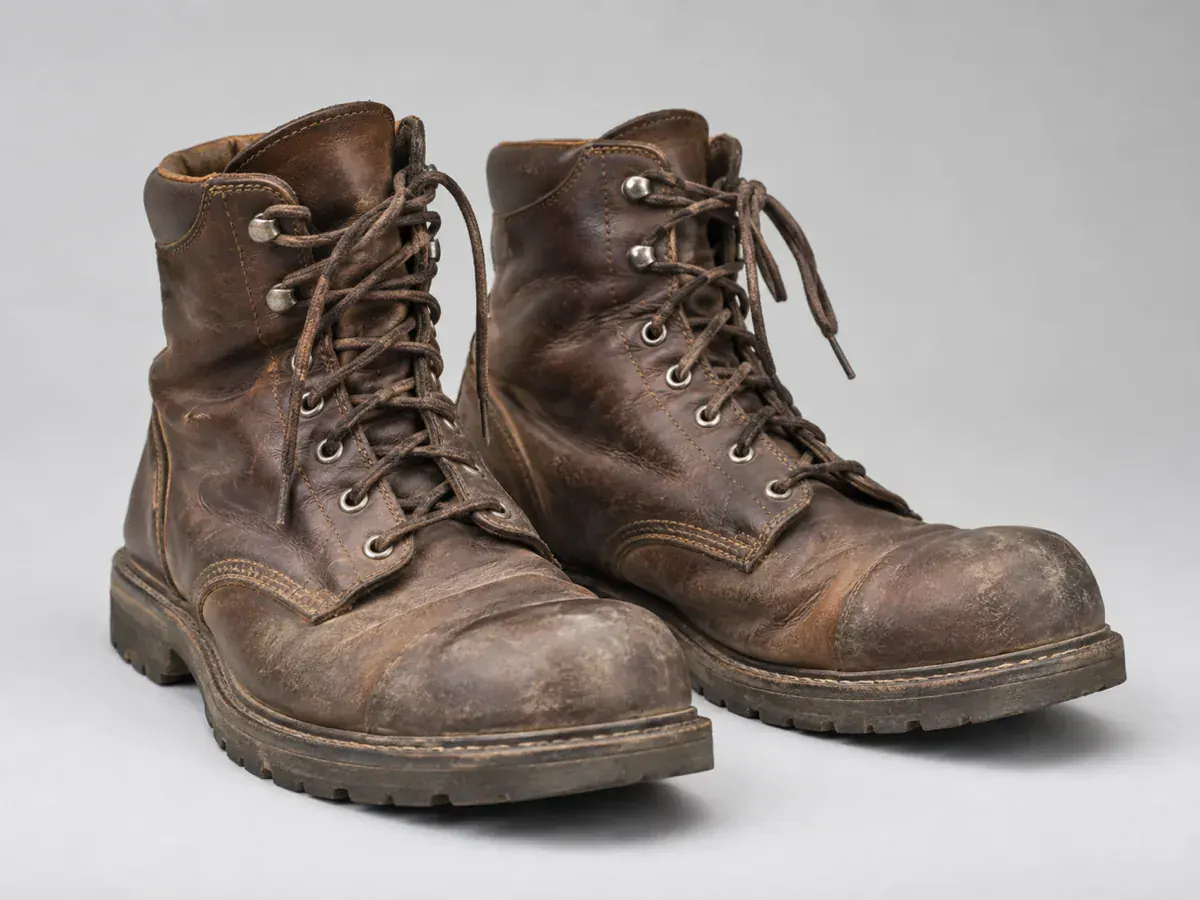
ผู้ขายสินค้าออนไลน์
นักพัฒนาอิสระ
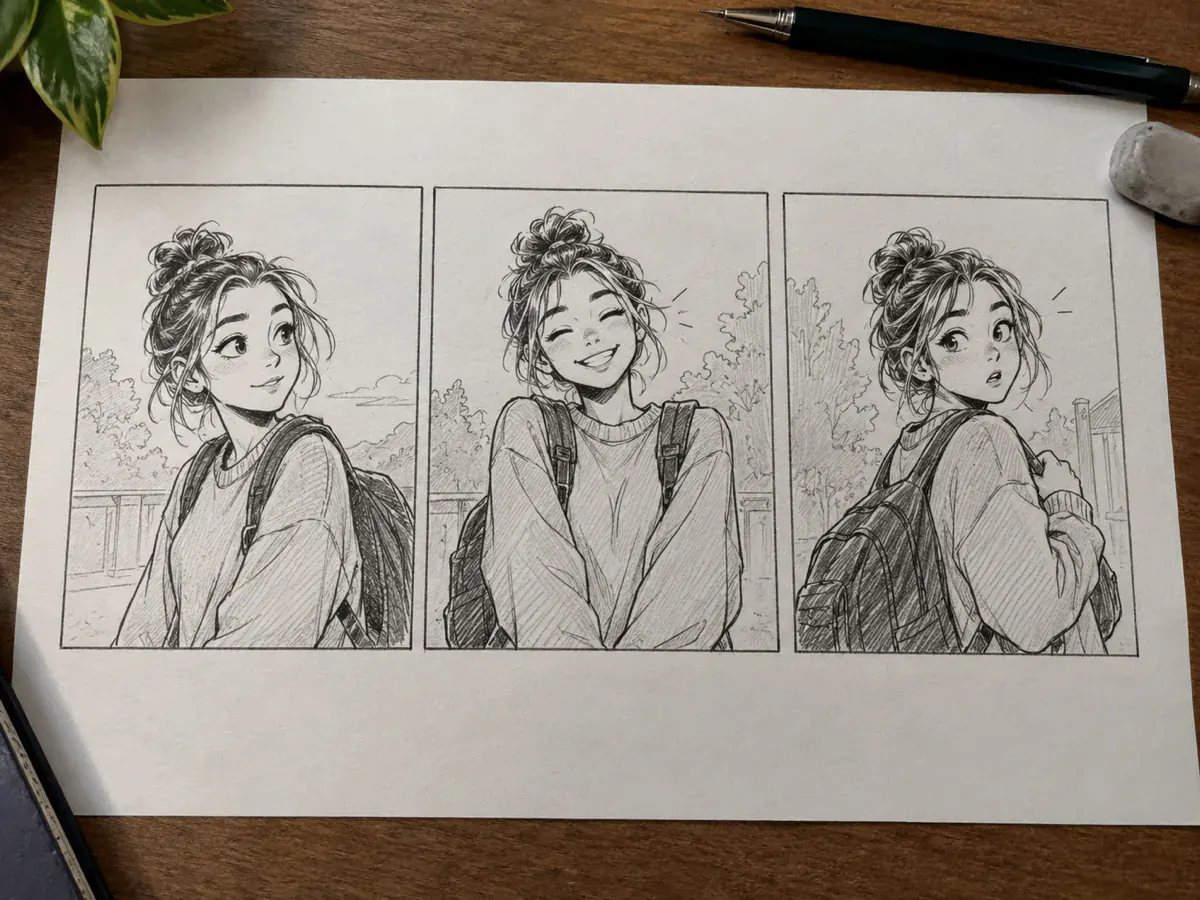
นักวาดการ์ตูนและสตอรีบอร์ด
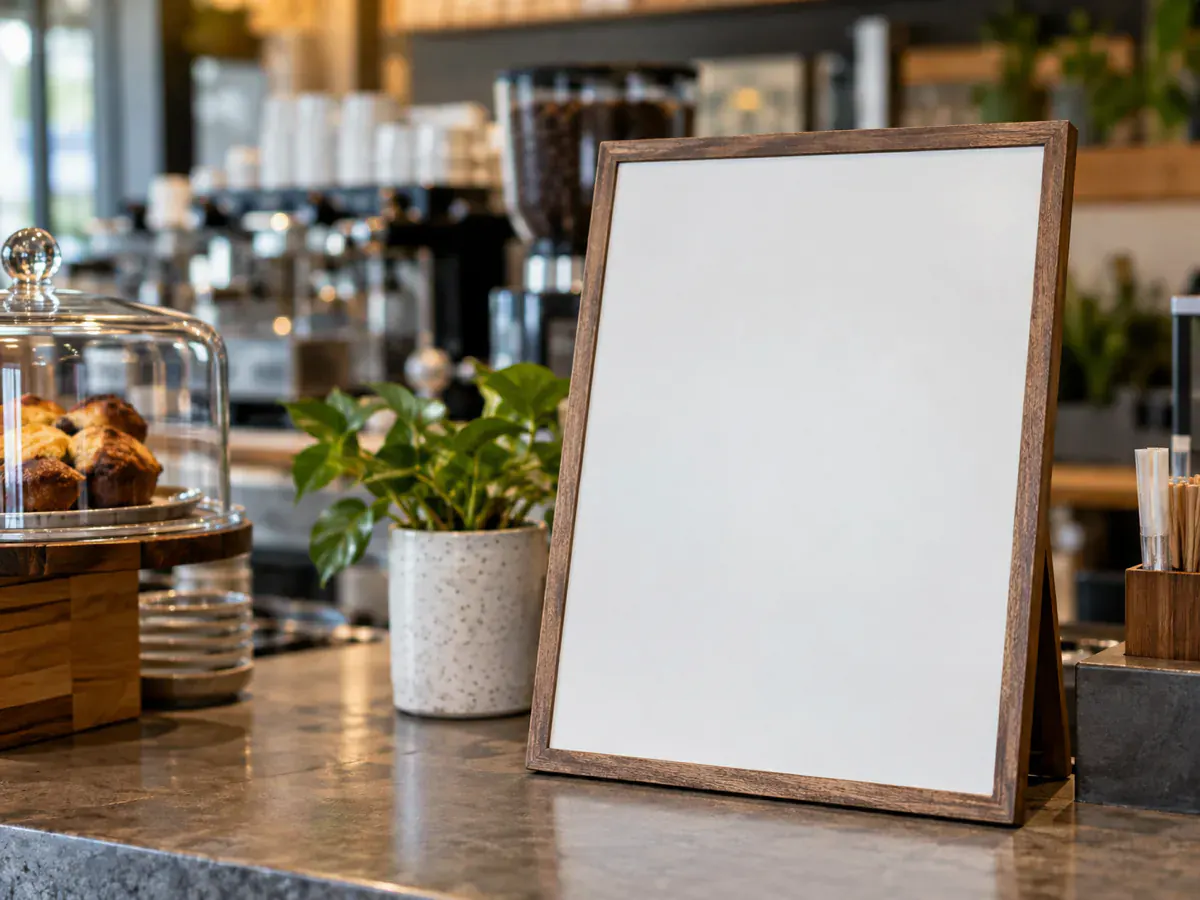
เจ้าของร้านค้าและธุรกิจขนาดย่อม
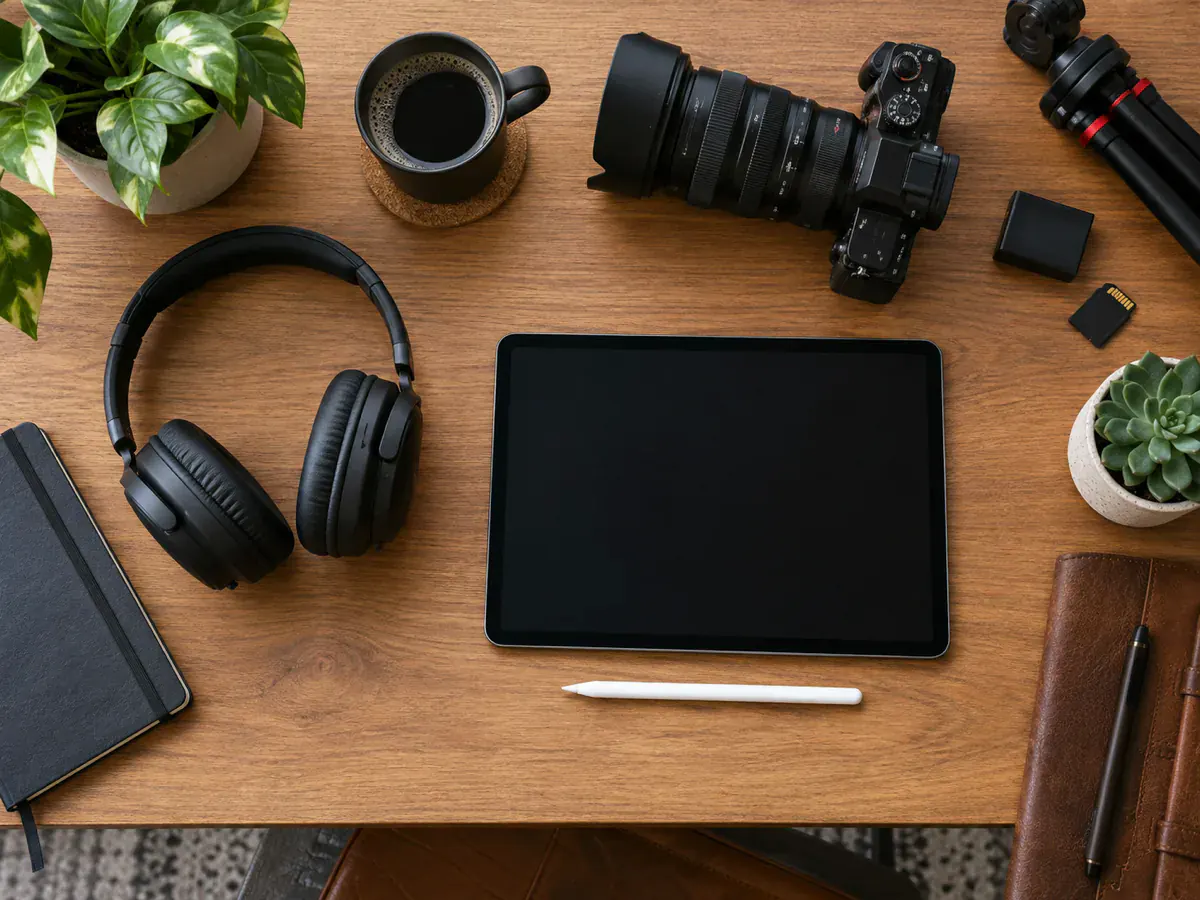
ครีเอเตอร์วิดีโอ
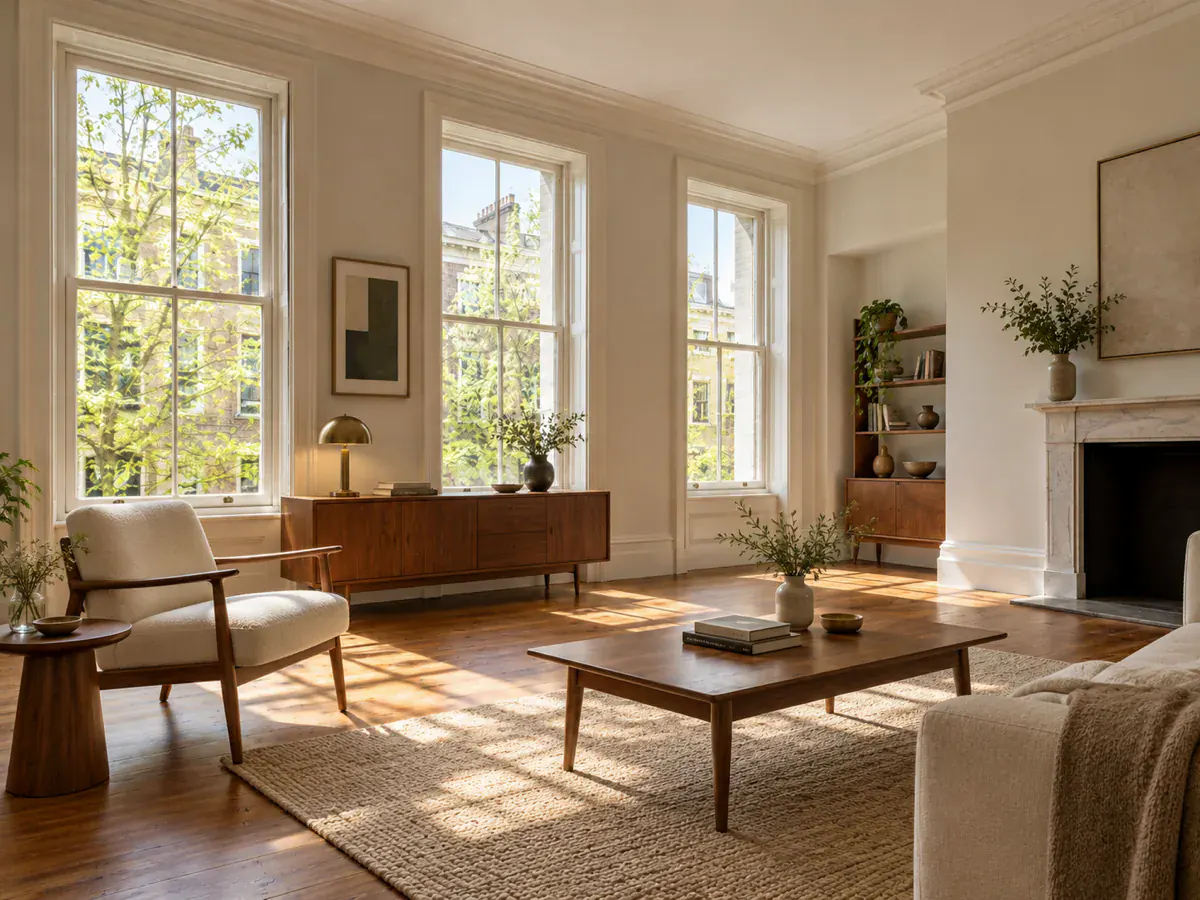
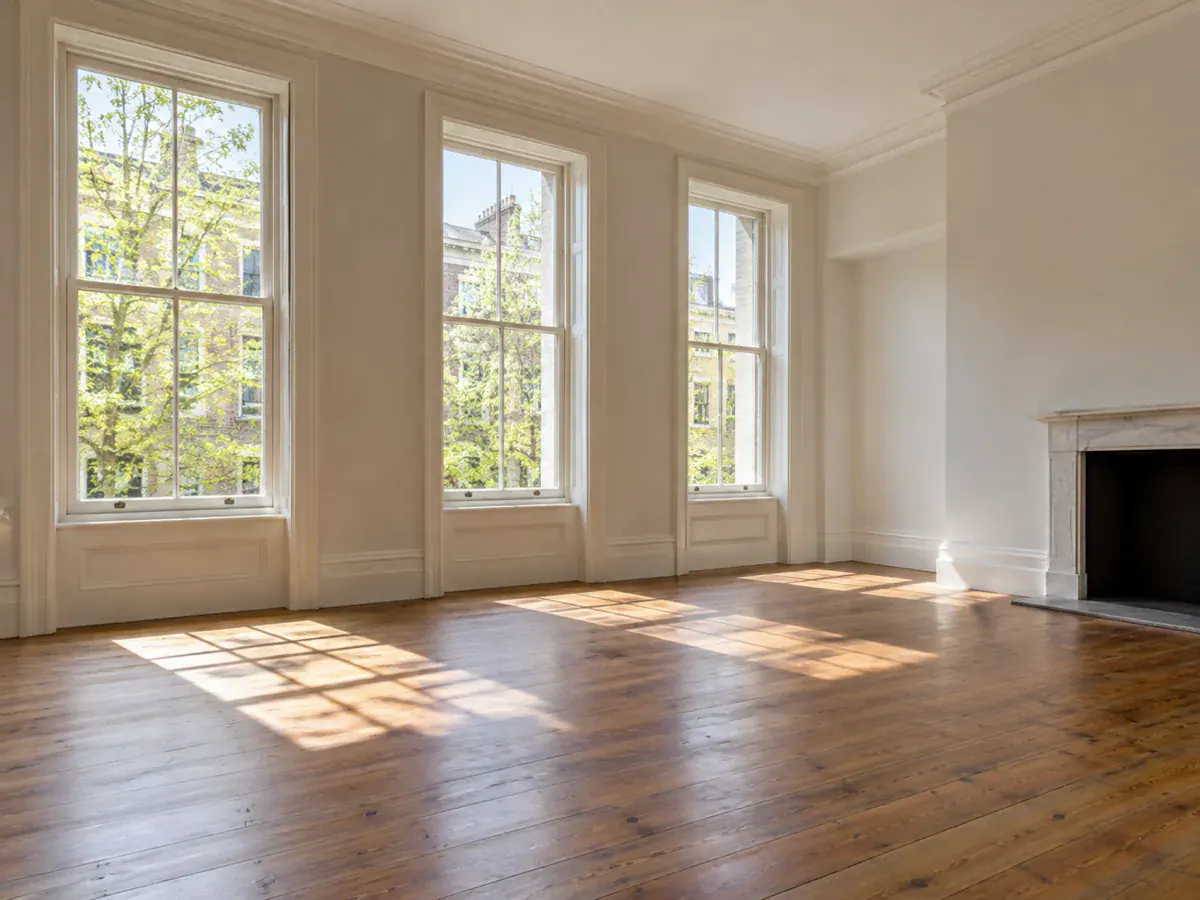
นักตกแต่งและรีโนเวทบ้าน
ทำไมต้องเลือก GPT Image 2.5
วิธีใช้งาน GPT Image 2.5 ใน 3 ขั้นตอนง่าย ๆ
- 1
อัปโหลดรูปภาพหรือพิมพ์คำอธิบาย
ลากรูปที่ต้องการแก้มาวาง หรือพิมพ์บรรยายภาพใหม่ตั้งแต่ต้น GPT Image 2.5 รับภาพอ้างอิงได้สูงสุด 16 ภาพต่อครั้ง
- 2
เลือก Flare หรือ Sunburst
เลือก Flare หรือ Sunburst กำหนดอัตราส่วนภาพ แล้วเลือกคุณภาพมาตรฐาน สูง หรือสูงมาก ค่าเครดิตบนปุ่มจะอัปเดตตามการตั้งค่าก่อนเริ่มทำงาน
- 3
สร้างภาพและดาวน์โหลด
ผลลัพธ์ปรากฏข้างต้นฉบับให้เทียบก่อนตัดสินใจ ดาวน์โหลดเป็น PNG ขนาดเต็ม หรือส่งกลับไปแก้ต่อได้ทันที
คำถามที่พบบ่อยเกี่ยวกับ GPT Image 2.5
GPT Image 2.5 คือโมเดลสร้างและแก้ไขภาพรุ่นล่าสุดของ OpenAI เปิดตัว 8 กันยายน 2026 มีรุ่น Flare ที่เร็ว และ Sunburst ที่เน้นรายละเอียด ทั้งคู่สร้างภาพจากข้อความและแก้รูปเดิมได้ผ่าน fal.ai
เริ่มด้วย Flare หากให้ความสำคัญกับความเร็ว หรือเลือก Sunburst สำหรับงานที่ต้องการรายละเอียดและการแก้ไขที่มากขึ้น ทั้งสองรุ่นเริ่มต้นที่ 6 เครดิตเมื่อใช้คุณภาพมาตรฐาน ลองเปรียบเทียบทั้งสองรุ่นด้วยคำสั่งเดียวกัน การเลือกระดับคุณภาพไม่ได้รับประกันขนาดภาพ 4K
สิทธิ์ใช้ฟรีรายวันที่ใช้ร่วมกันใช้โมเดล Seedream 5.0 Lite ไม่ใช่ GPT Image 2.5 บัญชีใหม่จะได้รับเครดิตต้อนรับ 6 เครดิต ซึ่งเพียงพอสำหรับใช้ GPT Image 2.5 หนึ่งครั้งที่คุณภาพมาตรฐาน หากเลือกคุณภาพสูงขึ้นหรือใช้งานเพิ่มเติม ต้องมีเครดิตเพียงพอ
ทั้ง Flare และ Sunburst ใช้ 6 เครดิตที่คุณภาพมาตรฐาน 9 เครดิตที่คุณภาพสูง และ 12 เครดิตที่คุณภาพสูงมาก ปุ่มจะแสดงค่าเครดิตก่อนเริ่มทำงาน ระดับคุณภาพไม่ได้กำหนดขนาดภาพผลลัพธ์เป็นพิกเซล
ไม่ใช่ การตั้งค่าคุณภาพของ Phevo ใช้เลือกระดับรายละเอียดแบบมาตรฐาน สูง หรือสูงมาก ไม่ได้ร้องขอภาพขนาด 3840×2160 อัตราส่วนภาพเป็นตัวกำหนดชุดขนาดภาพที่ตั้งไว้ล่วงหน้า โปรดตรวจสอบขนาดของไฟล์ที่ดาวน์โหลด หรือใช้เครื่องมือขยายภาพด้วย AI หากต้องการจำนวนพิกเซลมากขึ้น
ภาพเสียน้อยกว่ารุ่นก่อนชัดเจน โดยเฉพาะ Sunburst ที่คุมขอบเขตคำสั่งได้เข้ม แต่ควรระบุสิ่งที่ต้องคงไว้ซ้ำทุกพรอมต์ และเทียบกับต้นฉบับก่อนดาวน์โหลด
ได้ GPT Image 2.5 เรนเดอร์ตัวหนังสือได้ดีกว่าโมเดลส่วนใหญ่ในระบบ เหมาะกับป้าย ฉลากสินค้า และพาดหัวสั้น ๆ
การคัดกรองเนื้อหาทำโดย OpenAI กฎเดียวกันจึงใช้กับทุกแพลตฟอร์มรวมถึง API ลองเขียนคำขอให้เรียบขึ้น หรือถ้า GPT Image 2.5 ไม่อนุญาตหัวข้อนั้น ให้ลองโมเดลอื่น
Phevo ไม่ใส่ลายน้ำที่มองเห็นได้ แต่ OpenAI ฝัง SynthID ที่มองไม่เห็นและข้อมูลที่มา C2PA ในผลลัพธ์ GPT Image ทุกภาพ รวมถึงผ่าน API ข้อมูลนี้จึงติดไปกับไฟล์เสมอ
Phevo ให้บริการ GPT Image 2.5 ในรุ่น Flare และ Sunburst ทั้งสองรุ่นเริ่มต้นที่ 6 เครดิตเมื่อใช้คุณภาพมาตรฐาน ขณะที่ GPT Image 2 ใช้ 12 เครดิต ลองเปรียบเทียบผลลัพธ์โดยใช้คำสั่งและอัตราส่วนภาพเดียวกัน คุณภาพที่สูงขึ้นเป็นคนละการตั้งค่ากับขนาดภาพผลลัพธ์
มี แต่ไม่ได้มาจากเรา OpenAI มี API โดยตรง และมีผู้ให้บริการอย่าง fal.ai, Replicate, kie.ai และ OpenRouter ถ้าต้องการแค่ไม่กี่ภาพ ใช้ GPT Image 2.5 ในเครื่องมือด้านบนสะดวกกว่า
ลองใช้ GPT Image 2.5 กับรูปภาพของคุณเอง
เริ่มแก้ไขภาพอย่างแม่นยำด้วย GPT Image 2.5 บนเบราว์เซอร์ได้ทันที สมัครใหม่รับฟรี 6 เครดิต ไม่ต้องเขียนโค้ด
เปิดเครื่องมือแก้ไขภาพ