 Phevo
PhevoAI Photo Enhancer
เพิ่มความคมชัด แก้ภาพเบลอ และกู้คืนรายละเอียดใบหน้าด้วย AI photo enhancer ของ Phevo เครื่องมือ picture enhancer และ image quality enhancer อัจฉริยะ
ผลลัพธ์จริงจากการเพิ่มความคมชัดของภาพด้วย AI
กู้คืนความคมชัดของภาพ รายละเอียดใบหน้า และคงพื้นผิวที่เป็นธรรมชาติด้วย AI photo enhancer ของเรา

ผลลัพธ์การปรับปรุง
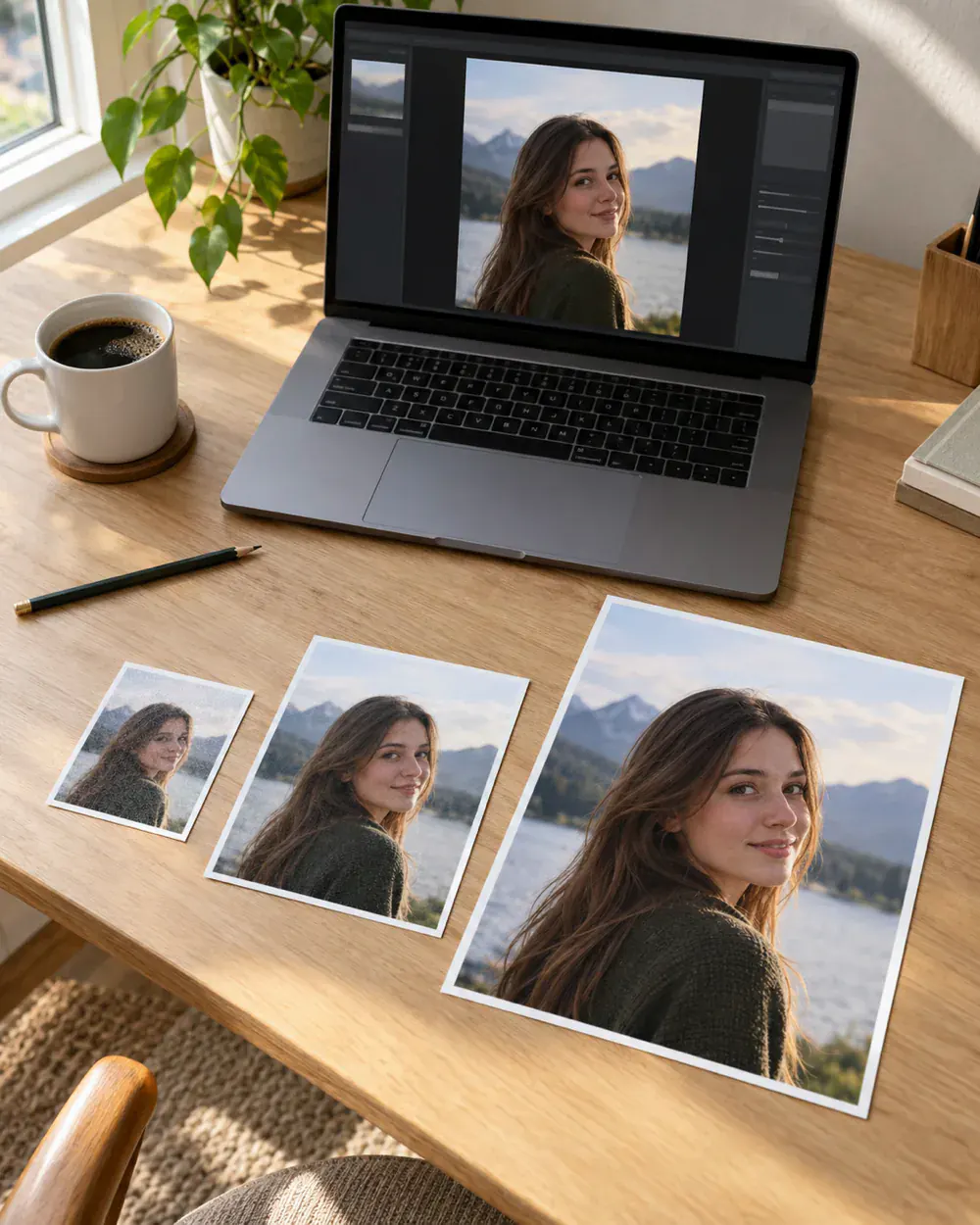
Enhanced portrait with sharp eye details, refined hair, and authentic skin texture
ผลลัพธ์ของคุณเองจะมาแทนที่ตัวอย่างเหล่านี้ทันทีที่สร้างเสร็จ
Neural Clarity & Deblur Engine
แก้ภาพสั่นและหลุดโฟกัสในคลิกเดียว AI photo enhancer ของเราช่วยวิเคราะห์ความเบลอและสร้างขอบภาพที่คมชัดเป็นธรรมชาติ

Face & Skin Texture Preservation
ระบบ GFPGAN ใน AI photo enhancer ช่วยฟื้นฟูดวงตาและรูขุมขนโดยไม่ทำให้หน้าดูหลอกตาหรือแข็งทื่อ
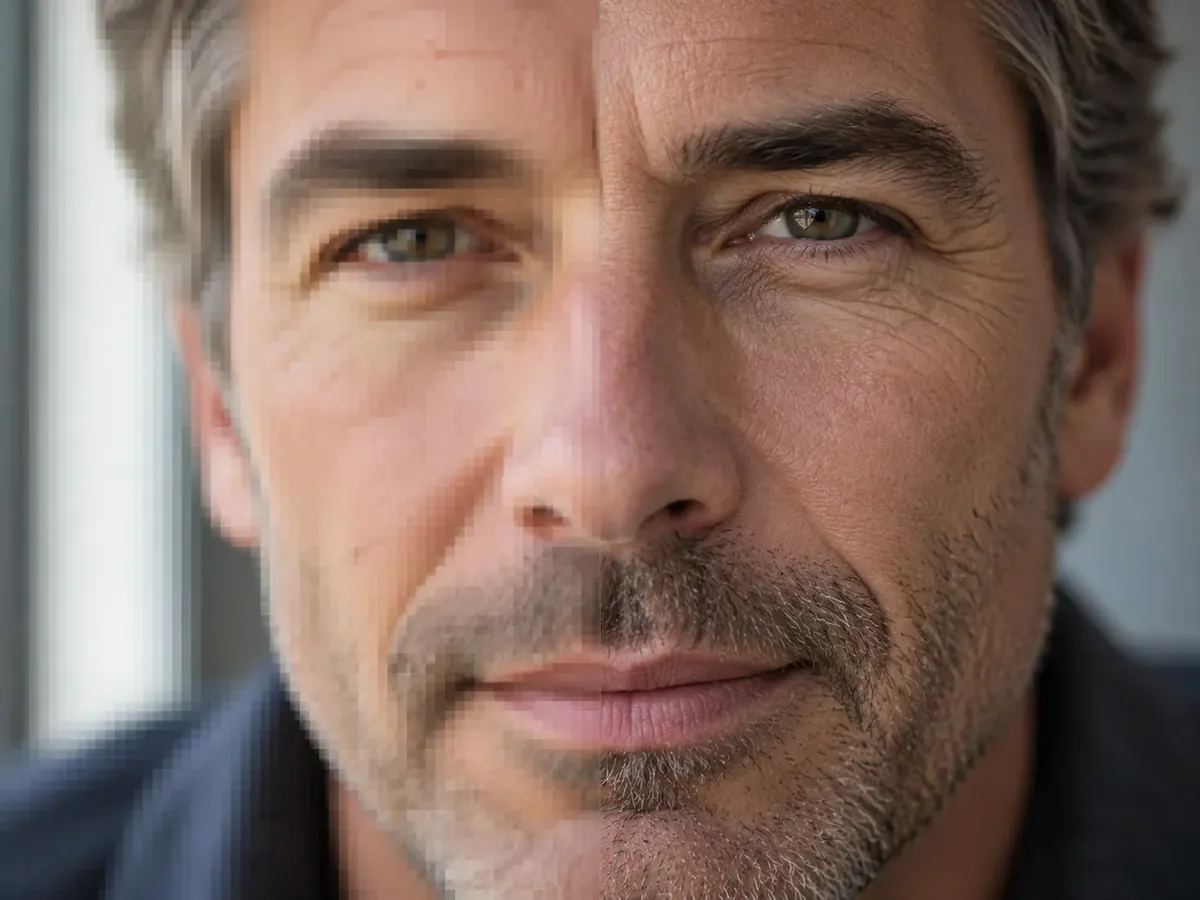
Intelligent Low-Light & Noise Cleanup
กำจัดสัญญาณรบกวนในภาพถ่ายกลางคืน AI photo enhancer นี้จะดึงรายละเอียดที่ซ่อนอยู่โดยไม่ทำให้โครงร่างเบลอ
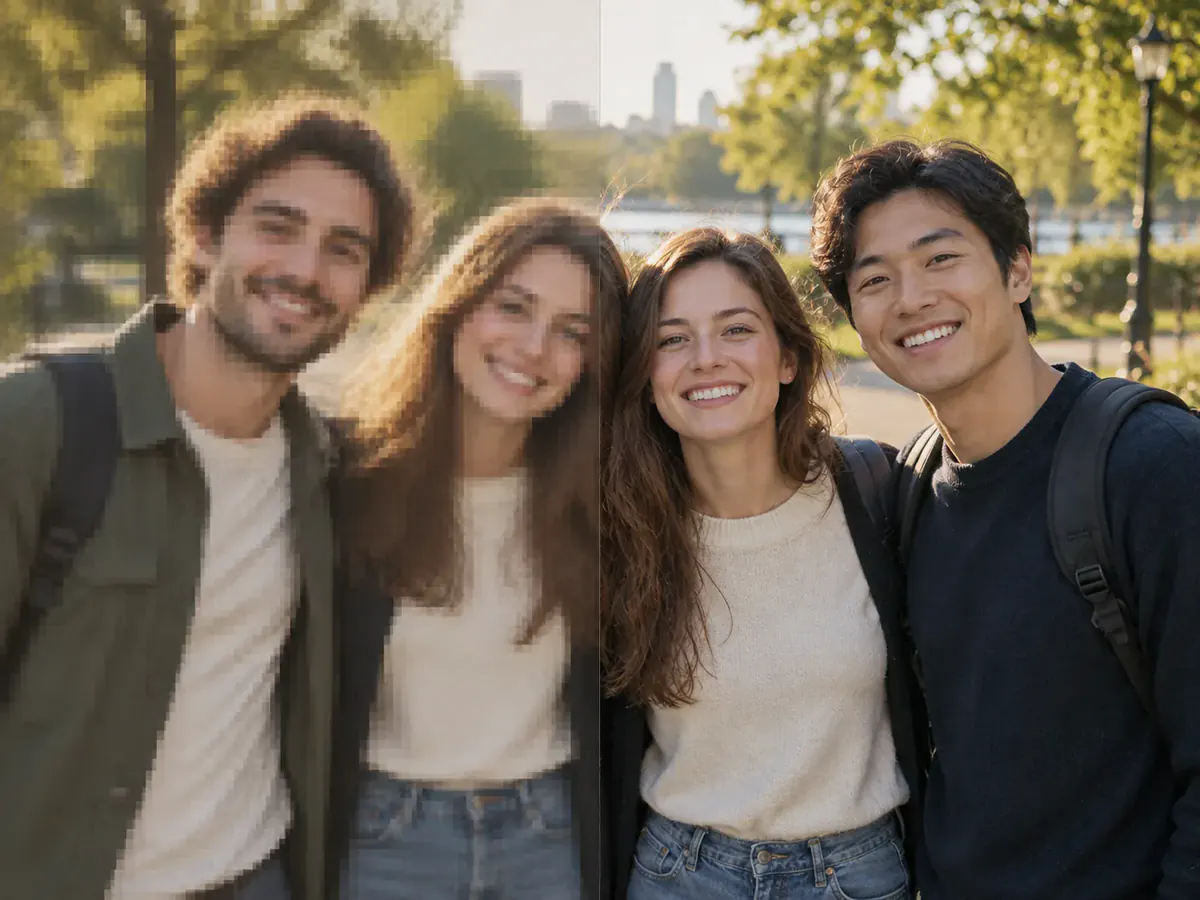
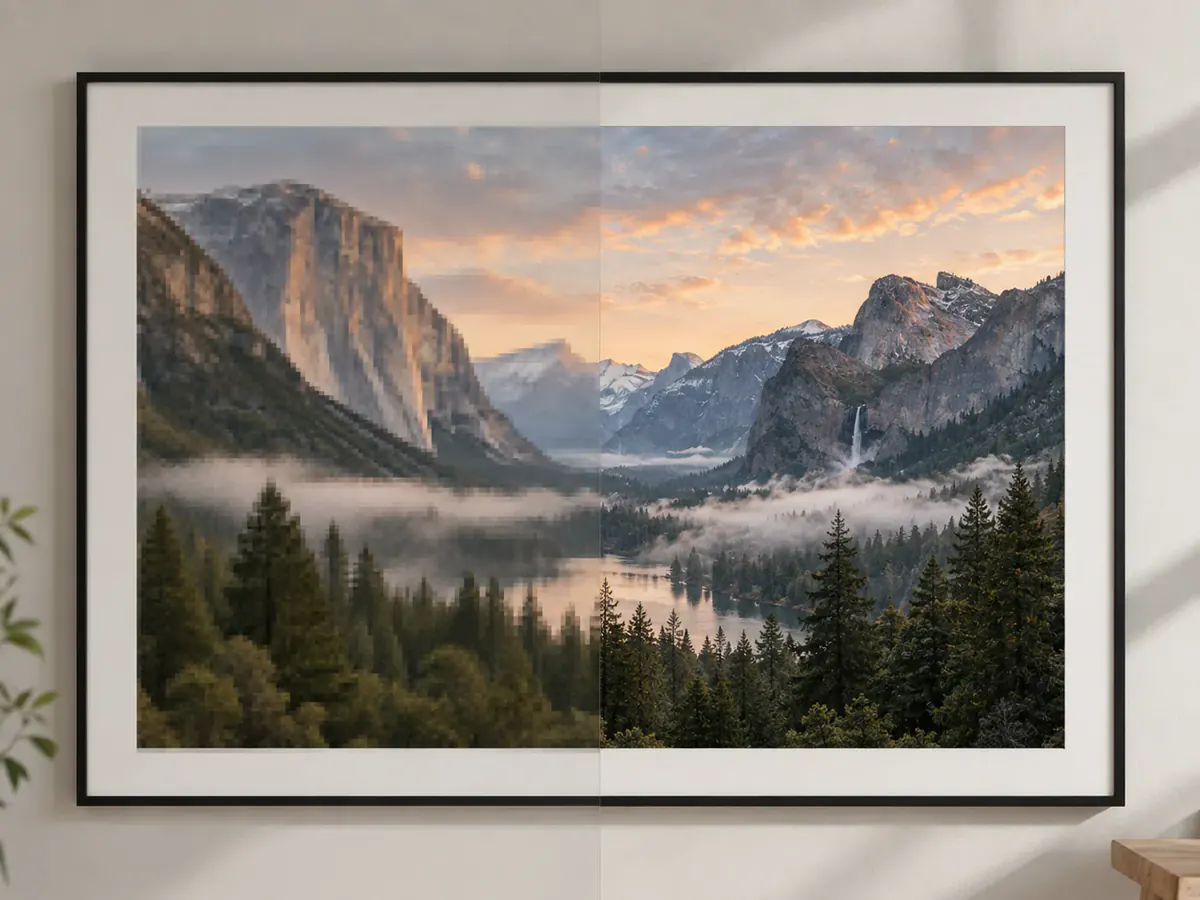
AI Photo Enhancer คมชัดระดับ 4K
แปลงภาพความละเอียดต่ำเป็นไฟล์ 4K และ 8K ในฐานะ AI photo enhancer ความแม่นยำสูง Phevo ช่วยสร้างพื้นผิวสำหรับการพิมพ์
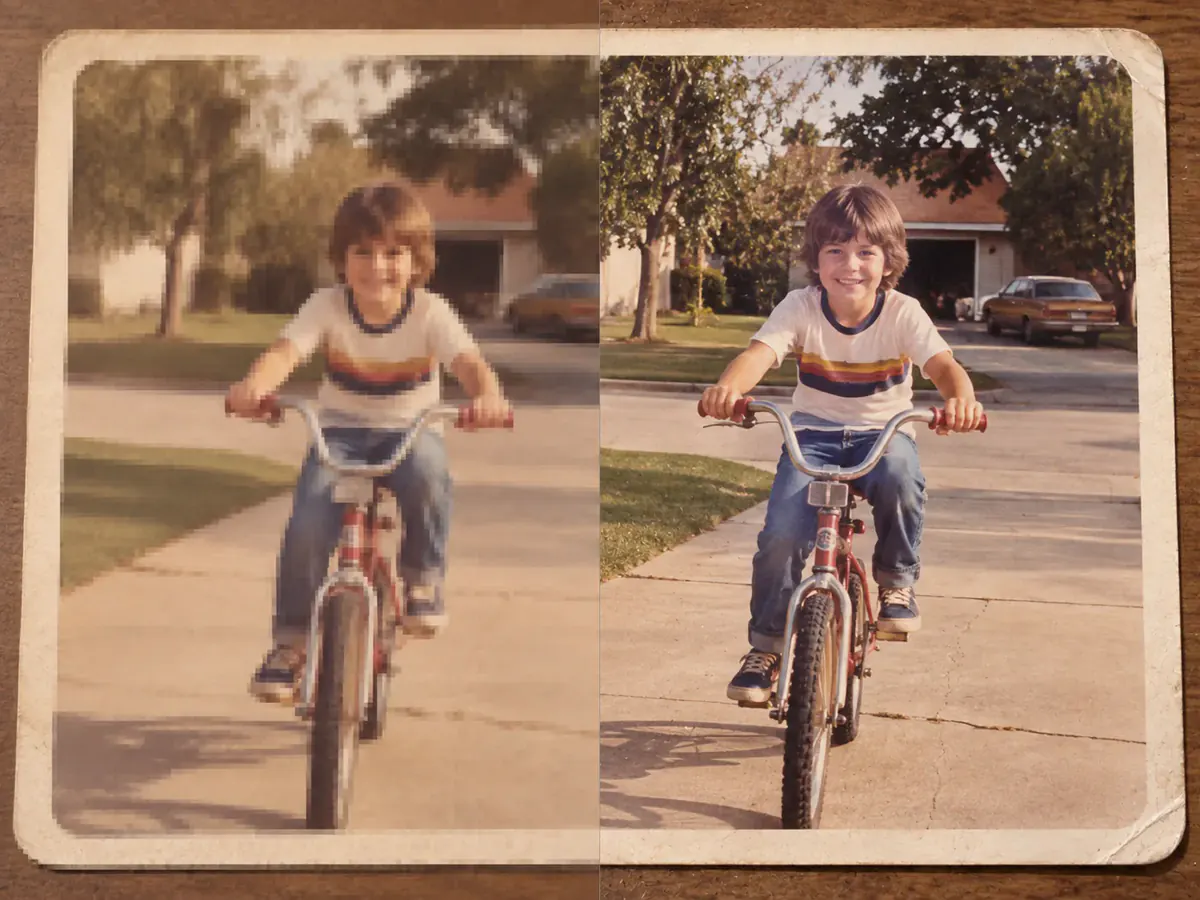
Heritage & Vintage Photo Restoration
ฟื้นฟูภาพถ่ายเก่าที่ชำรุดและซีดจางด้วย AI photo enhancer ของเราเพื่อคืนความคมชัดดั้งเดิม
สิ่งที่คุณสามารถยกระดับได้ด้วย AI Photo Enhancer & Picture Enhancer

Portraits & Profile Pictures
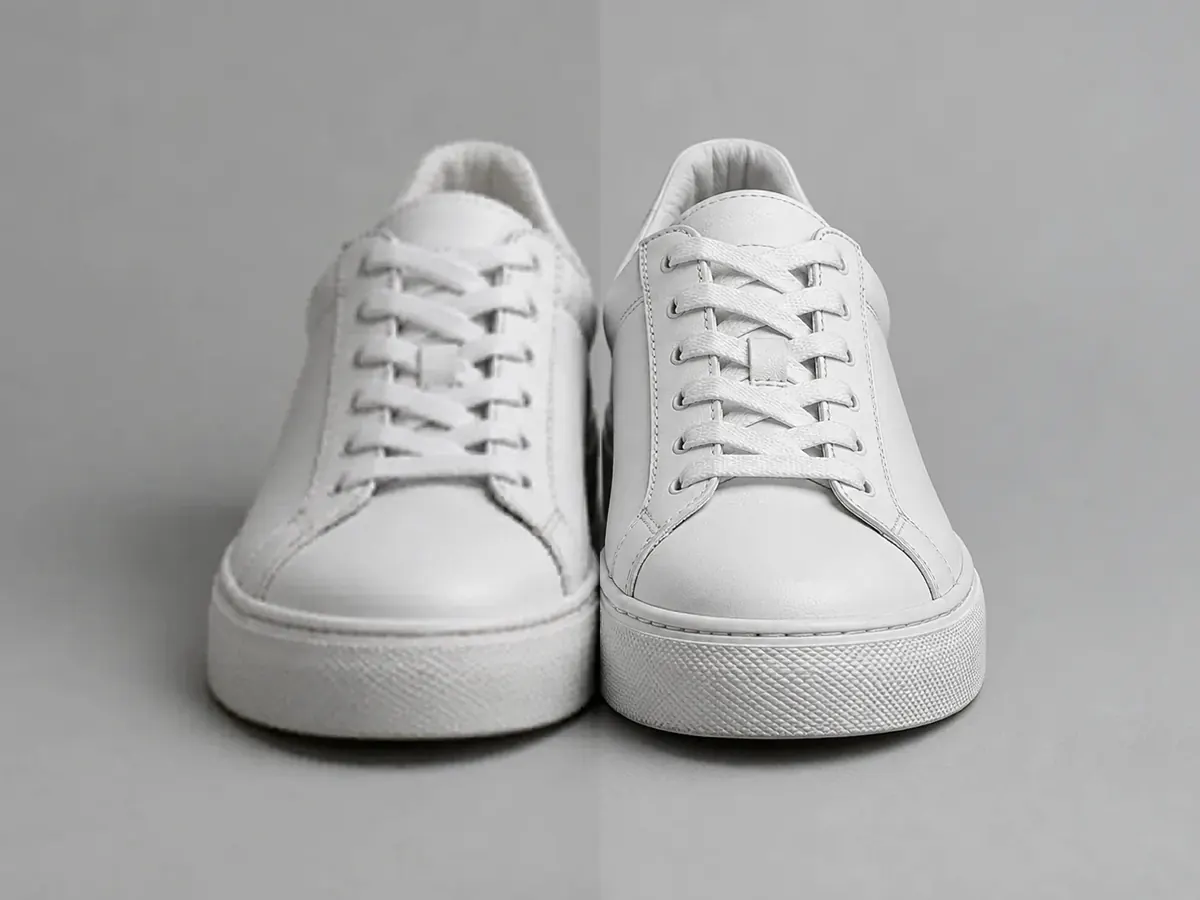
E-Commerce Product Photography
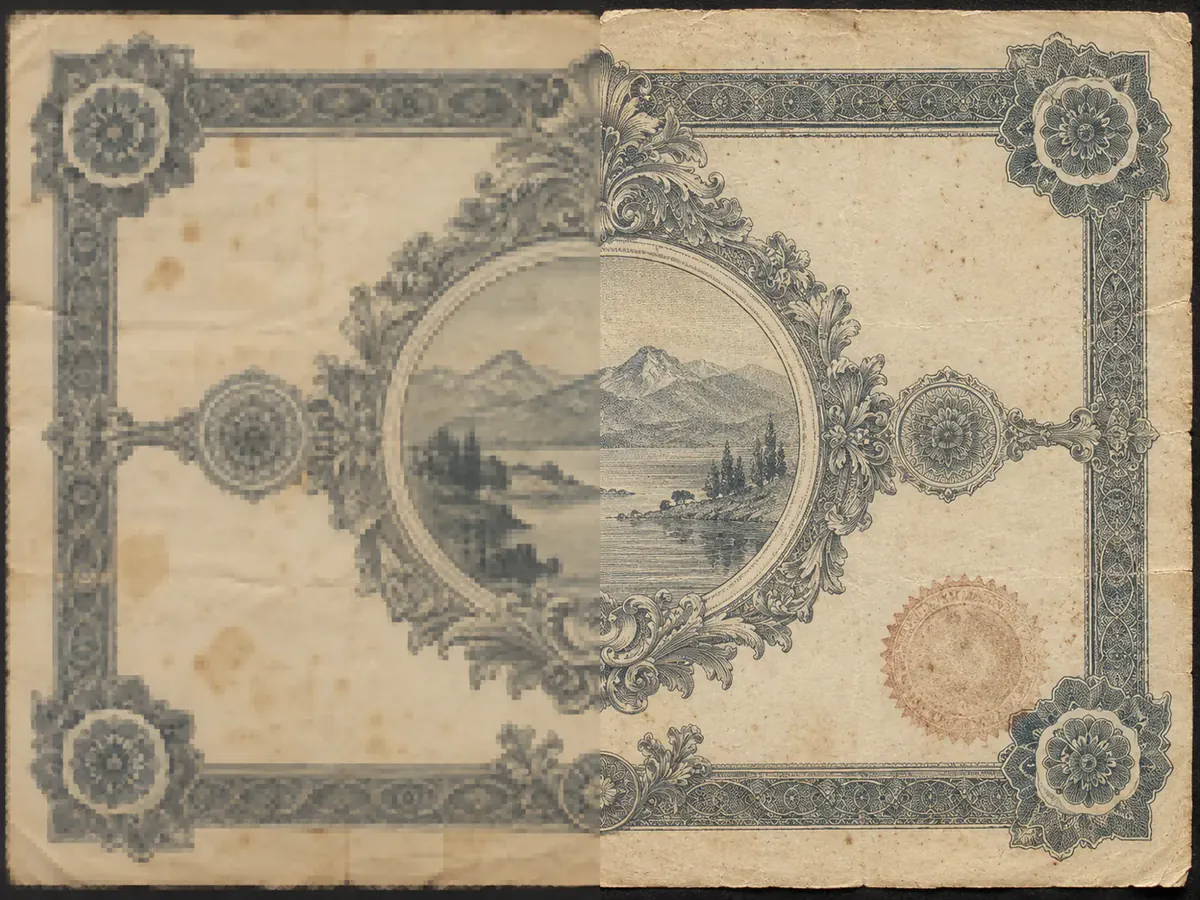
Old Family & Historical Scans

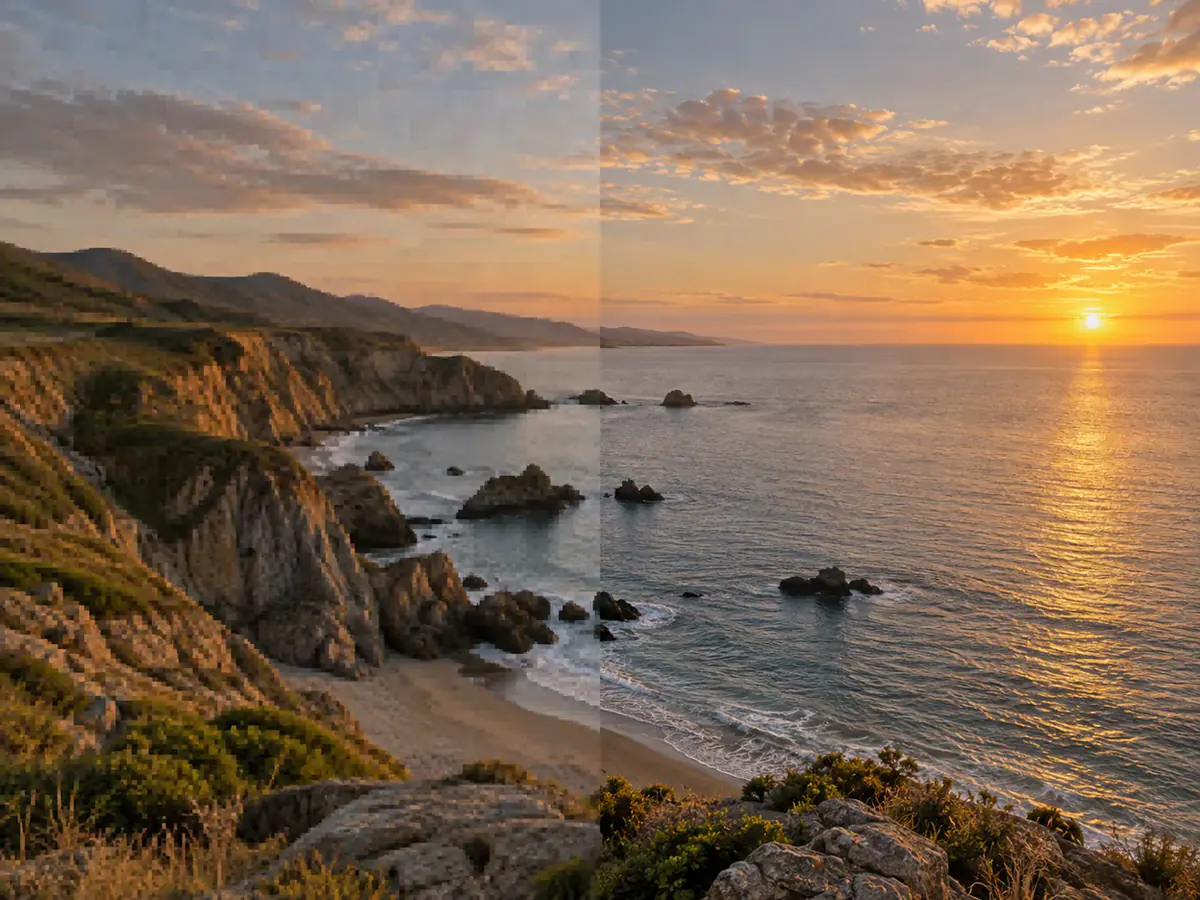
Smartphone Shots & Low-Light Snaps
Screenshots & Document Clarity
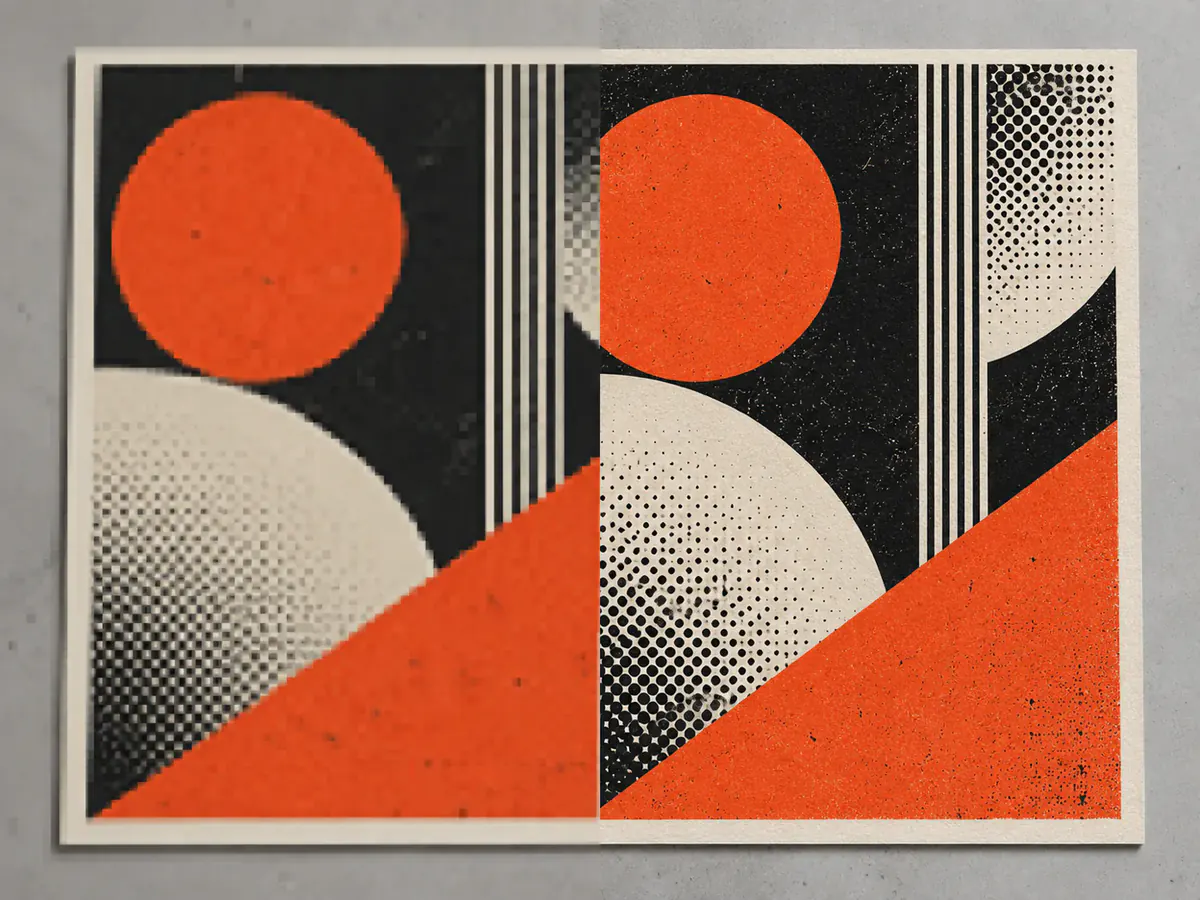
Digital Art & Poster Prints
ทำไมต้องเลือก Phevo เป็น AI Photo Enhancer ฟรีของคุณ
AI Photo Enhancer vs Traditional Resizers & Filters
Compare true neural texture synthesis against mathematical interpolation and destructive sharpening filters.
| Feature / Capability | Phevo AI Photo Enhancer | Traditional Resizer | Basic Sharpening Filter |
|---|---|---|---|
| Edge & Detail Reconstruction | Neural synthesis: Real-ESRGAN predicts and recovers authentic high-frequency details. | Duplicates existing pixels (bicubic interpolation); results stay blurry and jagged. | Increases contrast along existing edges; creates harsh halos without adding detail. |
| Facial Restoration & Real Skin | GFPGAN facial priors restore natural eyes, eyelashes, and skin pores without plastic smoothing. | Leaves facial features soft, fuzzy, and pixelated. | Accentuates facial noise and produces unnatural, waxy skin texture. |
| Denoising & Compression Removal | Deep learning denoiser clears dark sensor grain and JPEG block artifacts cleanly. | Enlarges noise and compression blocks into large, visible blotches. | Severely amplifies film grain and JPEG artifacts, worsening image dirt. |
| Max Resolution & Print Output | Up to 4K (4096px) and 8K master output at 300 DPI for physical printing. | Outputs high pixel dimensions with poor DPI clarity and blurry lines. | Limited strictly to original canvas dimensions. |
| Device Compatibility & Speed | 100% in-browser on mobile & desktop; cloud GPU finishes in 2–5 seconds. | Fast, but output quality remains substandard. | Requires desktop software installation (Photoshop) and manual tuning. |
| Watermarks & Export Rights | 100% watermark-free on all free tiers with full commercial rights. | Usually free, but output lacks professional fidelity. | Requires paid monthly creative suite subscriptions. |
Technical Specifications & Processing Limits
Transparent hardware, model, and performance boundaries.
วิธีใช้งาน AI Photo Enhancer ใน 3 ขั้นตอนง่ายๆ
- 1
Upload your picture
ลากและวางรูปภาพ JPG, PNG หรือ WebP ลงใน AI photo enhancer (รองรับไฟล์สูงสุด 20 MB)
- 2
Choose enhancement model & target size
Select Real-ESRGAN for photo realism, Anime mode for illustrations, or pick 2K/4K resolution to fit your display or print needs.
- 3
Preview and download in full resolution
Examine the side-by-side comparison slider and download your high-fidelity, watermark-free enhanced photo instantly.
Frequently Asked Questions
AI photo enhancer (หรือ picture enhancer / image enhancer) คือ image quality enhancer ขั้นสูงที่ใช้โครงข่ายประสาทเทียมฟื้นฟูรายละเอียดภาพ
ฟรี Phevo มอบโควตา AI photo enhancer ฟรีทุกวันโดยไม่ต้องลงทะเบียนหรือใช้บัตรเครดิต
No. All enhanced images downloaded from Phevo are completely free of watermarks, logos, or stamps, even for free daily users. You own full rights to your enhanced files.
Yes. The enhancement engine specifically targets optical motion blur and slight focal drift, deblurring facial contours, text, and object boundaries to restore crisp, readable shapes.
Phevo pairs Real-ESRGAN with specialized facial restoration algorithms (GFPGAN). This combination analyzes facial anatomy, preserving natural skin micro-texture, freckles, eye reflections, and hair strands without creating artificial plastic smoothing.
Yes. The AI effectively removes scan grain, suppresses paper yellowing, repairs minor surface degradation, and enhances contrast, making faded heritage family portraits sharp and vibrant once again.
โปรแกรมปรับขนาดภาพทั่วไปเพียงแค่ยืดพิกเซลทำให้ภาพแตก แต่ AI photo enhancer และ picture enhancer ทำหน้าที่เป็น image quality enhancer ตัวจริงที่ให้ภาพคมกริบ
Phevo supports JPG, PNG, WebP, and common mobile camera formats up to 20 MB. Enhanced output can be exported as high-quality PNG or JPEG up to 4K and 8K dimensions.
Absolutely. Your photos are transmitted via end-to-end TLS encryption and processed temporarily in cloud GPU memory solely to perform the requested enhancement. We do not use your private images to train public AI models.
ได้ AI photo enhancer ของ Phevo รองรับภาพวาดอนิเมะและมังงะโดยคงเส้นสายที่คมชัด
พร้อมที่จะลองใช้ AI Photo Enhancer ชั้นนำแล้วหรือยัง?
Join creators, photographers, and businesses who improve image quality in seconds with Phevo's AI photo enhancer.
Enhance Photo Free Now