 Phevo
Phevoสร้างภาพด้วย AI
พิมพ์บอกว่าอยากได้ภาพแบบไหน แล้วสร้างภาพด้วย AI ได้ทันทีโดยไม่ต้องสมัคร เห็นค่าเครดิตก่อนกดทุกครั้ง
สร้างจากข้อความ
ทุกภาพด้านล่างเริ่มจากประโยคเดียว ไม่ได้อัปโหลดรูปใดเลย
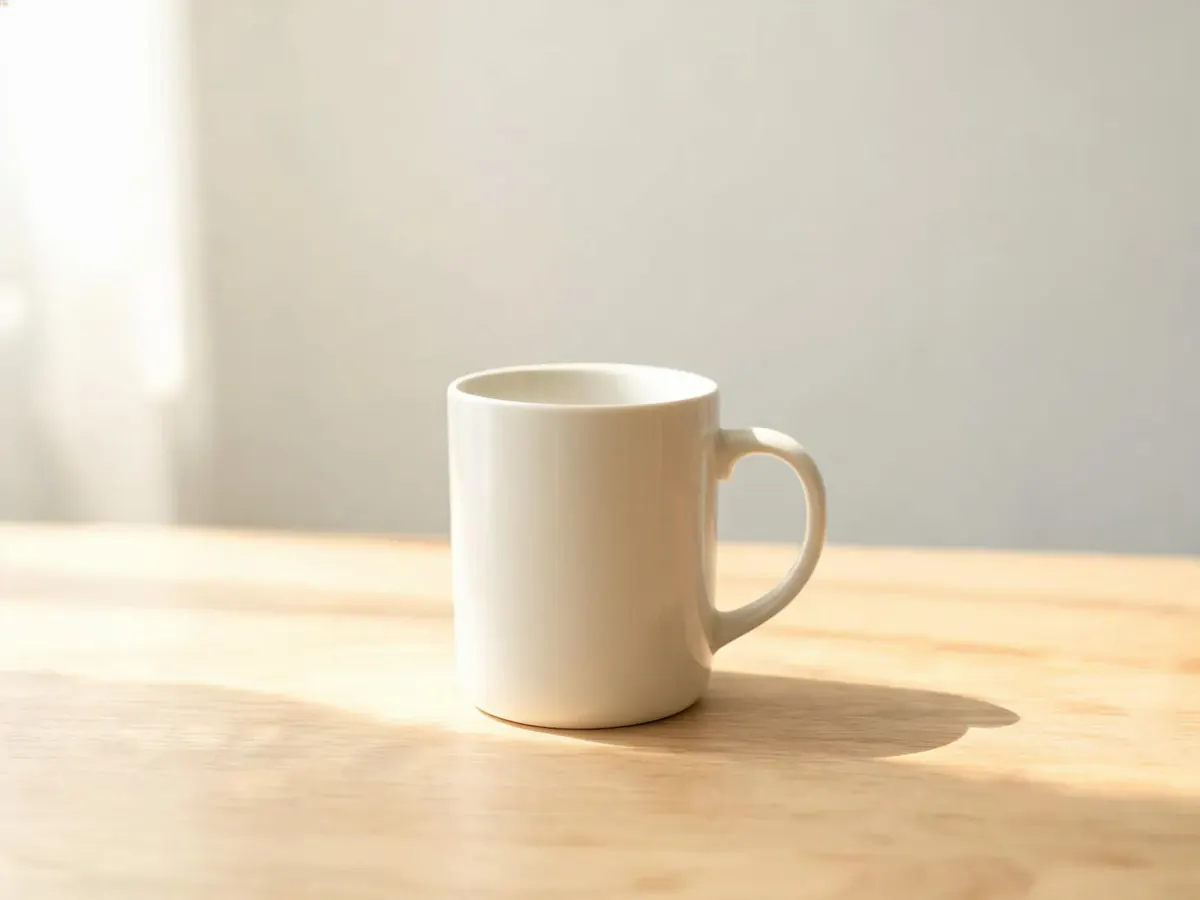
คำสั่ง
แก้วเซรามิกบนโต๊ะไม้โอ๊กสีอ่อน แสงเช้าจากหน้าต่างนุ่มนวล พื้นหลังสะอาด
ผลลัพธ์ของคุณเองจะมาแทนที่ตัวอย่างเหล่านี้ทันทีที่สร้างเสร็จ
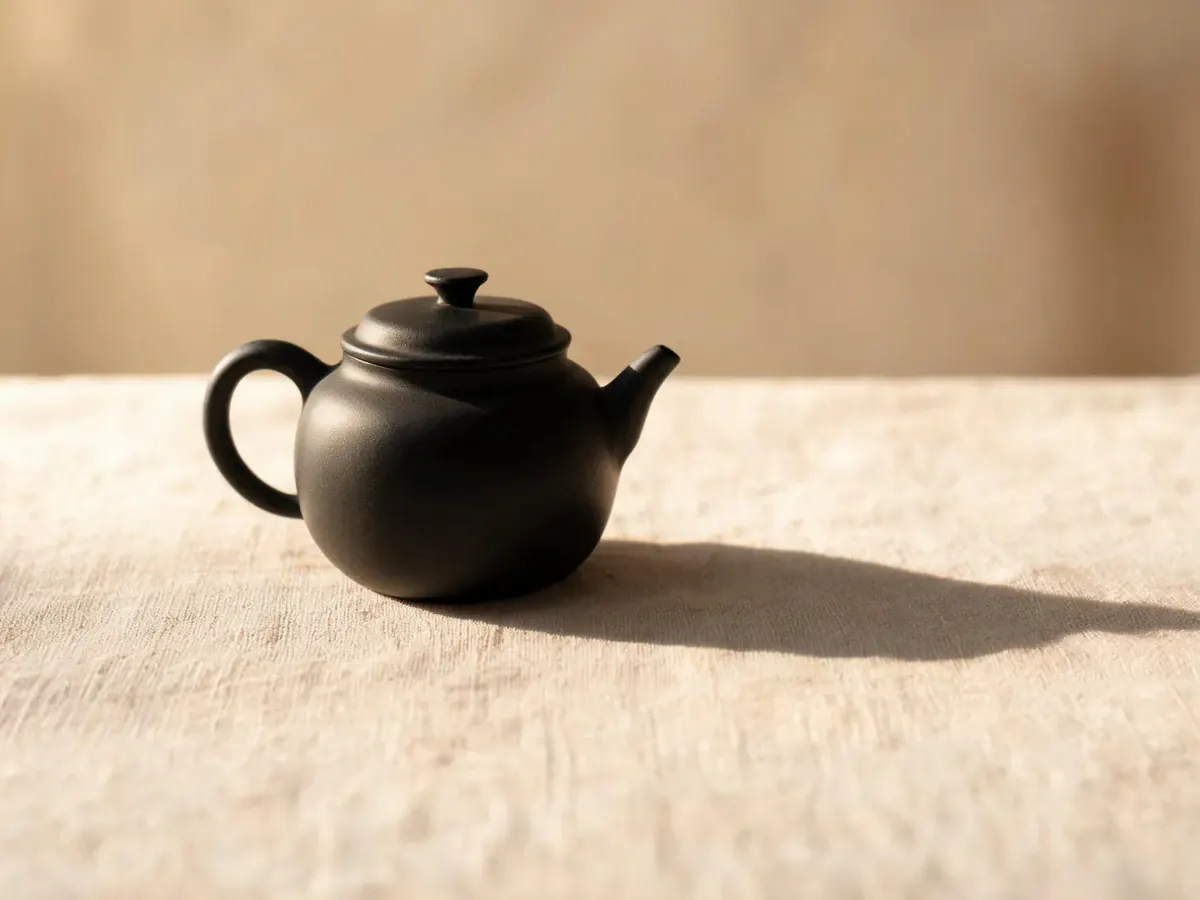
ภาพสินค้าและภาพนิ่ง
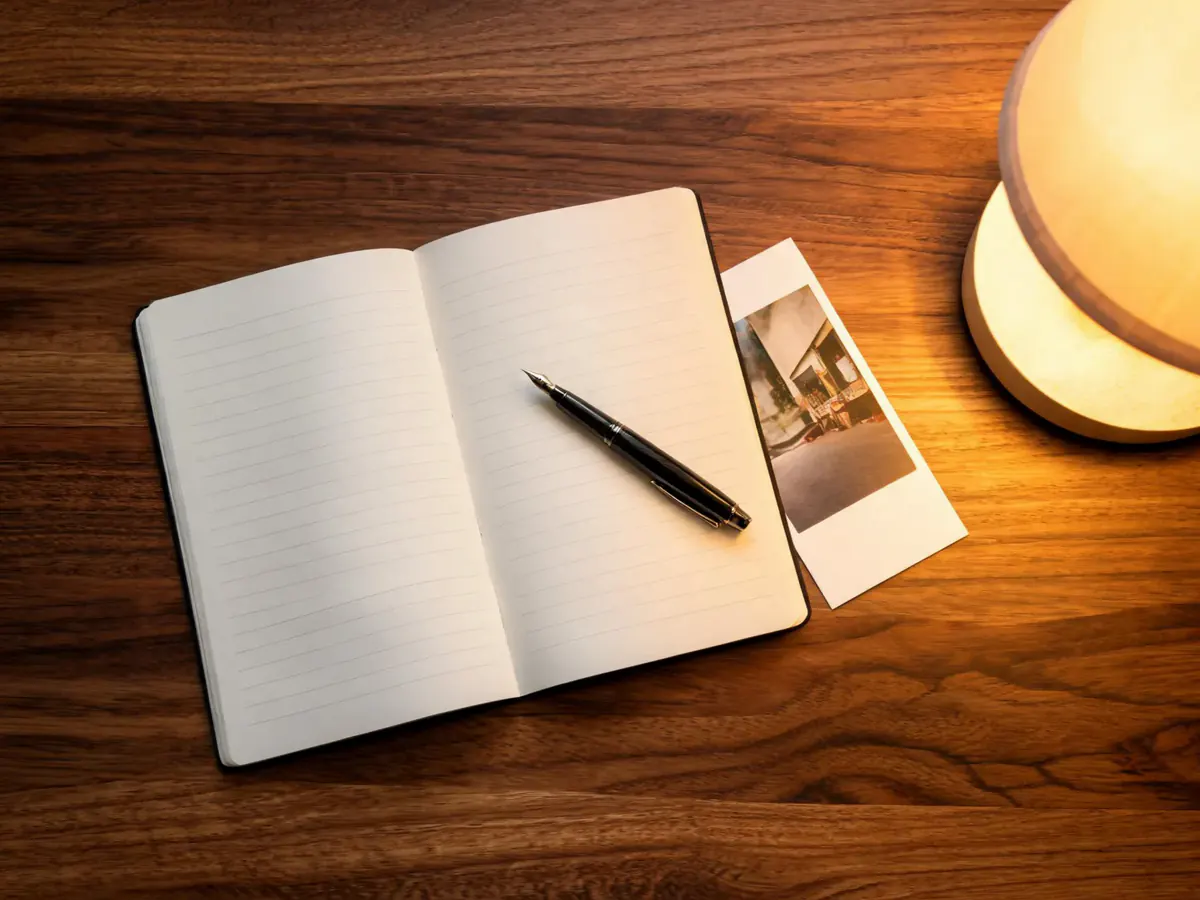
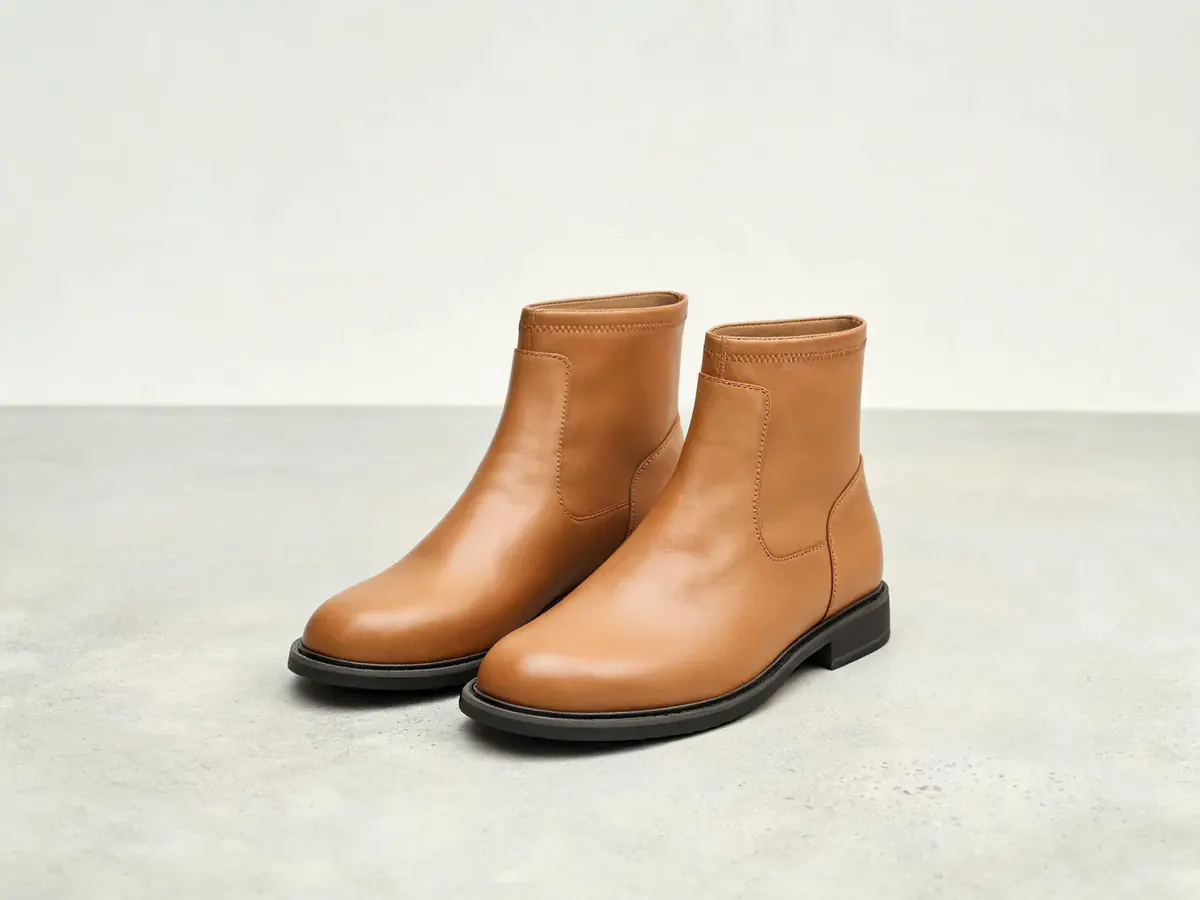
ของหนึ่งชิ้น พื้นผิวหนึ่งแบบ แสงหนึ่งทิศ คือเฟรมที่หน้าขายของต้องใช้ ระบุวัสดุกับทิศทางแสงในคำสั่ง แล้วสร้างภาพด้วย AI ให้ตามทั้งสองอย่าง
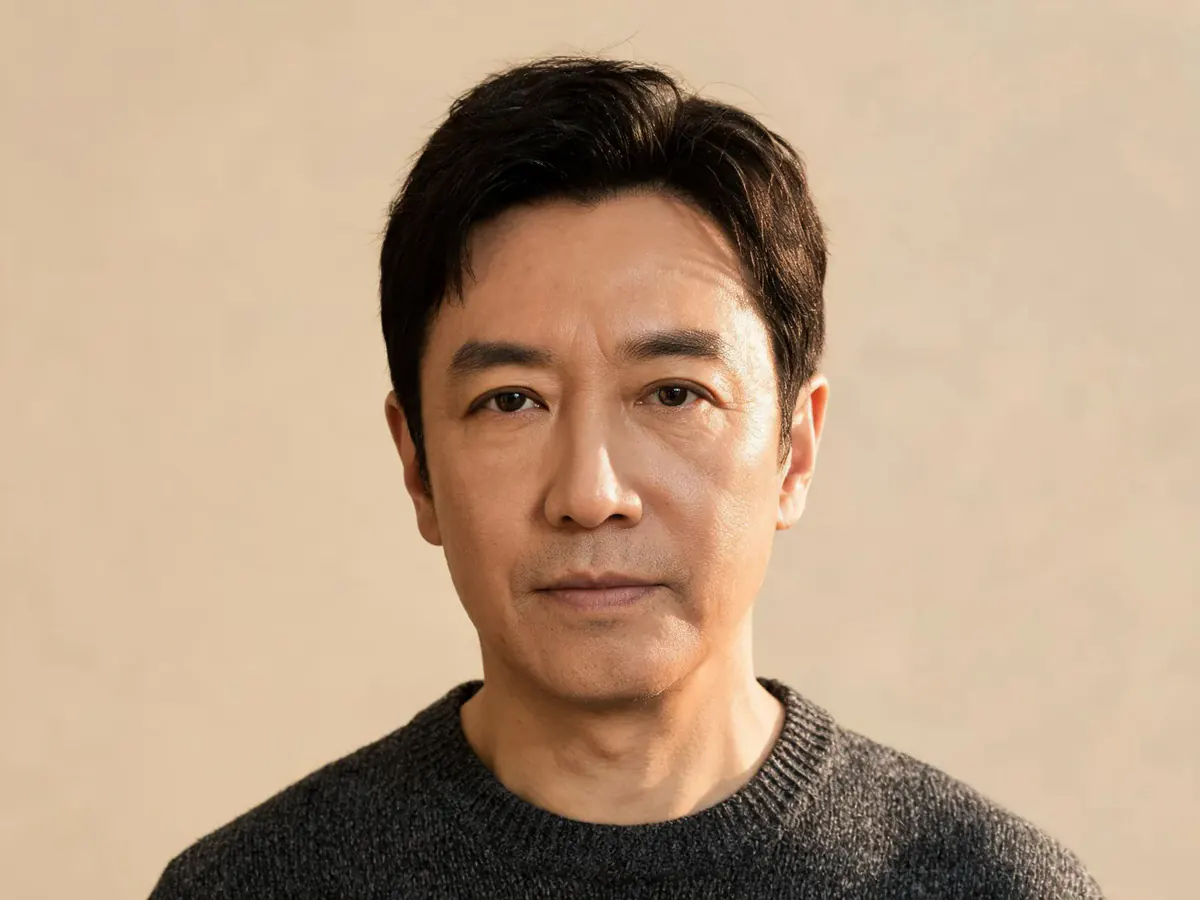
ภาพคนและภาพบุคคล
บอกอายุ เสื้อผ้า ฉากหลัง และแสง แล้วสร้างภาพด้วย AI เป็นภาพบุคคลตามนั้น ไม่ใช่หน้าสต็อกที่ใคร ๆ ก็ใช้
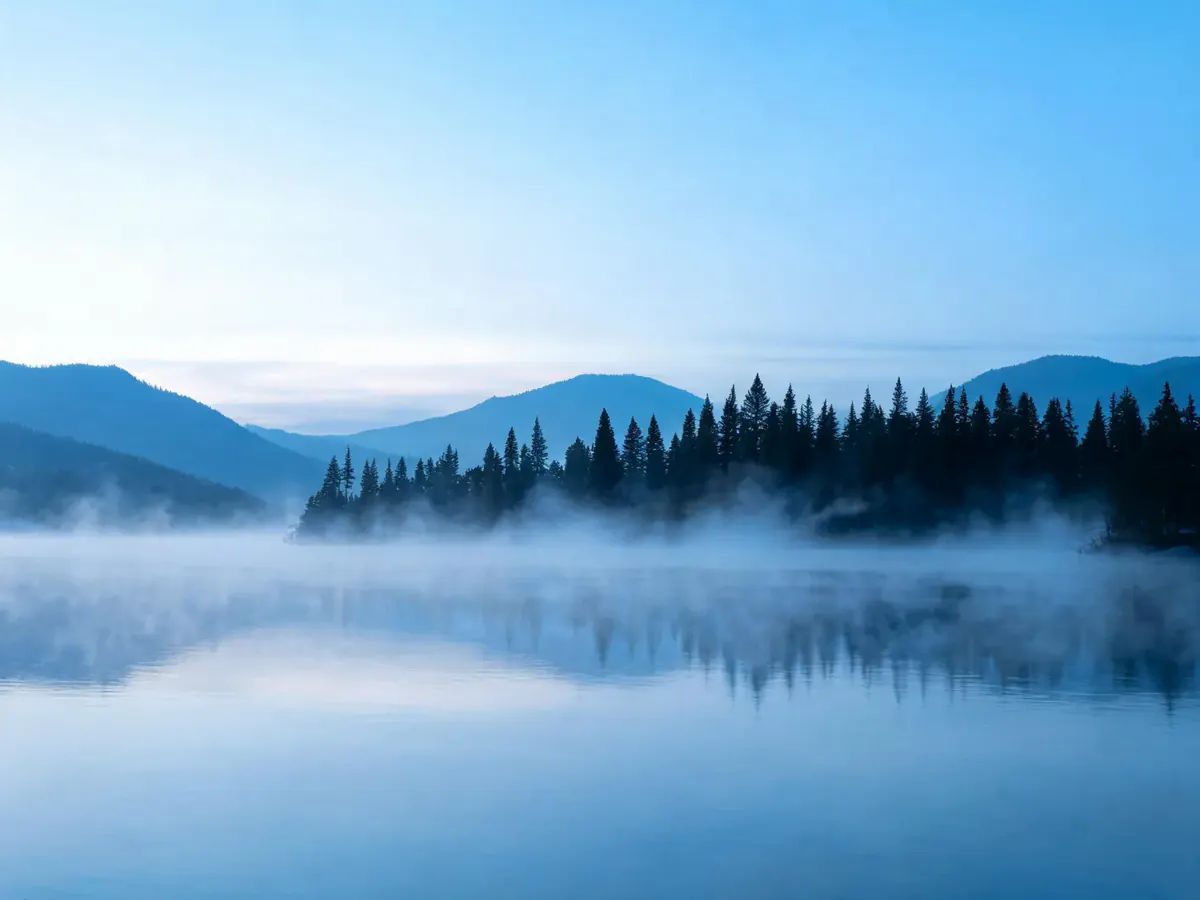
สถานที่ สภาพอากาศ และช่วงเวลา
ภาพวิวขึ้นกับเวลา อากาศ และความกว้างเลนส์ โกลเดนอาวร์หลังหมอกทะเลกับแดดเที่ยงต่างกันมาก เวลาสร้างภาพด้วย AI คุณกำหนดได้ในคำสั่ง
ภาพประกอบและงานลายเส้นแบน
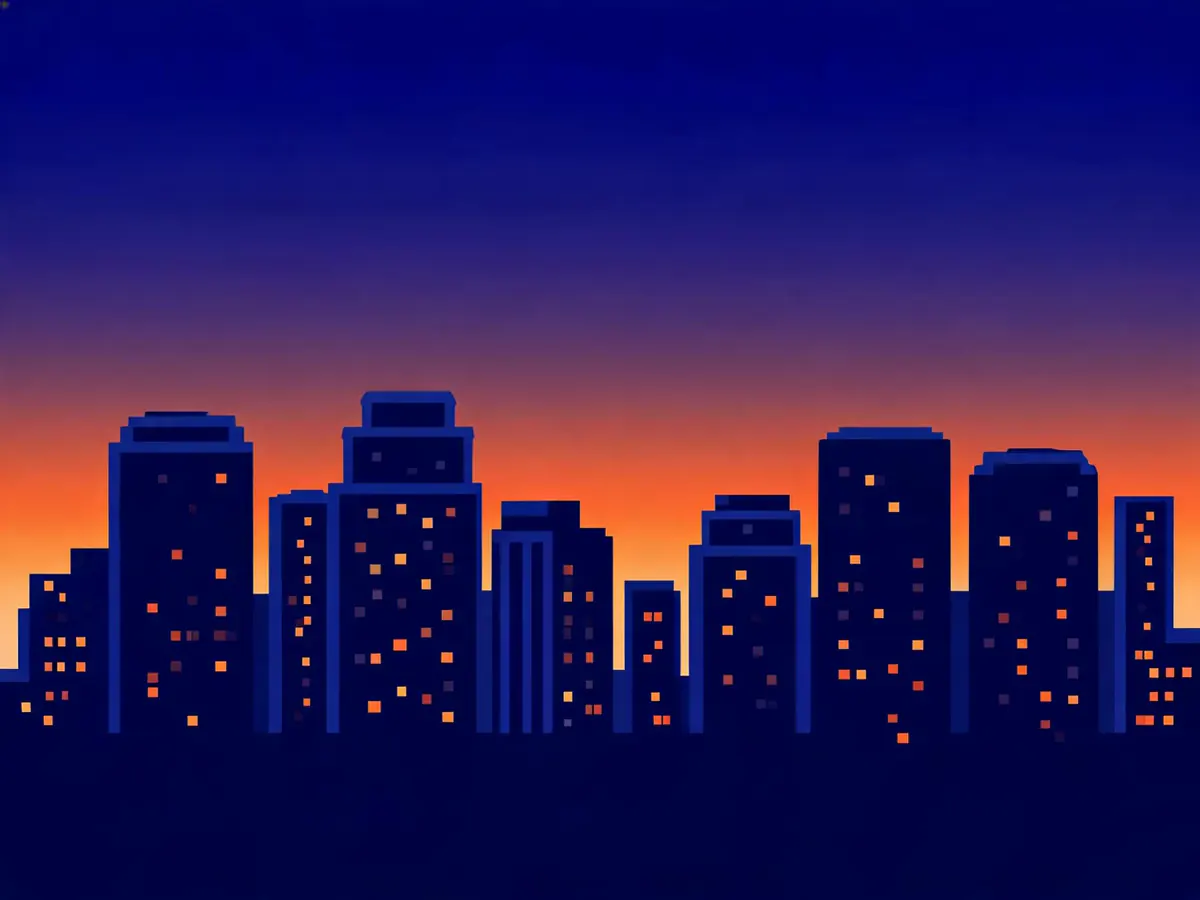
ไม่ใช่ทุกงานต้องเหมือนภาพถ่าย สั่งเป็นเวกเตอร์แบน เส้นหนา หรือจำกัดโทนสี แล้วการสร้างภาพด้วย AI จะเลิกเลียนแบบกล้อง เหมาะกับไดอะแกรม ชุดไอคอน และภาพหัวบทความ
ตัวหนังสือที่รอดมาอยู่ในภาพ
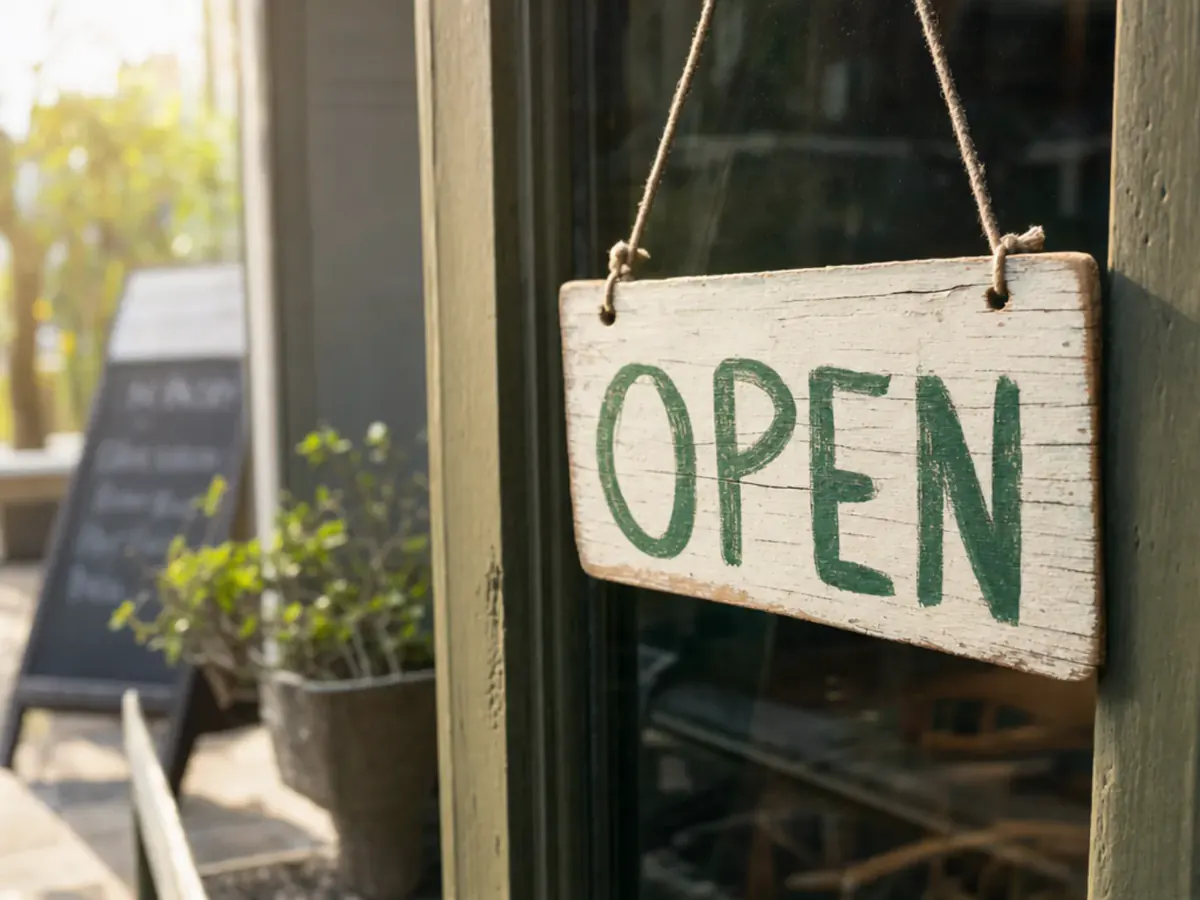
ตัวอักษรในภาพคือจุดที่โมเดลส่วนใหญ่พัง ถ้าจะสร้างภาพด้วย AI ที่มีข้อความ ใช้ GPT Image หรือ Nano Banana Pro เหมาะกับโปสเตอร์และฉลาก
วิธีสร้างภาพด้วย AI จากข้อความใน 3 ขั้นตอน
- 1
เขียนบอกว่าอยากได้ภาพอะไร
พิมพ์ตัวแบบ ฉาก ทิศทางแสง และสไตล์ คำนามที่ชี้ชัดได้ผลกว่าคำสวย ๆ ที่ตีความได้หลายทาง
- 2
เลือกโมเดลกับสัดส่วนภาพ
เลือกโมเดลและสัดส่วนภาพ ค่าเครดิตบนปุ่มเปลี่ยนตามทันที คุณจึงรู้ราคาสร้างภาพด้วย AI ก่อนกด
- 3
กดสร้าง แล้วทำต่อได้เลย
กดสร้าง แล้วดาวน์โหลด หรือแก้เฉพาะจุดต่อในเครื่องมือแต่งรูป
คนใช้สร้างภาพด้วย AI ทำอะไรบ้าง
แม่ค้าออนไลน์ที่ไม่มีช่างภาพสินค้า
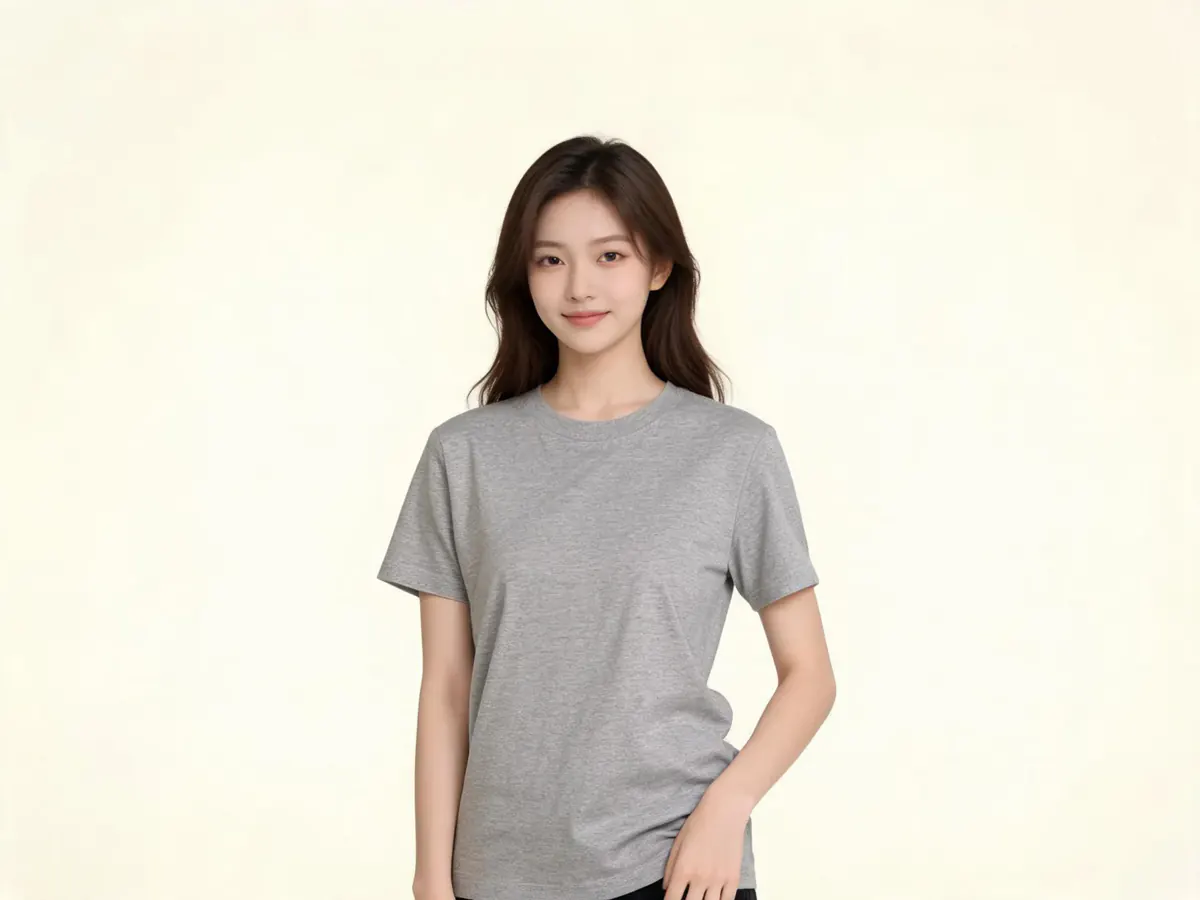
คนขายเสื้อพิมพ์ตามสั่งที่ต้องทำม็อกอัป
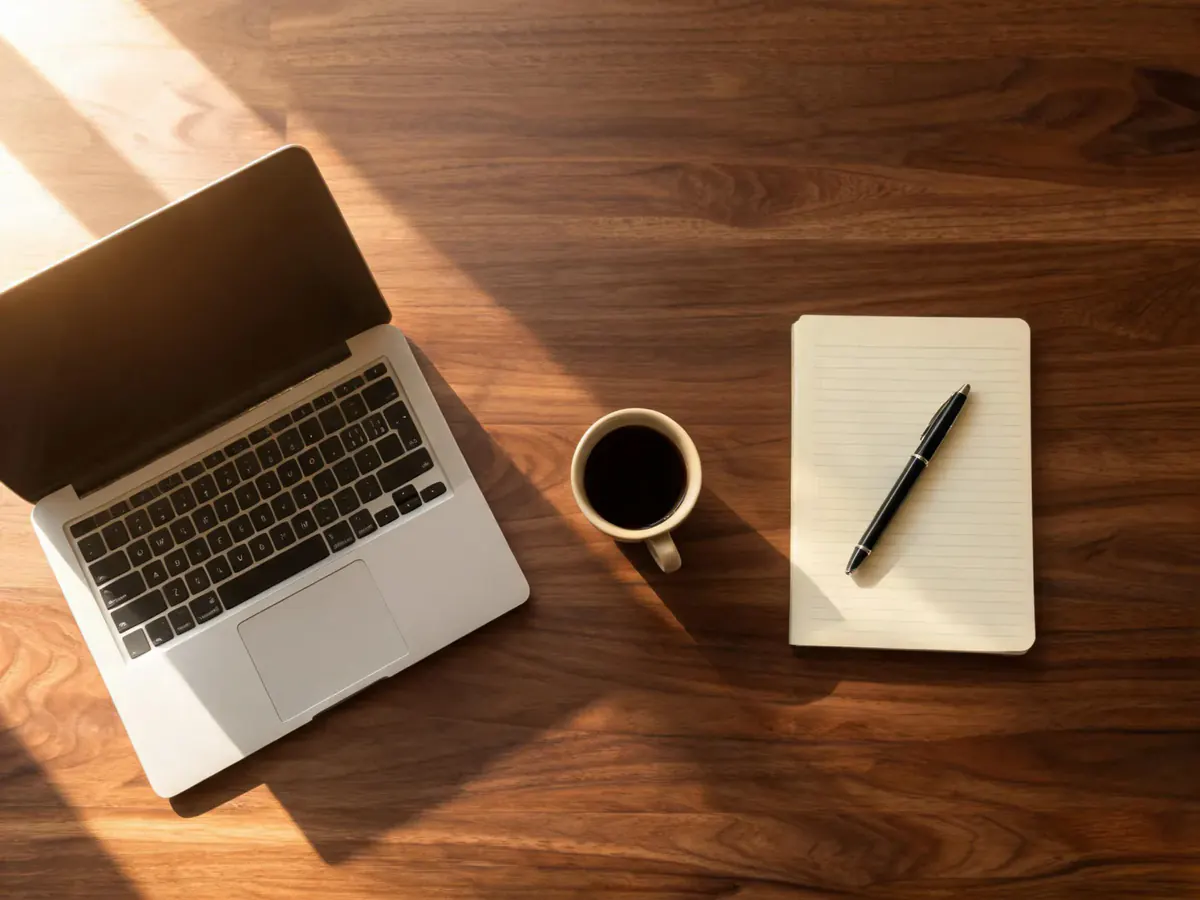
คนเขียนบล็อกที่ต้องได้ภาพหัวบทความวันนี้
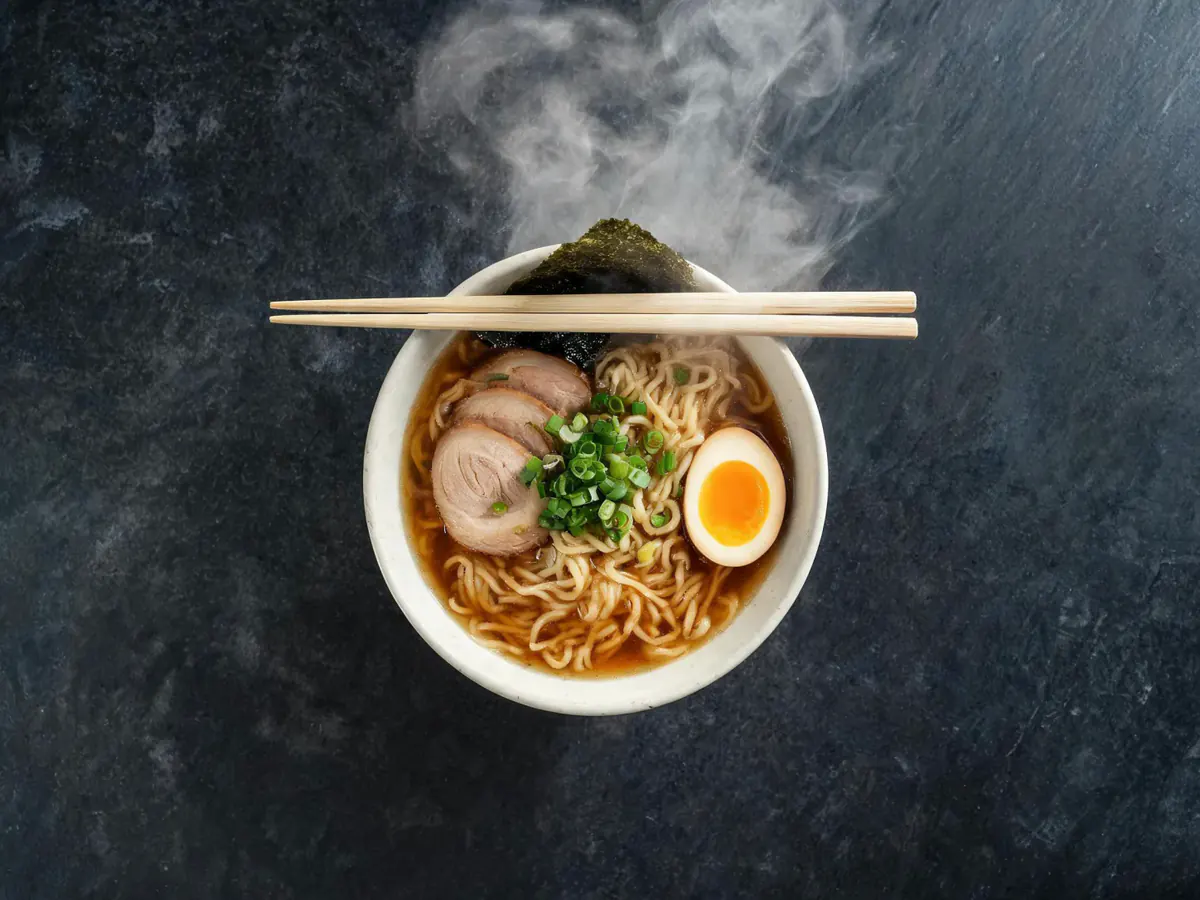
คนดูแลโซเชียลที่ต้องส่งงานหลายขนาด
นักพัฒนาอินดี้ที่หน้าจอยังว่างเปล่า
ครูและวิทยากรที่กำลังทำสไลด์
ทำไมต้องสร้างภาพด้วย AI ที่นี่
คำถามที่พบบ่อยเรื่องสร้างภาพด้วย AI
คือการเปลี่ยนคำบรรยายให้เป็นภาพ ที่ Phevo คุณสร้างภาพด้วย AI ในเบราว์เซอร์ เลือกโมเดลยอดนิยม แล้วรับไฟล์ขนาดเต็มที่แต่งต่อได้ในหน้าจอเดียว
ไม่ล็อกอินก็สร้างภาพด้วย AI ได้ฟรีวันละ 1 ครั้งที่ 1K ด้วยโมเดลถูกสุด สมัครแล้วได้อีก 6 เครดิตครั้งเดียว หลังจากนั้นคิดเป็นเครดิต
ไม่ต้อง โควตาฟรีวันละครั้งใช้ได้โดยไม่ล็อกอิน ต้องมีบัญชีเมื่ออยากเลือกโมเดลเอง ใช้ความละเอียดเกิน 1K หรือใช้เครดิต
ตั้งแต่ 5 เครดิตสำหรับโมเดลถูกสุดที่ 1K ถึง 40 เครดิตสำหรับตัวแพงสุดที่ 4K ตัวเลขจริงขึ้นบนปุ่มสร้างก่อนกดเสมอ
ใช่ AI picture generator, AI image maker และ AI image creator หมายถึงเครื่องมือสร้างภาพด้วย AI จากข้อความเหมือนกัน และหน้านี้ก็คือเครื่องมือนั้น
เริ่มจากค่าเริ่มต้นที่ถูกสุด ถ้ามีตัวหนังสือใช้ GPT Image 2 หรือ Nano Banana Pro ภาพผืนใหญ่ใช้ Seedream 5 ส่วน FLUX.2 [pro] ไวและสม่ำเสมอ สลับโมเดลไม่เสียเครดิตจนกว่าจะกดสร้าง
ถึง 4K บน Nano Banana 2, Nano Banana Pro และ Seedream 5.0 Lite ส่วน Grok Imagine กับ Seedream 5.0 Pro สูงสุด 2K และ GPT Image กับ FLUX.2 [pro] ใช้ขนาดสำเร็จรูป
ส่วนใหญ่เป็น PNG ส่วน Seedream 5.0 Lite ซึ่งโควตาฟรีรายวันใช้อยู่ คืนเป็น JPEG เพราะโมเดลไม่มีรูปแบบอื่น
ไม่มี Phevo ไม่ใส่ลายน้ำหรือโลโก้ลงบนภาพที่สร้างด้วย AI รวมถึงรอบที่ใช้โควตาฟรีรายวัน
Phevo รันโมเดลผ่าน fal.ai ก่อนใช้เชิงพาณิชย์ ให้ตรวจข้อกำหนดของผู้ให้บริการโมเดลที่ใช้สร้างภาพด้วย AI
ได้ ผลการสร้างภาพด้วย AI อยู่ในเครื่องมือแต่งรูป เปลี่ยนพื้นหลัง ลบวัตถุ หรือเพิ่มความละเอียดต่อได้เลย
ได้ อัปโหลดภาพเดียวในโหมดแต่งภาพเดียวเพื่อแก้ไข หรือหลายภาพในโหมดรวมหลายภาพเพื่อผสานกัน หากต้องการแก้เฉพาะบางส่วนของผลลัพธ์ ให้เข้าสู่ระบบ เปิดผลลัพธ์ในรีทัชด้วยแปรง แล้วระบายบริเวณนั้น
จัตุรัส, 16:9, 9:16, 4:3 และ 3:4 พร้อมตัวเลือกอัตโนมัติในบางโมเดล เลือกก่อนสร้างภาพด้วย AI เพื่อให้องค์ประกอบวางมาถูก
คำสั่งถูกส่งไปยังผู้ให้บริการโมเดลเพื่อเรนเดอร์ Phevo ไม่ได้นำไปขาย รายละเอียดการเก็บข้อมูลอยู่ในนโยบายความเป็นส่วนตัว
สร้างภาพด้วย AI ใบแรกฟรี
ฟรีวันละ 1 ครั้งโดยไม่ต้องสมัคร สมัครแล้วได้อีก 6 เครดิต และเห็นค่าเครดิตบนปุ่มก่อนจ่ายเสมอ
สร้างภาพเลย