 Phevo
PhevoNano Banana Pro
Mantén la identidad del personaje con Nano Banana Pro entre imágenes de referencia y haz borradores más baratos en el mismo editor.
Creadas desde una frase
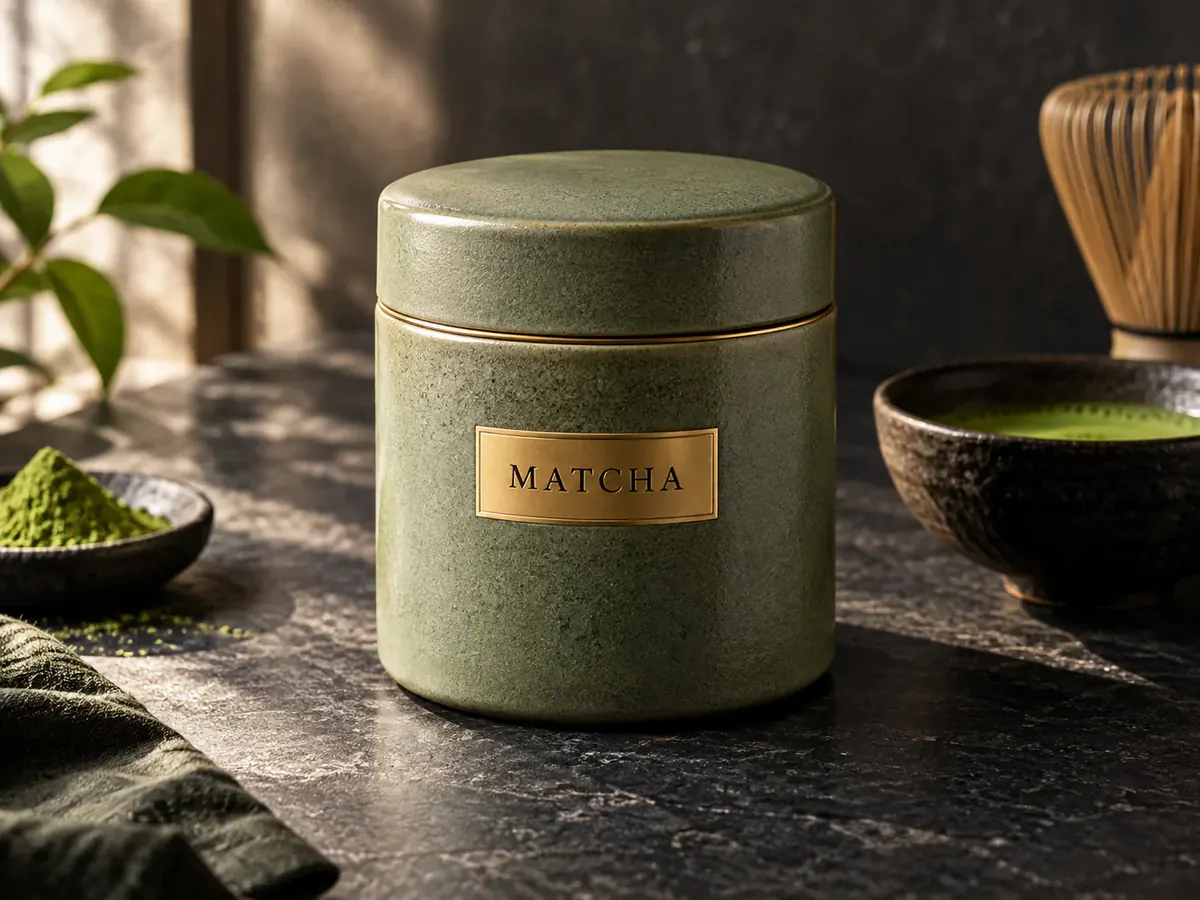
Cada imagen de abajo empezó como una frase: no se subió ninguna foto.
instrucción
Lata de matcha de cerámica, etiqueta dorada, piedra negra, luz de ventana
Tu propio resultado sustituirá estos ejemplos en cuanto esté listo.
¿Qué es Nano Banana Pro?
Nano Banana Pro es el modelo de imagen Gemini de mayor fidelidad de Google: un generador de imágenes Nano Banana Pro para imágenes de 1K a 4K, texto dentro de la imagen e imágenes de referencia. Lite y Pro comparten un mismo desplegable, así que borrador y final no viven en dos apps.
Mantén el mismo rostro con imágenes de referencia
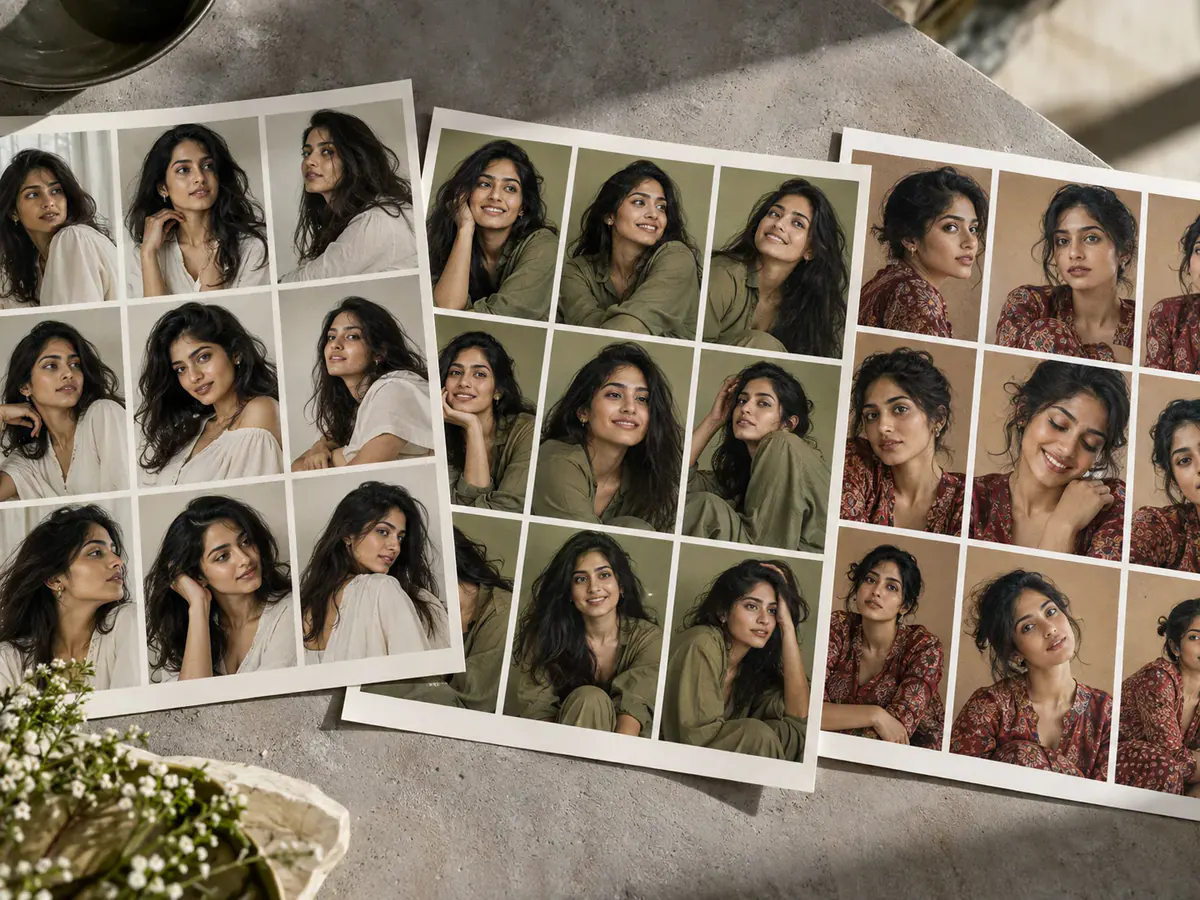
Una hoja de personaje se arruina cuando en el segundo fotograma cambia la mandíbula. Sube la imagen en la que confías y describe solo la pose; las imágenes de referencia de Nano Banana Pro mantienen la estructura ósea de la misma persona. Es una edición, no un bloqueo al 100% del parecido.
Texto que se lee en la etiqueta
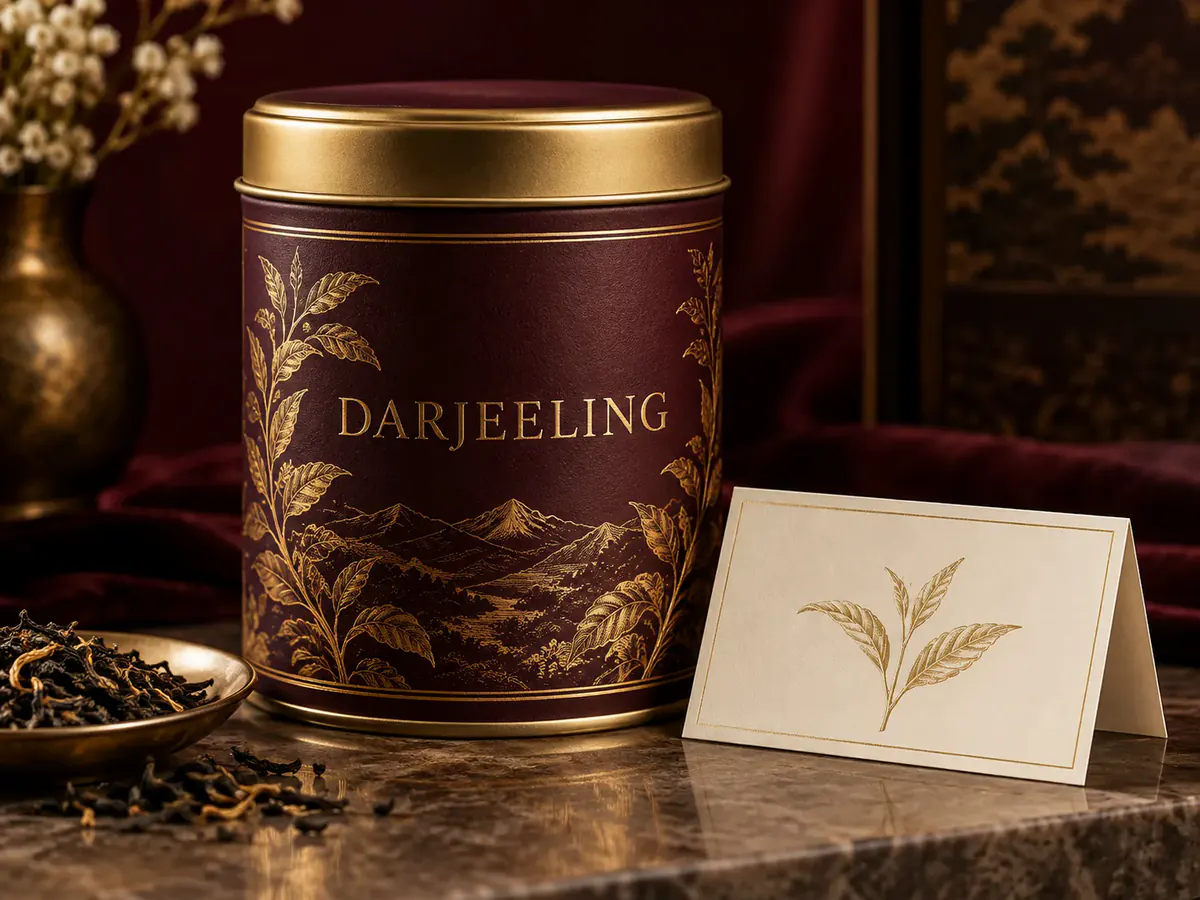
Una foto de producto no sirve si el nombre de la marca se vuelve ruido. La herramienta de generación de imágenes Nano Banana Pro es el nivel para pósters, latas e interfaces donde las palabras tienen que estar bien escritas.
Piel e iluminación fotorrealistas en 4K
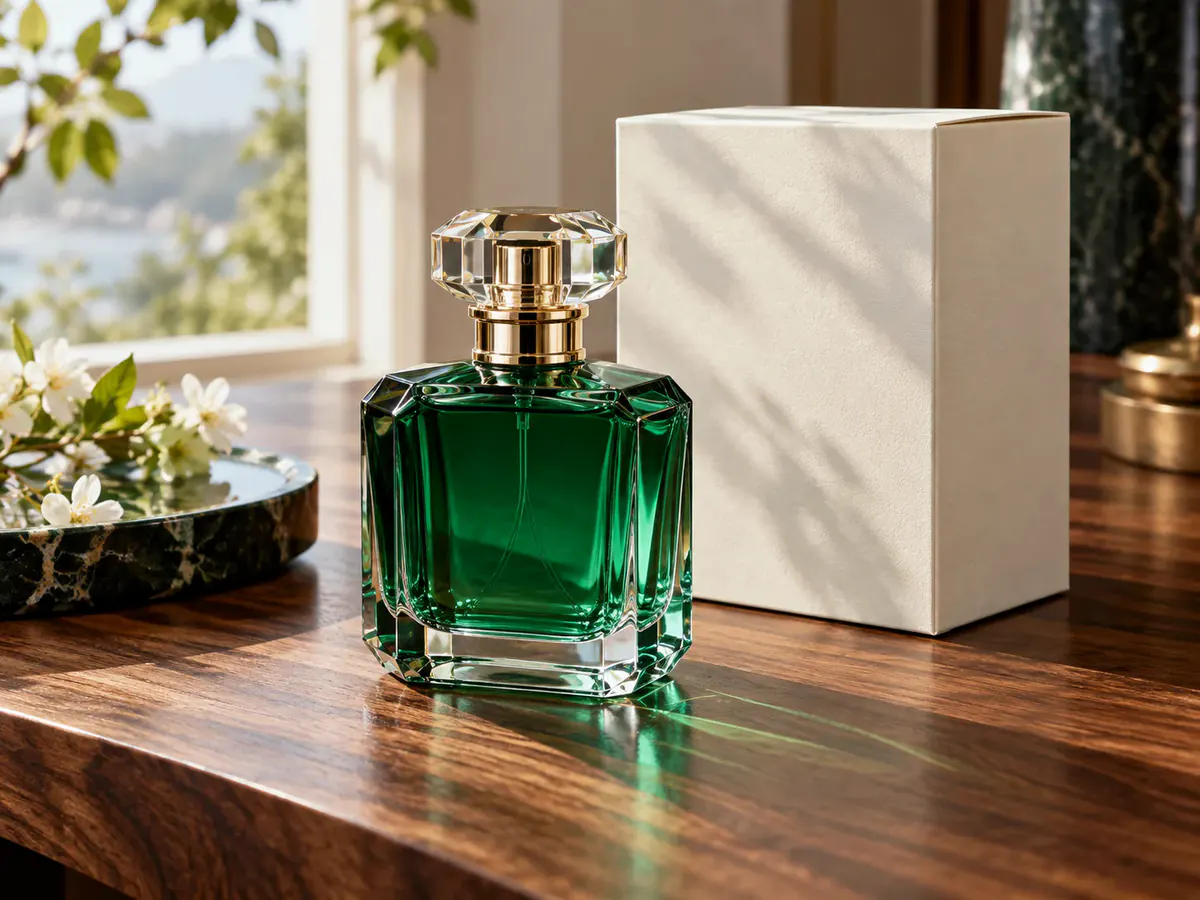
Los modelos de borrador aplanan los poros y convierten la luz de ventana en un resplandor. Para imágenes realistas con Nano Banana Pro, este es el pase más lento en 1K, 2K o 4K para imágenes que deben aguantar el zoom.

Pro, 2 y Lite en un solo editor
Buscar generaciones ilimitadas suele significar una cuenta nueva cada semana. Esta app web de Nano Banana Pro pone el nivel de calidad junto a Lite y Nano Banana 2 en un solo selector.
Quién usa un generador de imágenes de alta fidelidad
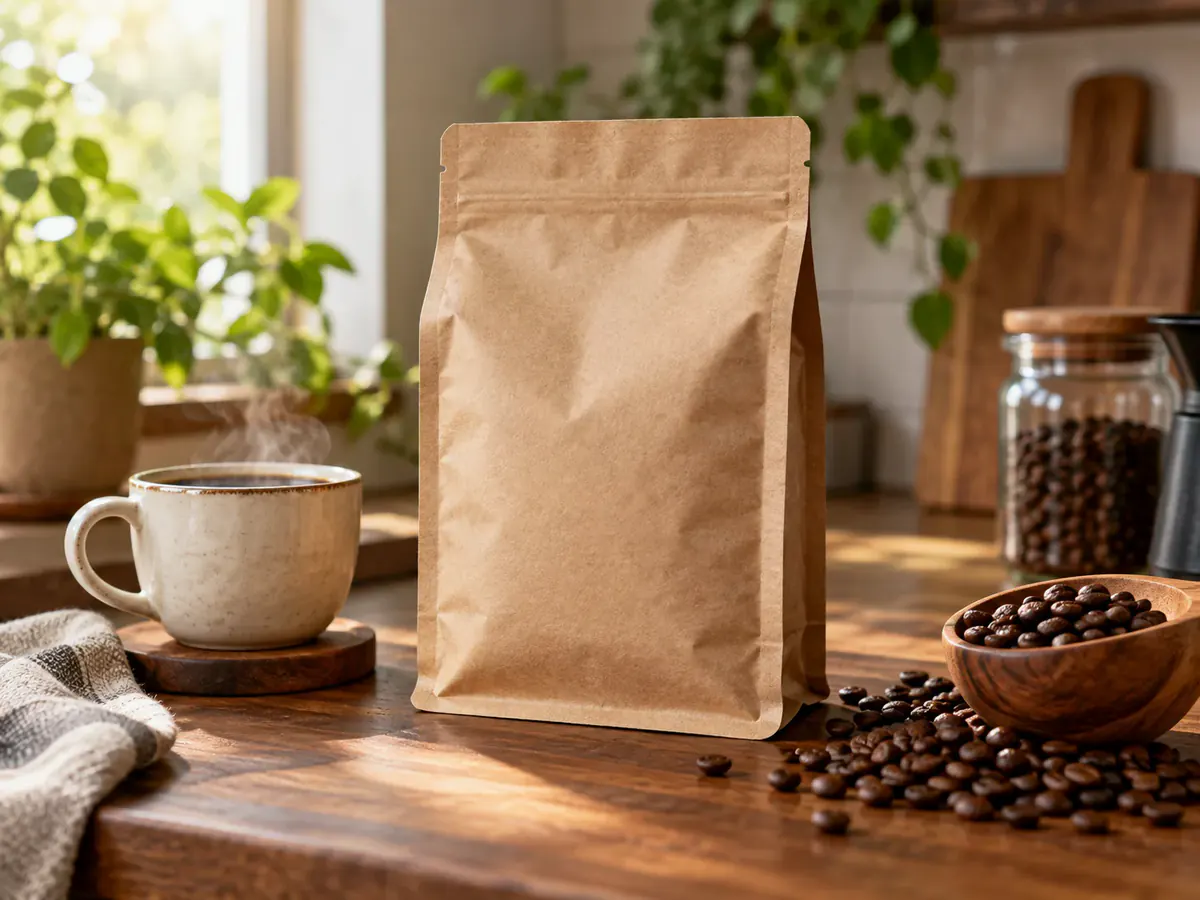
Diseñadores de marca rematando una foto de producto

Creadores que mantienen un mismo rostro
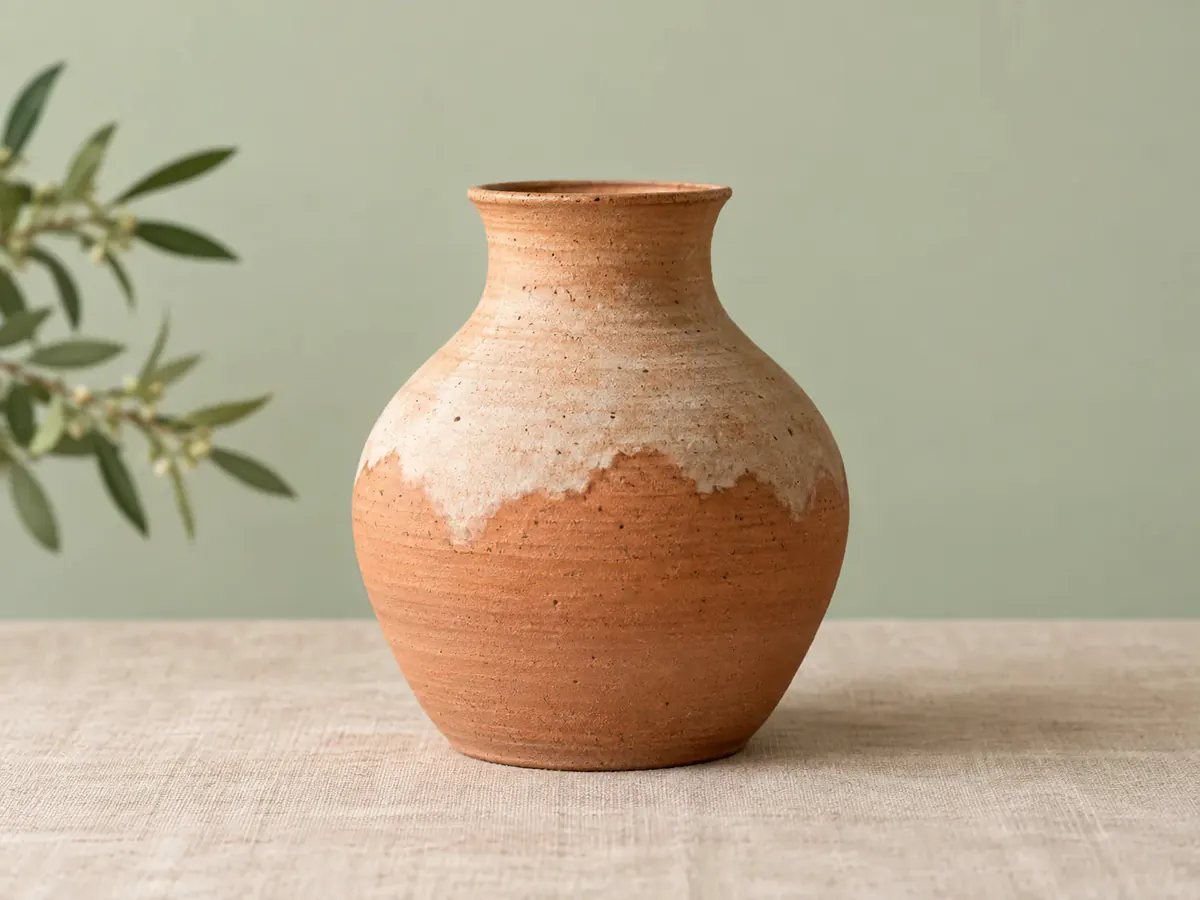
Vendedores online corrigiendo una foto de producto

Organizadores de eventos corrigiendo un póster
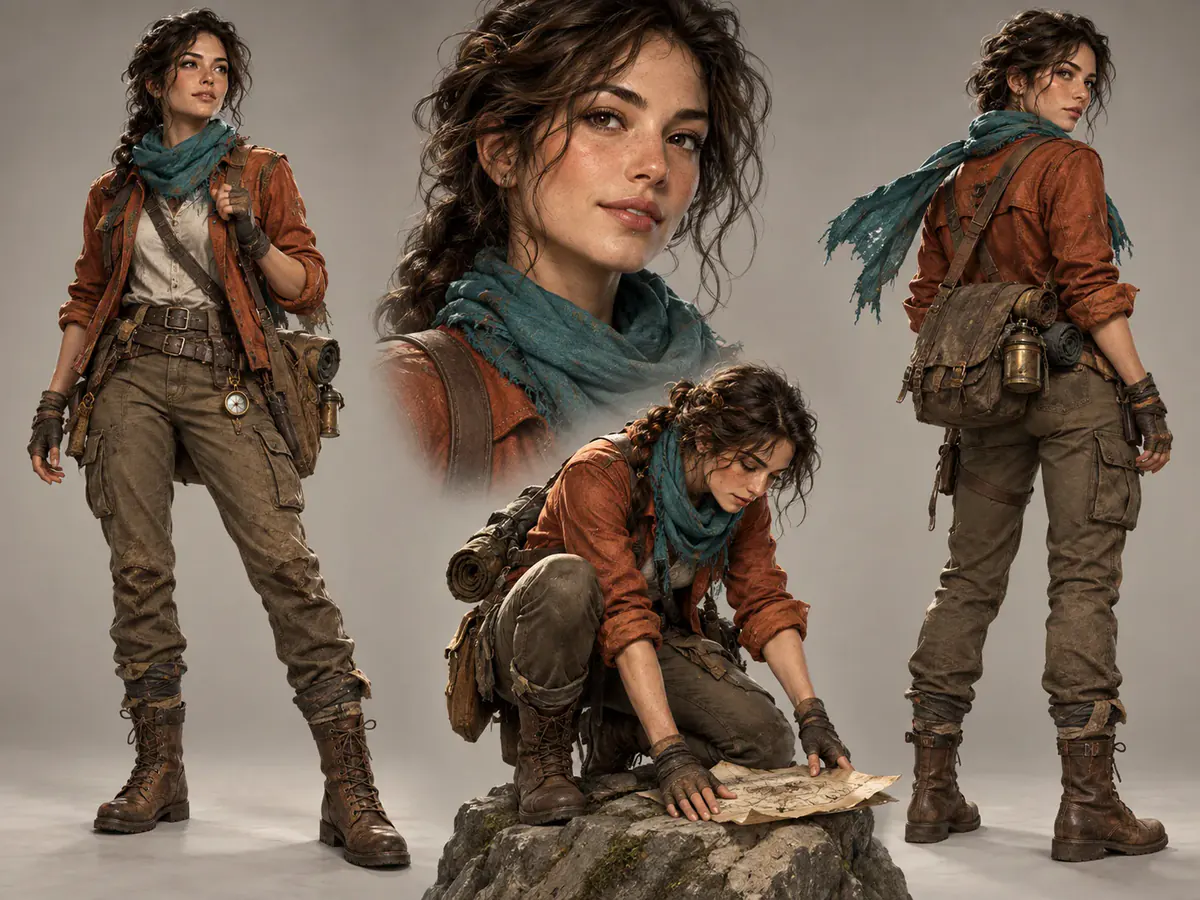
Artistas conceptuales creando una hoja de personaje
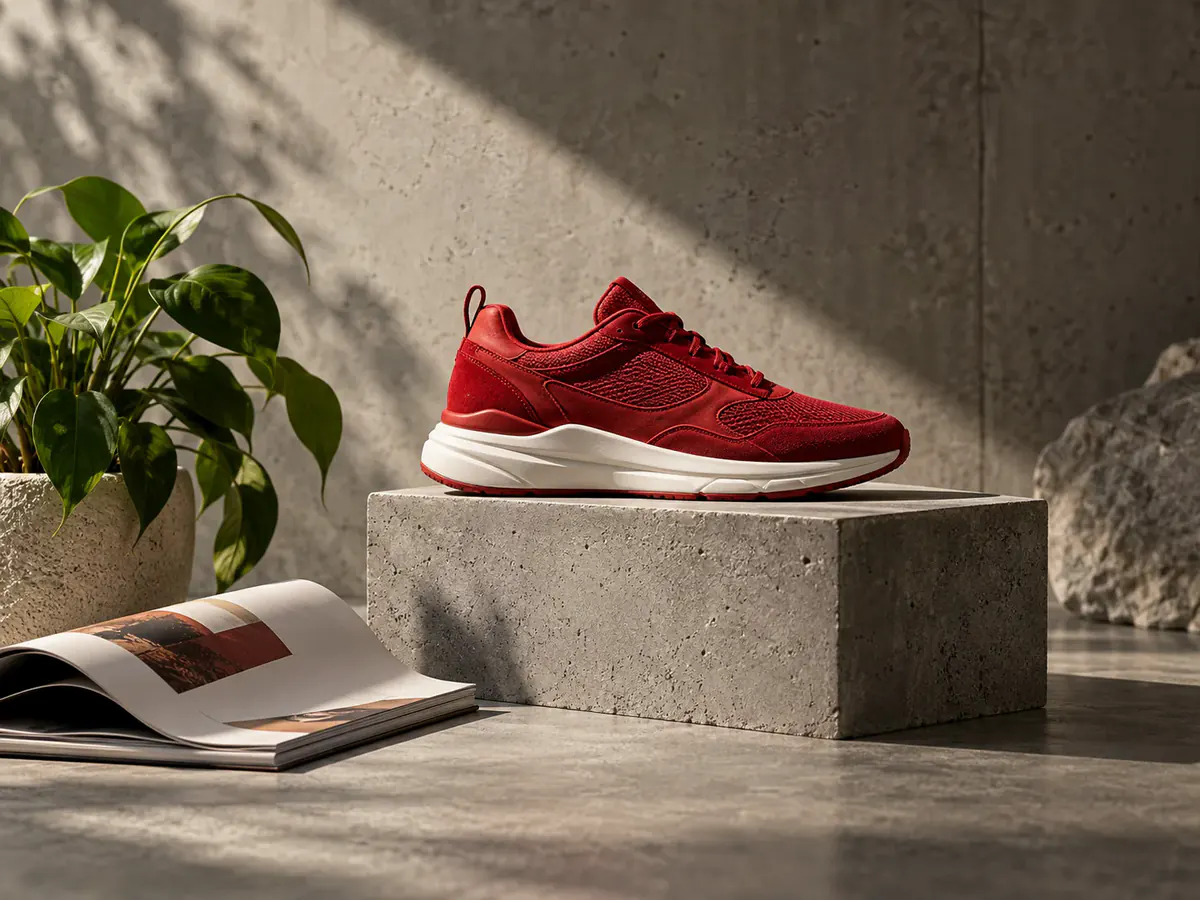
Marketers cansados de saltar entre apps de imagen
Por qué usar aquí el nivel de máxima calidad
Cómo usar el generador de imágenes Nano Banana Pro
- 1
Describe la imagen o sube una referencia
Escribe el sujeto, la luz y cualquier texto que deba aparecer tal cual. Eso es Nano Banana Pro texto a imagen. Para una edición, sube el archivo que debe seguir.
- 2
Elige proporción y resolución
Elige entre seis proporciones y 1K, 2K o 4K. El coste en créditos del botón se actualiza antes de ejecutar el generador de imágenes Nano Banana Pro.
- 3
Genera y ajusta la misma imagen
Descarga el PNG. Devuelve la que te guste como imagen de referencia de Nano Banana Pro e indica solo el siguiente cambio.
Preguntas sobre el generador de imágenes Nano Banana Pro
¿Qué es el generador de imágenes Nano Banana Pro?
Nano Banana Pro es el modelo de imagen Gemini de mayor fidelidad de Google. Esta página es un generador de imágenes Nano Banana Pro y un editor de imágenes Nano Banana Pro: texto a imagen, ediciones con referencias y salida 1K / 2K / 4K en un solo espacio.
¿Nano Banana Pro es gratis?
Puedes abrir la app web de Nano Banana Pro sin suscripción, pero el uso gratis es limitado: generar con este modelo cuesta 20 créditos en 1K. Las cuentas nuevas reciben 6 créditos, que no alcanzan para una imagen Pro, así que el primer render Pro necesita un paquete o saldo previo. La generación gratuita diaria usa Seedream 5.0 Lite, no Nano Banana Pro.
¿Puedo usar Nano Banana Pro sin iniciar sesión?
No. Este modelo requiere una cuenta y créditos; aquí no hay Nano Banana Pro sin iniciar sesión. Los invitados tienen una generación gratis al día con Seedream 5.0 Lite, no con el nivel de calidad, así que «gratis sin registro» no aplica a un render Pro.
¿Cuánto cuesta cada generación?
Este modelo cuesta 20 créditos en 1K, 30 en 2K y 40 en 4K. La cifra aparece en el botón de generar junto a tu saldo, así que nunca conoces el precio después.
¿Cómo funciona Nano Banana Pro texto a imagen?
Selecciona Edición simple y deja vacía el área de carga. Escribe tu descripción, elige una relación de aspecto y 1K, 2K o 4K, y genera la imagen. Necesitas una cuenta y créditos suficientes; el botón muestra el coste antes de empezar.
¿El editor de imágenes Nano Banana Pro admite imágenes de referencia?
Sí. Sube una o varias imágenes de referencia de Nano Banana Pro, indica el cambio y ejecuta la edición. Editar imágenes con Nano Banana Pro se hace con el prompt, no con una máscara de pincel, para identidad, vestuario y composición.
¿Nano Banana Pro permite inpainting o ampliar la imagen?
Aquí el inpainting de Nano Banana Pro se hace con el prompt: describe la zona y ejecuta una edición. Ampliar el lienzo con Nano Banana Pro no es un control aparte. Los recortes van en una herramienta de fondos y los archivos de más de 4K en el escalador de imágenes con IA.
¿En qué se diferencia de Nano Banana 2 y Lite?
Lite es el borrador barato en 1K. Nano Banana 2 es el nivel intermedio. Esta página es el pase de alta fidelidad: mejor tipografía, identidad más firme con imágenes de referencia de Nano Banana Pro y 4K cuando lo necesites. Usa Lite para volumen y termina aquí.
¿Qué archivos y tamaños se admiten?
Sube imágenes JPEG, PNG o WebP de hasta 30 MB. Antes de subirlas, el navegador reduce a 1536 píxeles el lado más largo de las imágenes que superan ese límite. Los usuarios que hayan iniciado sesión pueden elegir una salida de 1K, 2K o 4K y una relación de aspecto compatible. Para ampliar imágenes, utiliza el ampliador de imágenes con IA; este modelo no tiene un interruptor de fondo transparente.
¿Qué pasa con la foto que subo?
Tu imagen se envía a fal.ai para ejecutar el modelo, como se indica junto al cuadro de subida. Los términos publicados de fal.ai no garantizan que el contenido enviado quede excluido del entrenamiento, así que no lo afirmamos. Descarga pronto lo que te importe.
Prueba el nivel de máxima calidad con tu propio prompt
El final en 4K con Nano Banana Pro y los borradores baratos con Lite: el mismo editor y el coste en créditos en el botón.
Abrir el editor